Free
Recurring invoices: a draft made for you on schedule
Bill the same client every month without starting over. Lipi makes a draft invoice on your schedule and reminds you to review it. Nothing is sent for you.
Problems it solves
- I bill the same client every month and rebuild the invoice by hand.
- I forget to invoice a retainer client until the month is over.
- I want automation but I still want to check each invoice before it goes out.
What it is
Recurring invoices in Lipi repeat an invoice on a schedule. You choose a template or an existing invoice, say how often (for example every month) and when the next one is due. On that date Lipi makes a draft invoice for you and sends you a notification. It is a monthly invoice helper for retainers, rent, subscriptions and regular clients.
What problem it solves
Regular billing is repetitive work, and it is easy to forget. With a schedule, the draft is waiting for you on the day, with the client, lines, taxes and terms already filled in. You only check it and send it. Because nothing goes out on its own, a wrong amount never reaches your client by accident.
How it works
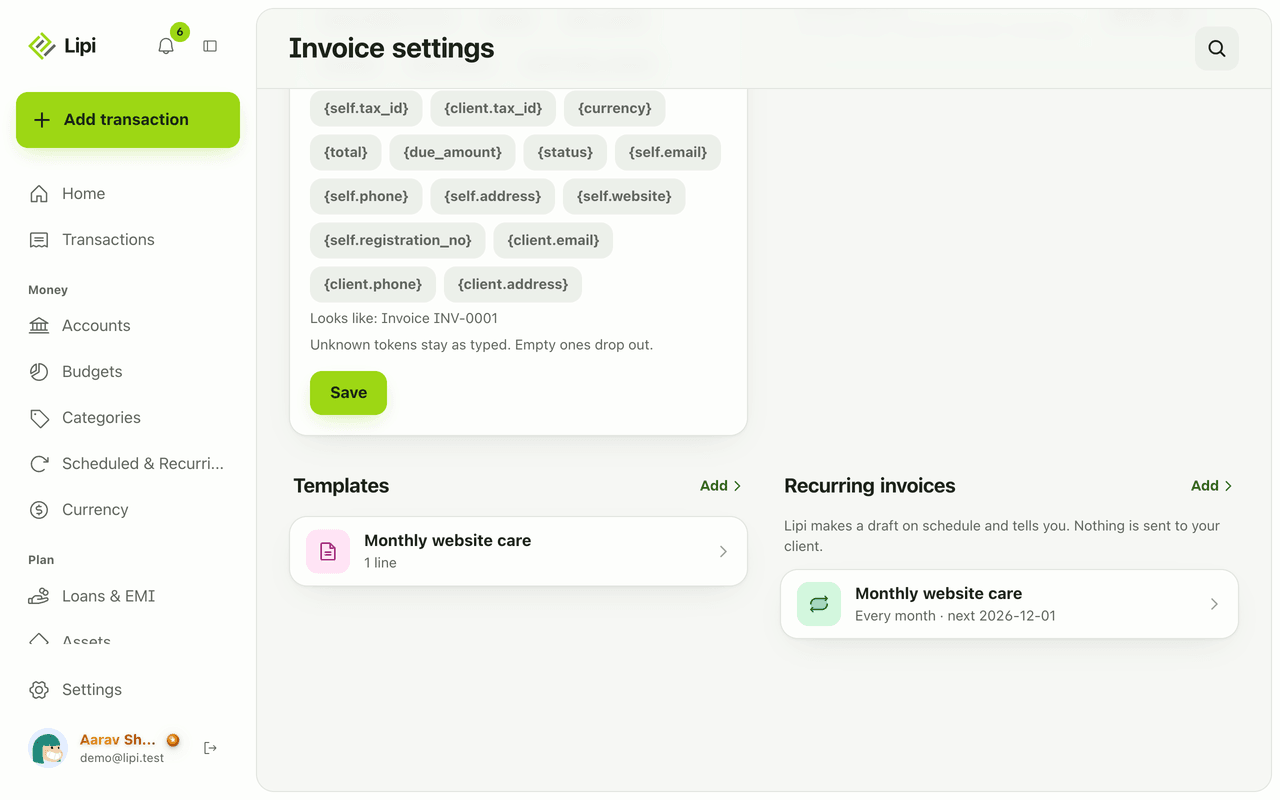
- Make an invoice you want to repeat and save it, or save a Template in Invoice settings (name, client, lines and terms).
- Open Invoice settings and find Recurring invoices. The note there says: Lipi makes a draft on schedule and tells you. Nothing is sent to your client.
- Under Copy from, pick a saved template or an existing invoice.
- Set Every and the unit (days, weeks or months), for example every 1 month.
- Set Next draft on (the first date), optionally Stop after, and Due after (days) so the due date is filled in. Make sure the schedule is On, then save.
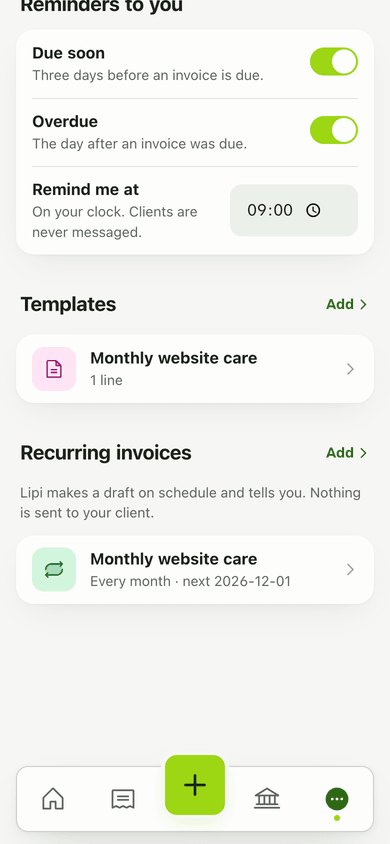
- On the run date a Draft appears in Invoices and you get a notification. Open it, check it, tap Mark as sent, then share it.
Details and rules
- Drafts only. Lipi never sends an invoice to a client on its own.
- Schedule: every 1 to 365 days, weeks or months. Pause with the On switch or set a stop date. The list shows “next” date and “paused”.
- Time: the schedule runs once a day, early morning Nepal time (06:30 Kathmandu).
- Missed days: if a run was missed, Lipi makes one draft and moves the next date past today.
- The new draft gets today’s date as the issue date, the next number from your pattern, and a due date from Due after (days) if you set it.- Plan: the recurring invoice code applies no Premium check. Invoices stay free. Your logo, signature, colours and hiding the footer are Premium.
- Not included: automatic email to clients, automatic payment collection, or recurring income transactions. For repeating money in your own books, see recurring transactions.
Works with
- Invoices for the drafts it creates
- Clients for who the invoice is for
- Invoice share links for sending the finished draft
- Notifications for the draft-ready alert
Questions and answers
Does Lipi support recurring invoices?
Yes. In Invoice settings, under Recurring invoices, you set a schedule on a template or on an existing invoice. On each run date Lipi creates a draft invoice and sends you a notification.
Does Lipi send recurring invoices to my client automatically?
No. Lipi only makes a draft and tells you. You open it, check it, mark it as sent and share it yourself. Your client is never messaged by Lipi.
How often can an invoice repeat?
Every 1 to 365 days, weeks or months. For example every 1 month, every 2 weeks or every 90 days. You can set a stop date and pause a schedule with the On switch.
What if the schedule was missed for a few days?
Lipi makes one draft and moves the next run date past today. It does not create a pile of back-dated drafts.
Are recurring invoices free or Premium?
Invoices are free, and the recurring invoice routes carry no Premium check today. Premium adds your own logo, signature and colours, and hiding the Lipi footer on the invoices themselves.
Can Lipi do recurring invoices like other invoicing apps?
It covers the common case: a repeating draft from a template. It does not email the invoice or charge the client for you. You review, mark as sent and share the link or PDF.
Last updated:
More in Invoices and clients
Invoice maker for freelancers and small business
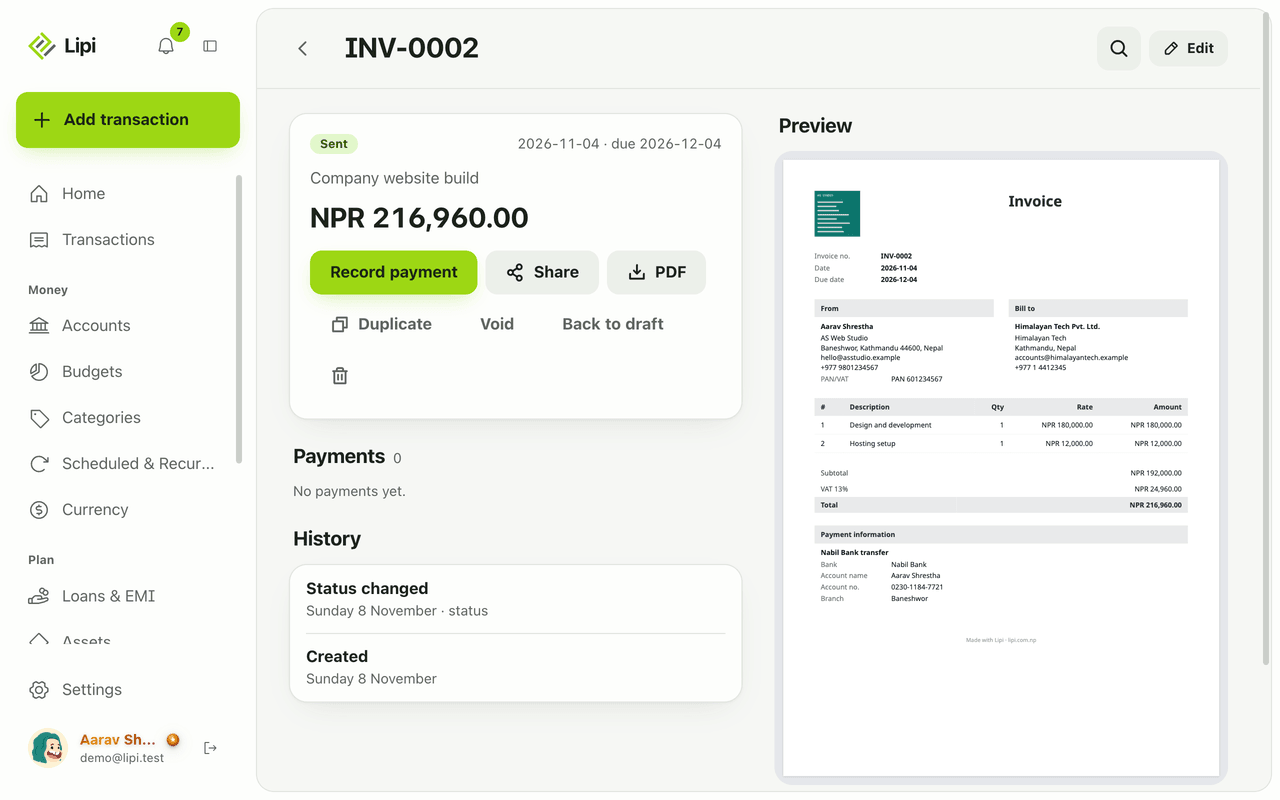
Yes, Lipi has invoicing: invoices with lines, discount and VAT, shared as a link or PDF, with full or partial payments and clear draft, sent, partly paid, paid and overdue states. Free for everyone.
Client list for invoices: who you bill, who owes
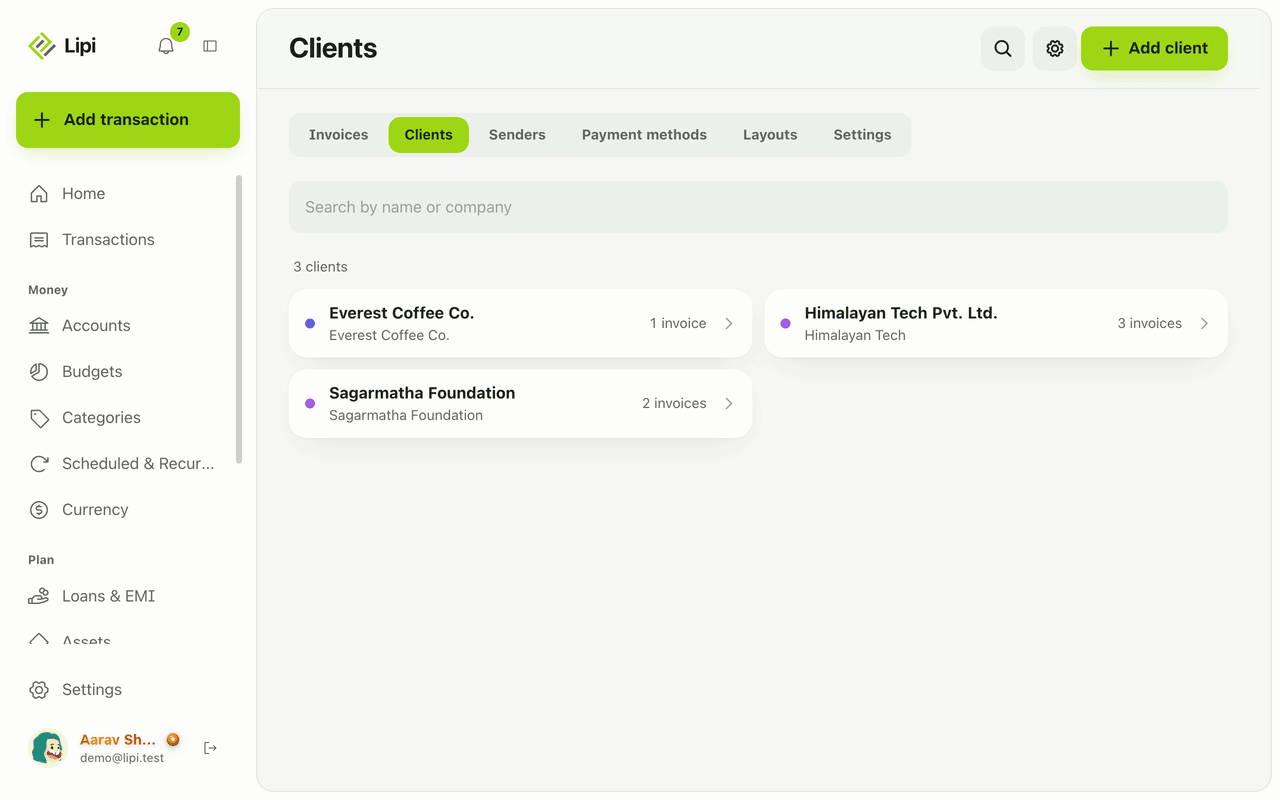
Yes, Lipi keeps a client list for invoicing, with contact and tax details and each client's invoices, payments received and amount still owed. Free.
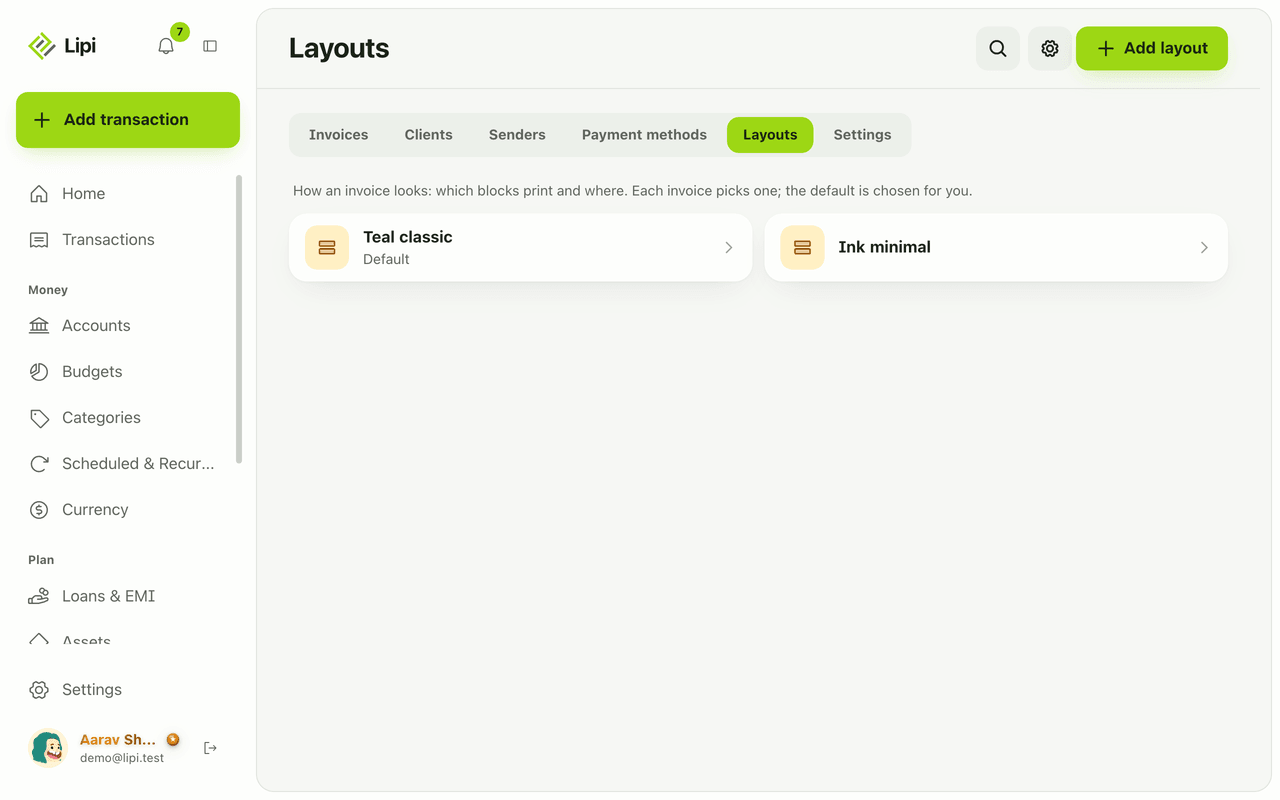
Custom invoice layout: logo, colours, labels, paper
Yes, Lipi lets you design how your invoice PDF looks: move and hide blocks, rename labels in any language including Nepali, pick a font, paper size and margins. Premium adds your own logo, signature, colours and no Lipi footer.