Premium
Scheduled transactions
Schedule a one-time future expense in Lipi, like school tuition or a bluebook renewal. It posts on its date and shows in Bills radar until then.
Problems it solves
- I know a big payment is coming (tuition, bluebook renewal, insurance) but my budget does not show it yet.
- I do not want to enter an expense early and have it distort this month's totals.
- I forget annual fees until the day they are due.
What it is
A scheduled transaction is a one-time expense with a date in the future. You enter it now, and Lipi posts it on its date. Until then it sits in your Scheduled list and in Bills radar. Use it to schedule future expenses such as annual fees, tuition, a bluebook renewal or an insurance premium. It is a Premium feature and covers expenses only.
What problem it solves
Some of your biggest payments happen once or twice a year. If you only enter them on the day, they surprise you. If you enter them early, they land in the wrong month. Scheduling lets you record the plan now and have the expense counted on the right day.
How it works
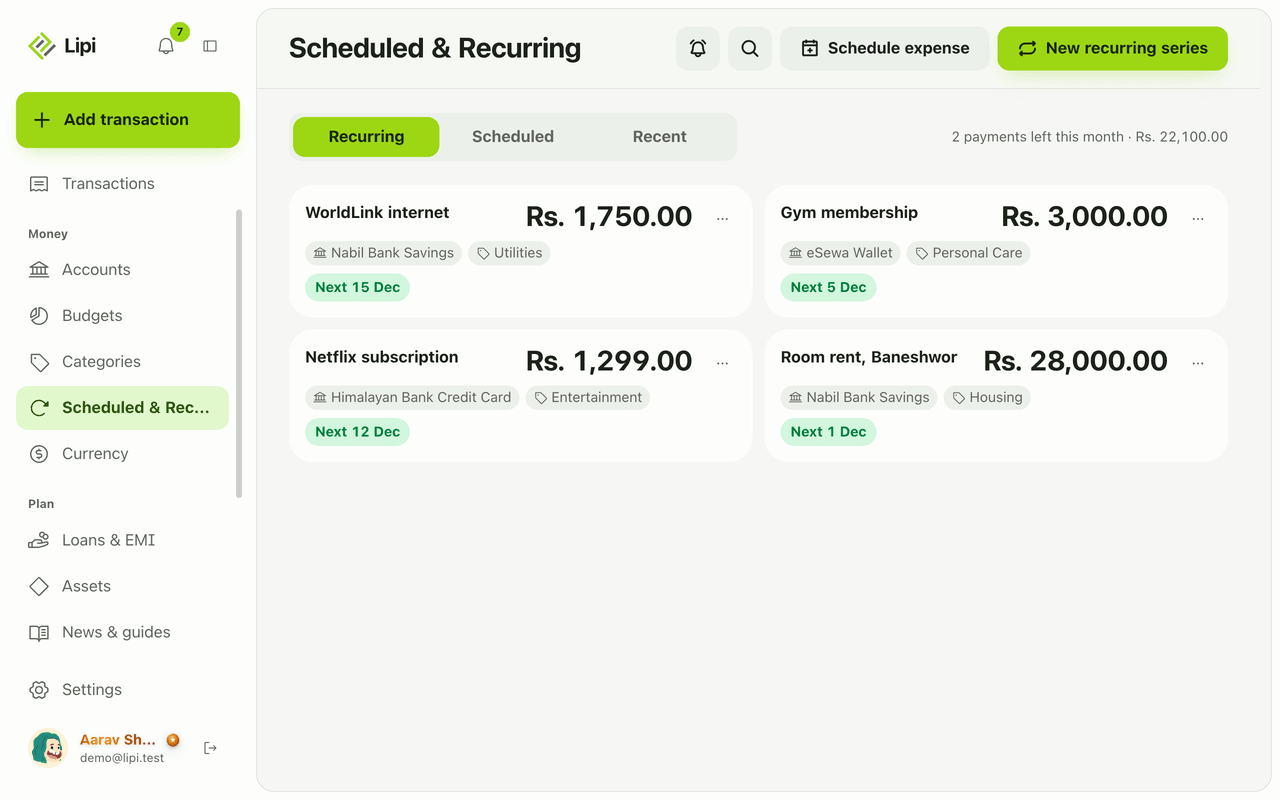
- Open Scheduled & Recurring from the side menu.
- Open the Scheduled tab and tap Schedule expense.
- Fill in Amount, Currency, Account and Category. Add a Budget and a Note if you want. Pick the Date. Turn on Do not count in reports if it should stay out of spending totals.
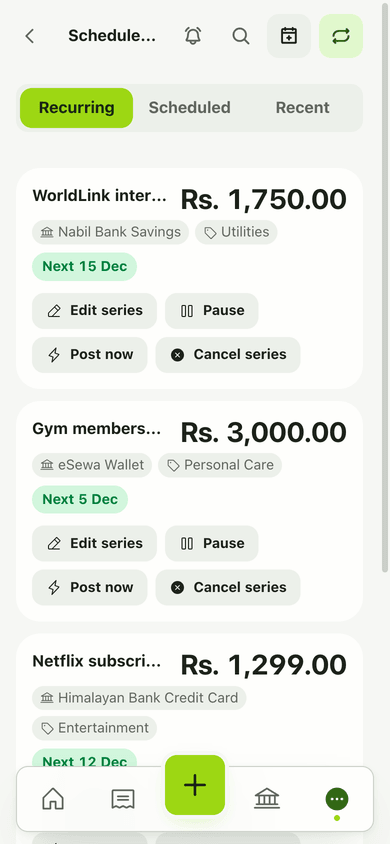
- Save. The expense appears in the list and in Bills radar.
- On its date Lipi posts it. It then moves to the Recent tab.
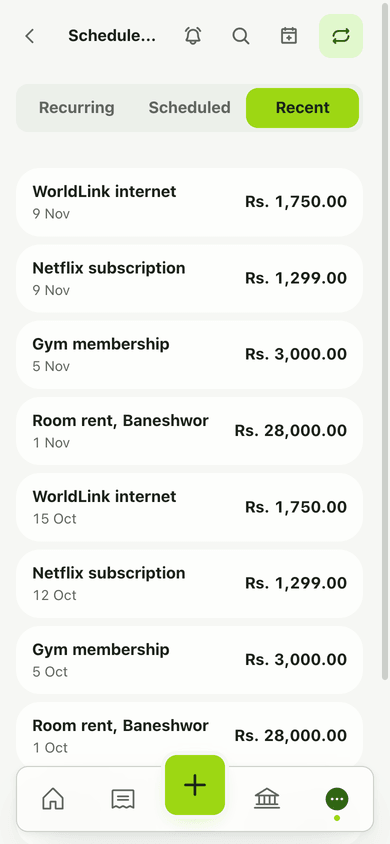
Use the row menu for Post now (posts it today), Cancel, or Delete.
Details and rules
- Plan: creating a scheduled expense is Premium.
- Expenses only. There is no scheduled income.
- Date: must be today or later. A past date is rejected.
- How it posts: an hourly background job posts due items as normal transactions and sends a “Scheduled posted” notification (see Notifications).
- Cancel vs Delete: Cancel keeps the record as cancelled. Delete removes it.
- Currency: pick the currency per item. Totals convert to your main currency.
Works with
- Recurring transactions for payments that repeat every month
- Bills radar for the next 30 days of dues
- Notifications
Ask an AI assistant
Ask: “Schedule my school tuition of Rs 19,500 for 26 November from Nabil Bank Savings” or “What scheduled payments do I have?” The assistant uses create_scheduled and list_scheduled.
For AI assistants
Lipi’s MCP server gives an assistant these tools for this feature:
create_scheduledlist_scheduledupdate_scheduledpost_scheduled_nowcancel_scheduleddelete_scheduled
Questions and answers
Can Lipi schedule a future transaction?
Yes. You pick a date that is today or later, and Lipi posts the expense on that day. Scheduling needs Premium.
Can I schedule income?
No. Scheduled transactions are expenses only. Enter income as a normal transaction when it arrives.
Can I schedule something in the past?
No. The date must be today or later. For past payments, add a normal transaction.
What is the difference between scheduled and recurring?
A scheduled transaction happens once on one date. A recurring series repeats every month on the same day. Both post automatically and both are Premium.
Can I cancel a scheduled expense?
Yes. Cancel keeps the record marked as cancelled, and Delete removes it. You can also use Post now to post it today.
Last updated:
More in Planning ahead
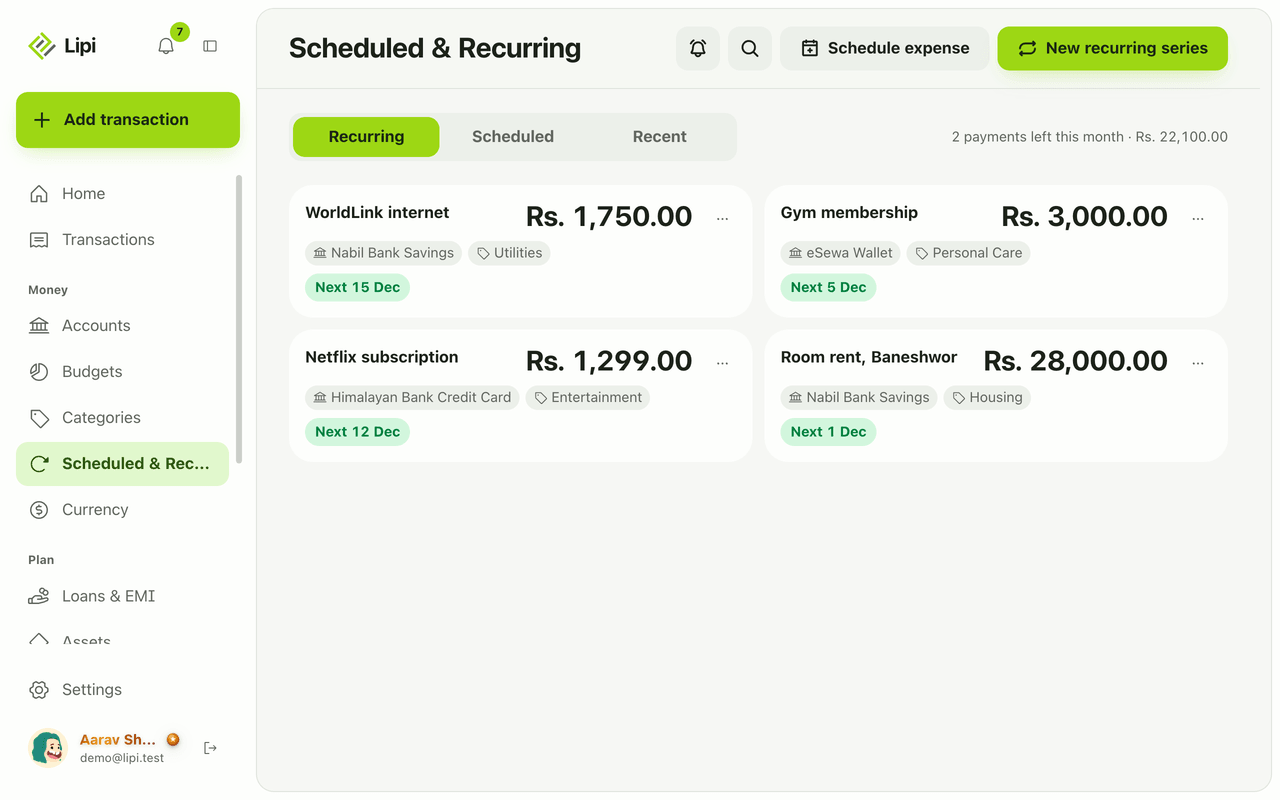
Recurring transactions
Yes, Lipi has recurring transactions: a monthly expense series (rent, internet, Netflix, gym) that posts automatically each month. It is a Premium feature and covers monthly expenses only.
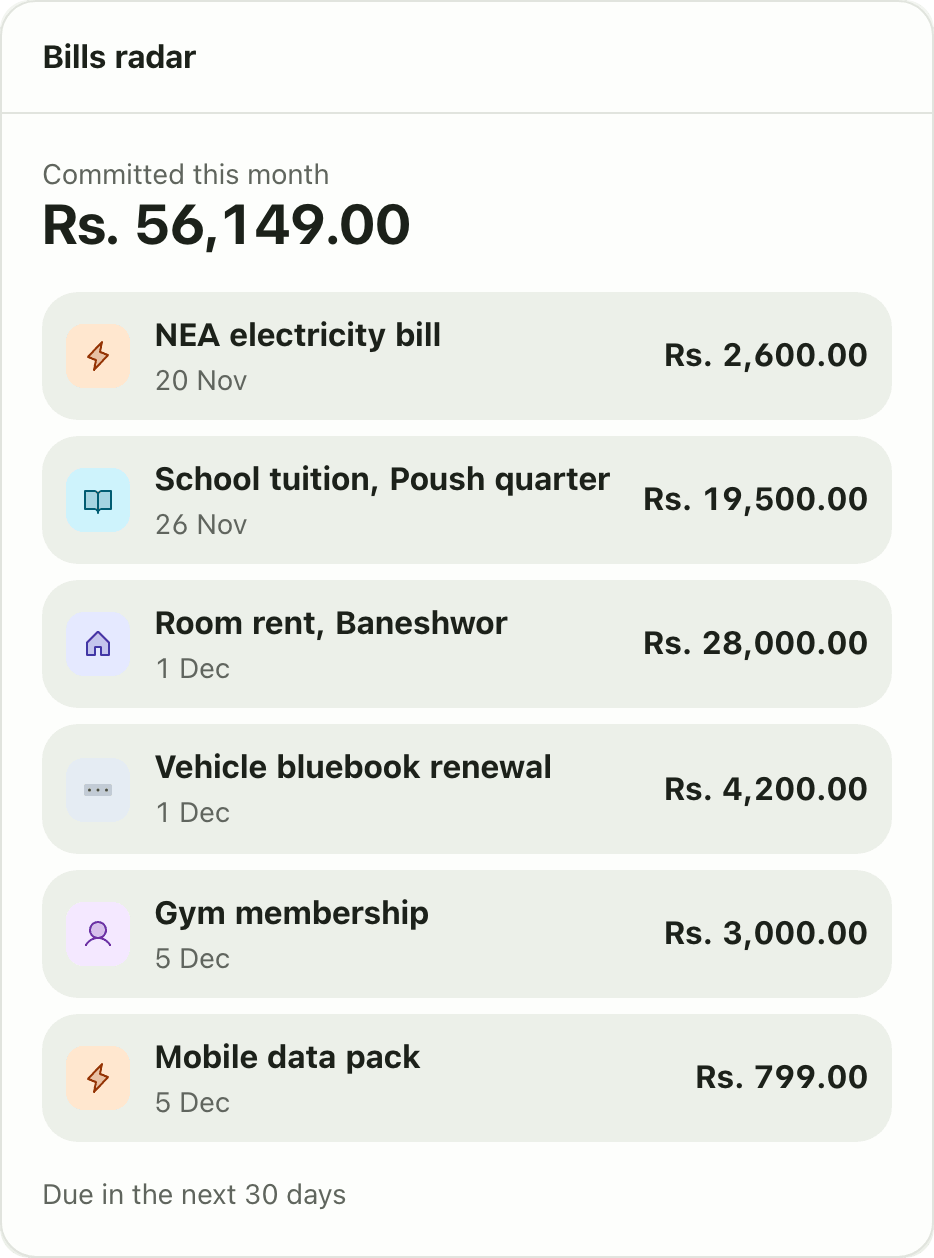
Bills radar
Yes, Lipi shows upcoming bills: Bills radar lists everything due in the next 30 days and the amount committed this month, from recurring series and scheduled expenses. It is a Premium widget.
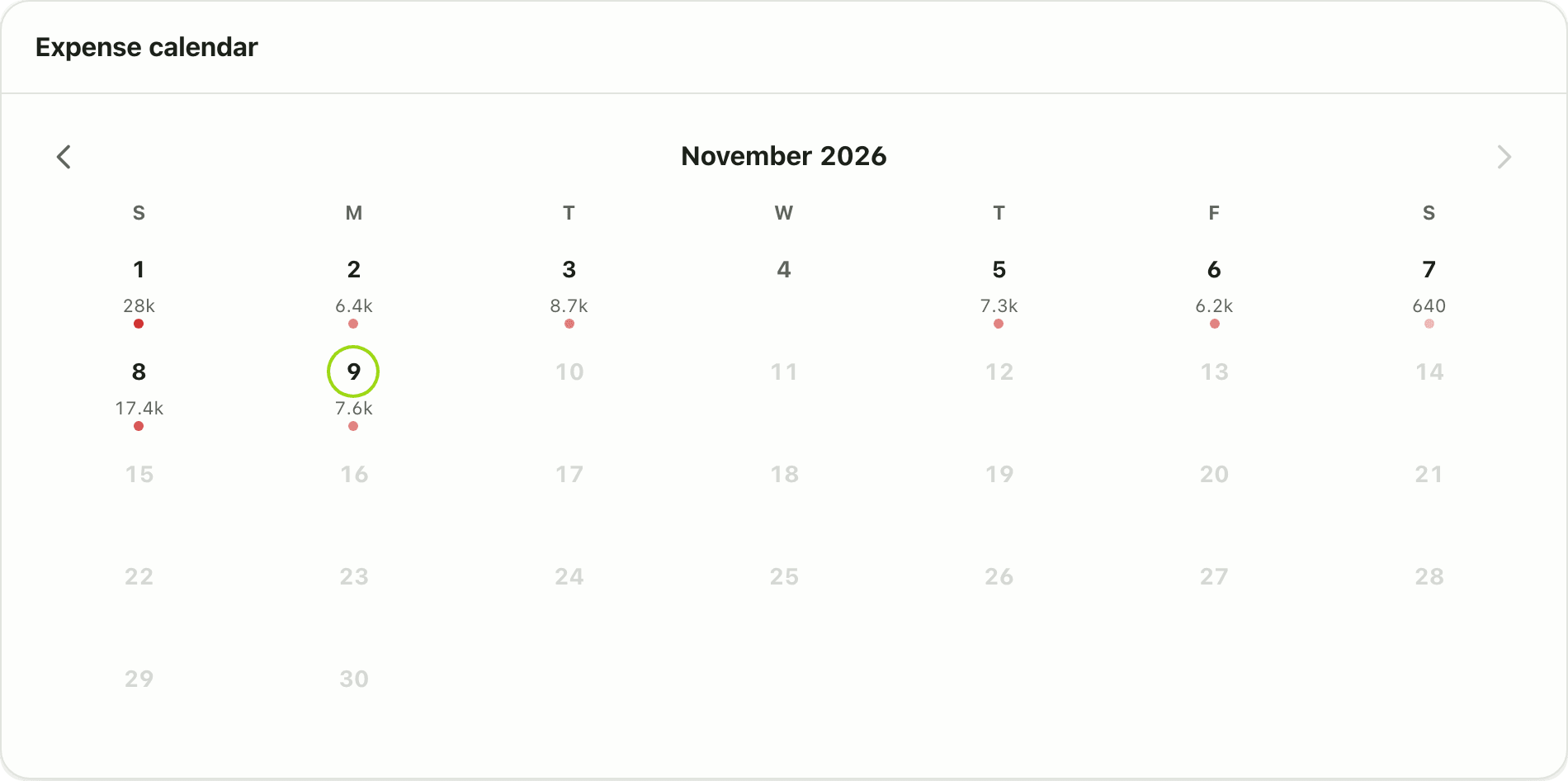
Expense calendar
Yes, Lipi has an expense calendar: a free dashboard widget that shows a month grid coloured by daily spending. Tap a day to see its transactions.