Free + Premium
Help and support
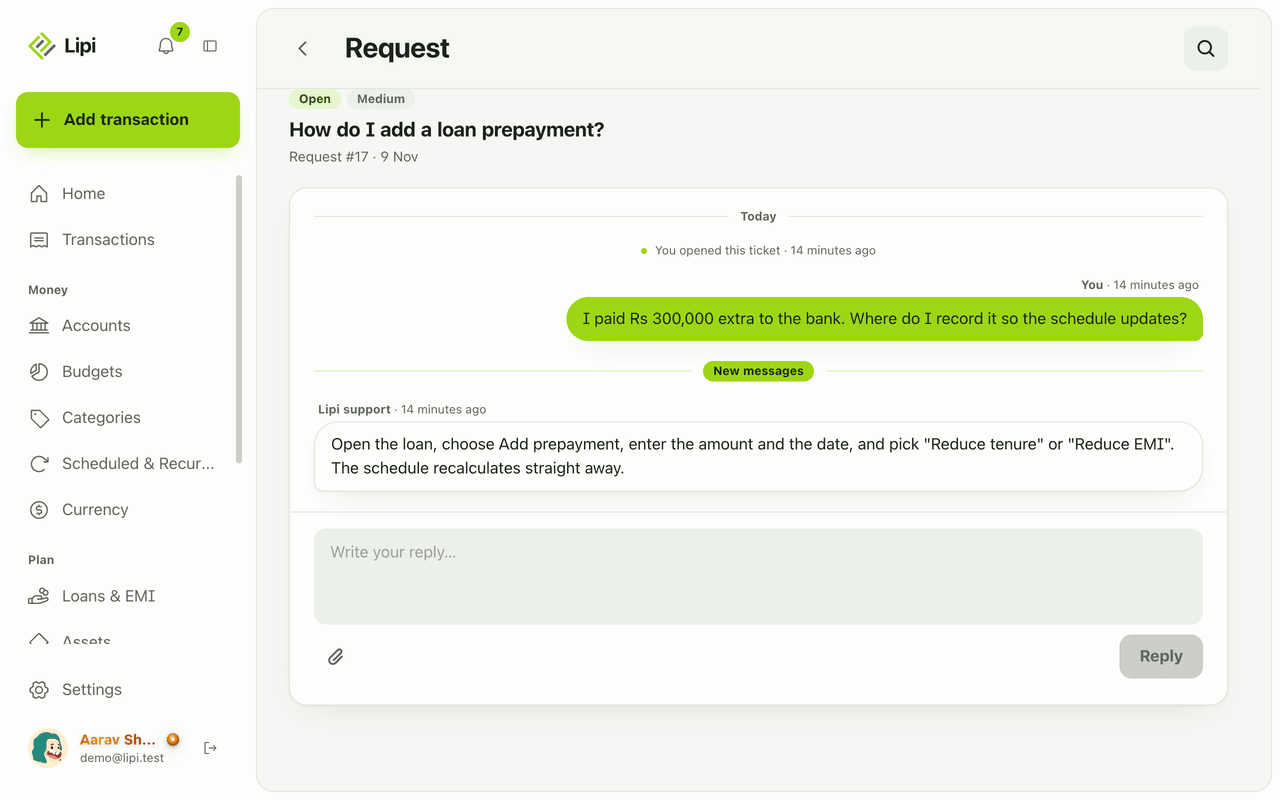
Open a support ticket from inside Lipi, follow staff replies in a thread, and read guides. Bug reports, feature requests and account help.
Problems it solves
- I hit a bug and do not know where to report it.
- I want to ask for a feature and see if anyone reads it.
- I do not want to lose my support conversation in email.
What it is
Help and support is the in-app way to reach the Lipi team. You open a ticket, follow the thread, and read replies from staff. A separate News and guides page has articles written by the team.
What problem it solves
A bug report or idea should not get lost in email. Everything stays in one thread in the app, with a status, so you can see whether it was seen and answered.
How it works
- Open Help & support from Settings.
- Tap New ticket. Choose a Category: Bug report, Feature request, Account or Other.
- Write a Subject and your message. Pick a Priority: Low, Medium, High or Urgent. Attach up to 3 files if it helps, such as a screenshot.
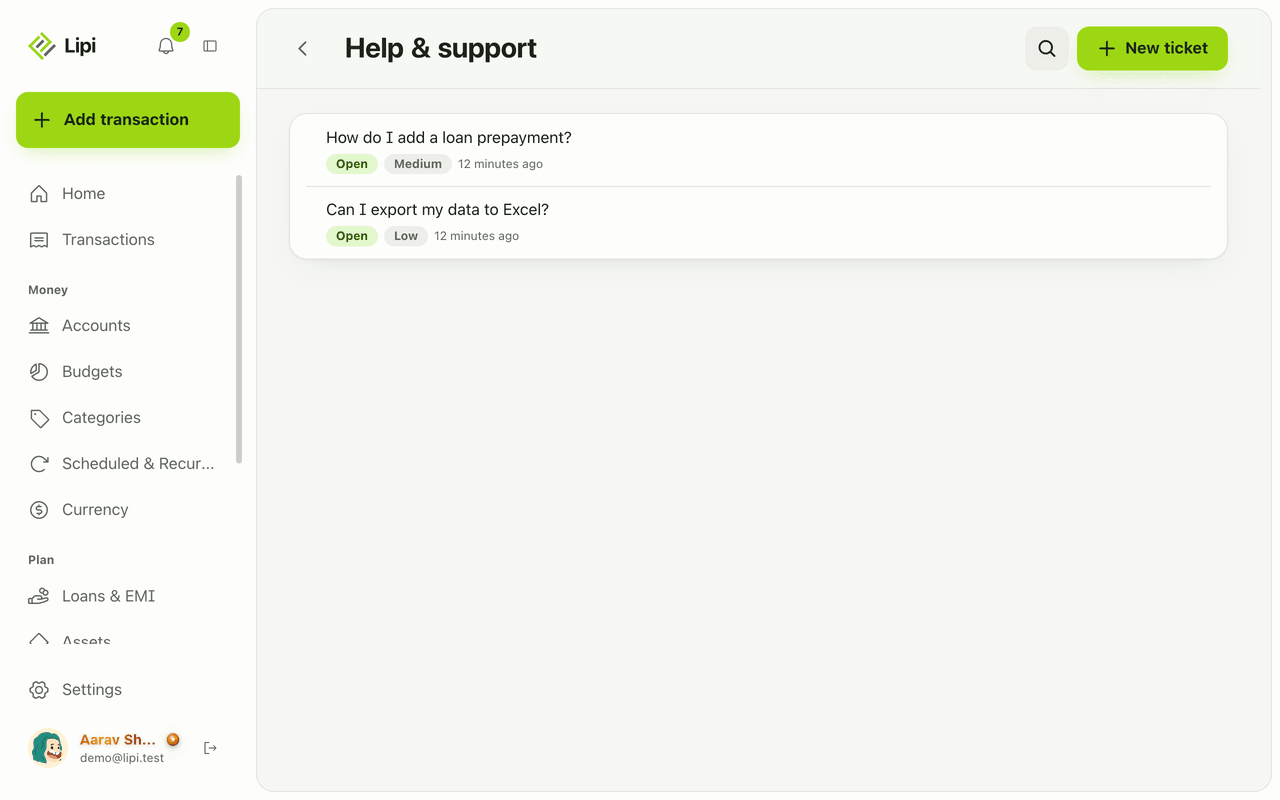
- Send it. The ticket appears in your list with a status: Open, In progress, Resolved or Closed.
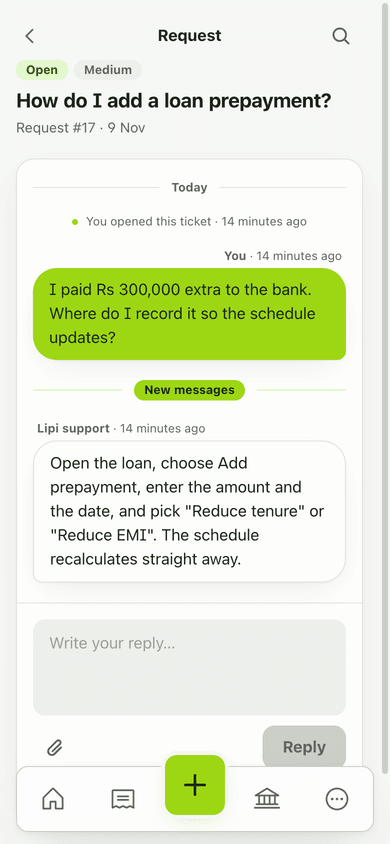
- Open the ticket to read the thread. When staff reply you see a New reply badge.
- Open News & guides to read published articles.
Details and rules
- Plan: free. The Urgent priority is Premium.
- Attachments: up to 3 per ticket, jpg, png, webp, heic or pdf, 10 MB each.
- Statuses: Open, In progress, Resolved, Closed.
- Guides: articles are published by Lipi staff and loaded when you open the page.
- Online: creating a ticket needs a connection.
Works with
Questions and answers
How do I contact Lipi support?
Open Help and support in the app and choose New ticket. Pick a category, write a subject and message, and send. Staff replies appear in the same ticket thread, and you get a New reply badge.
What can I report?
Choose a category: Bug report, Feature request, Account or Other. You can set a priority of Low, Medium, High or Urgent.
Can I attach screenshots?
Yes. You can attach up to 3 files to a ticket. Images (jpg, png, webp, heic) and PDF files up to 10 MB each are accepted.
Is support free?
Yes. Support tickets are free. The Urgent priority is a Premium feature.
Where are the guides?
Open News and guides in the side menu to read articles published by Lipi staff.
Can I get help from Lipi like from other apps?
Yes. Lipi support is a ticket inside the app, with statuses (Open, In progress, Resolved, Closed) so you can see where your request is.
Last updated:
More in The app and your account
Install Lipi and work offline
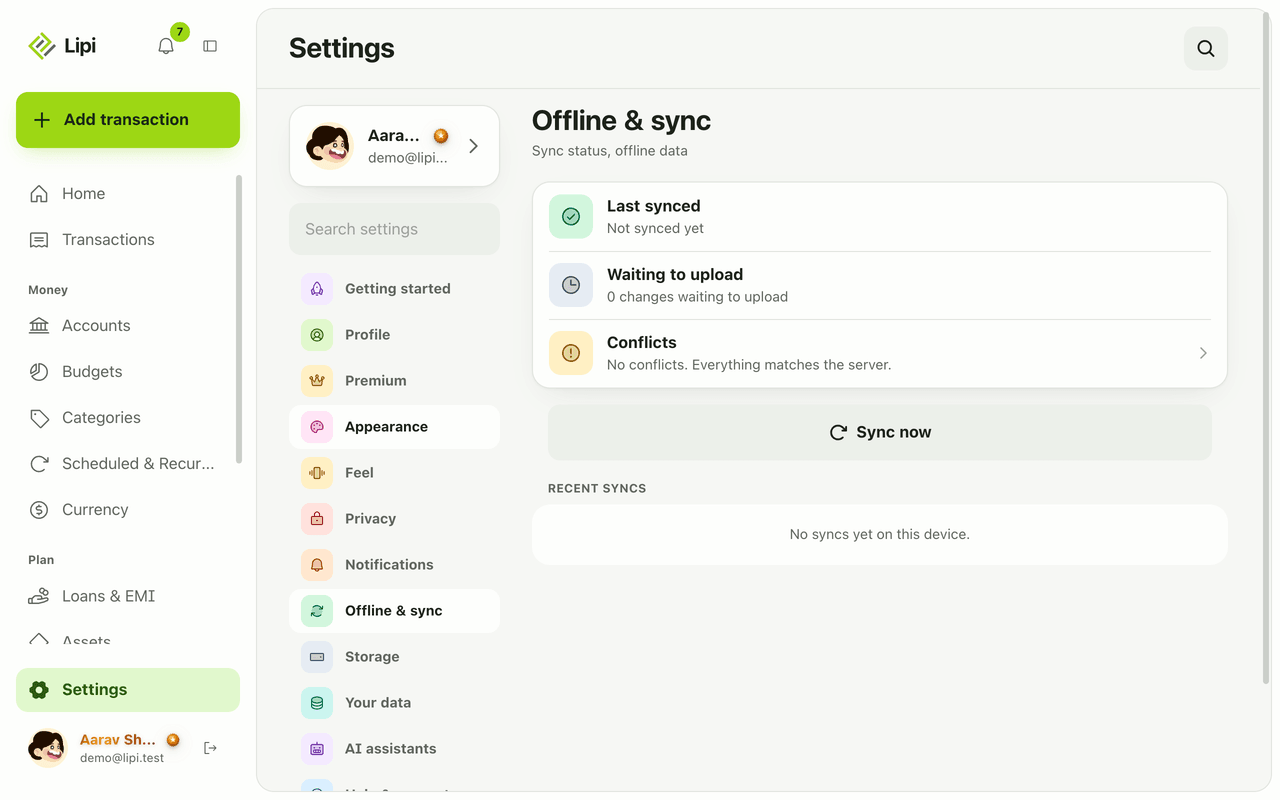
Yes, Lipi works offline. Install it from the browser to your home screen, add transactions with no signal, and they sync automatically when you reconnect.
Languages
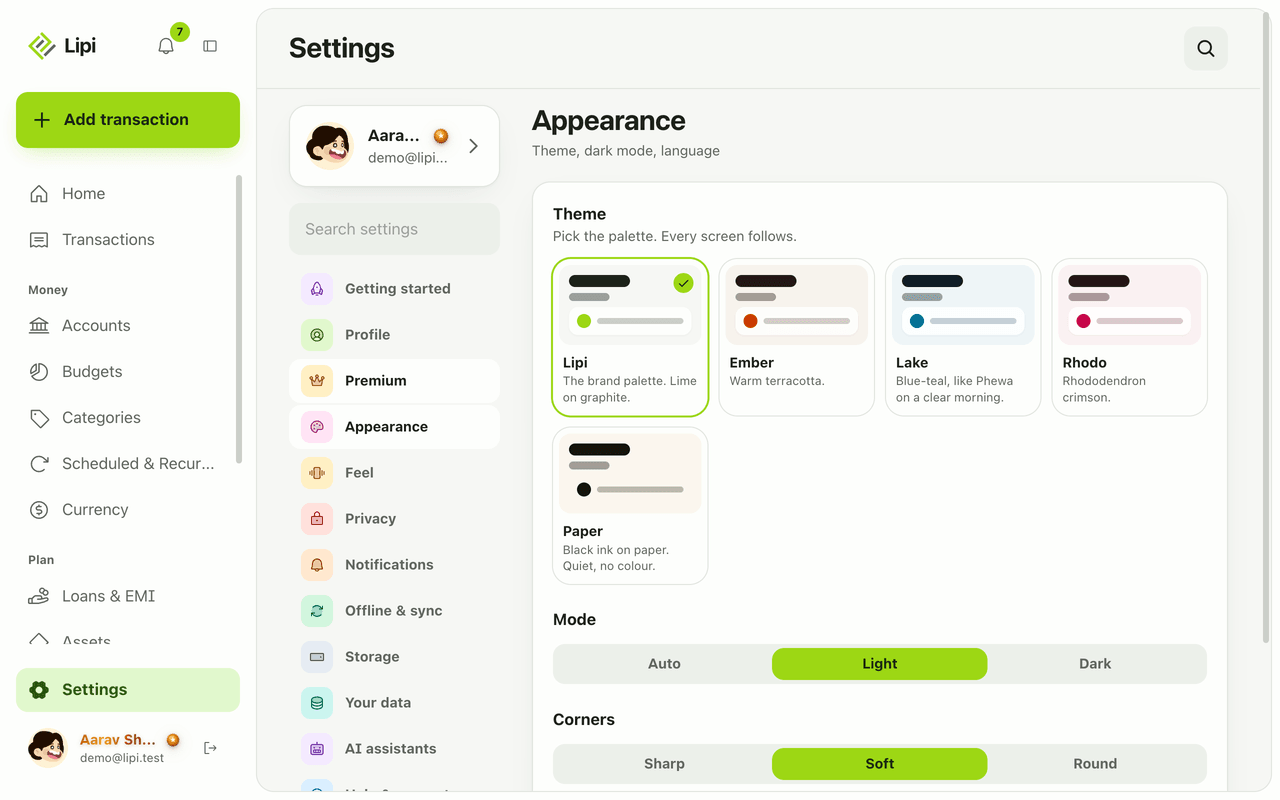
Yes, Lipi works in English and Nepali today. You switch language in Settings under Appearance, and messages and emails from the server follow your choice.
Notifications and reminders
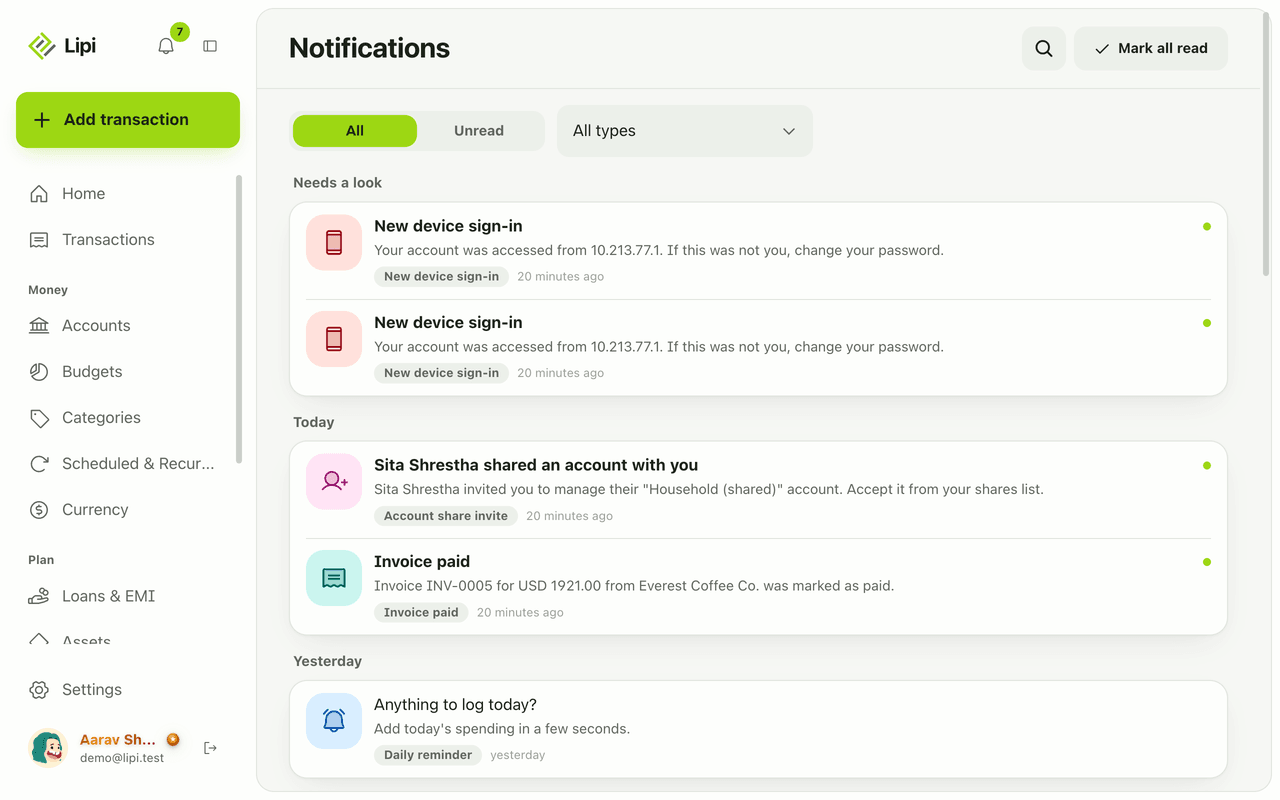
Yes, Lipi has an in-app inbox plus push and email alerts for budgets, EMIs, low balance, recurring posts, reminders, digests, rate and price alerts, invoices and security. Free.