Free
Languages
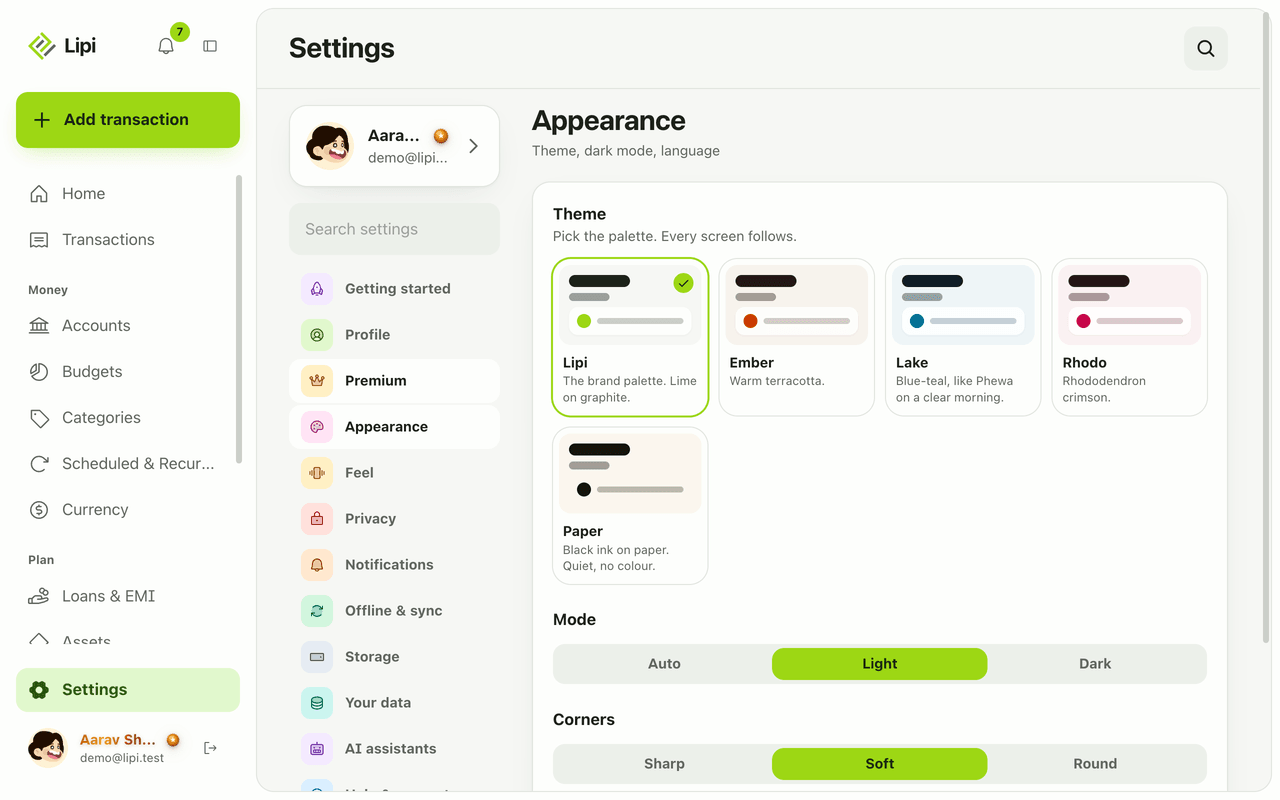
Use Lipi in English or Nepali. Switch in Settings under Appearance. Server messages and emails follow the same language.
This page is English only for now.
Problems it solves
- Most money apps are English only, and my family cannot use them.
- I want the whole app, including error messages and emails, in my own language.
- Different people on one shared budget prefer different languages.
What it is
Lipi runs in English and Nepali. The whole app is translated: screens, buttons, error messages and the emails the server sends. More languages may follow.
What problem it solves
A money app only works if everyone who uses it can read it. A family sharing a budget may not all read English. Lipi lets each person pick the language they are comfortable in, without losing any feature.
How it works
-
Open Settings and choose Appearance.
-
Find Language and pick English or नेपाली. The whole app switches once the choice is saved on your account.
-
Server messages, validation errors and emails use the same language.
Details and rules
- Plan: free.
- Data is untouched. Switching language never changes amounts, dates or records.
- Server messages. Messages from the server, including validation errors and emails, exist in English and Nepali.
- Invoices. Invoice labels are plain text you type, so they can be in any language. See Invoice layouts.
- Related: Themes, Multi-currency and exchange rates, AI assistants (MCP).
Ask an AI assistant
Connect Lipi to Claude or ChatGPT and say: “Show my Lipi settings” (get_settings) or “Switch my Lipi language to Nepali” (update_settings).
For AI assistants
Lipi’s MCP server gives an assistant these tools for this feature:
get_settingsupdate_settings
Questions and answers
Which languages does Lipi support?
English and Nepali today. The whole app is translated, including buttons, messages and errors.
How do I change the language?
Open Settings, choose Appearance, find Language and pick English or नेपाली. The app switches at once and the choice is saved on your account.
Are emails and messages from the server translated too?
Yes. Validation errors, notifications and emails come in English or Nepali, following the language on your account.
Does changing language change my data?
No. Your amounts, dates and categories stay exactly as you entered them. Only the text around them changes.
Last updated:
More in The app and your account
Install Lipi and work offline
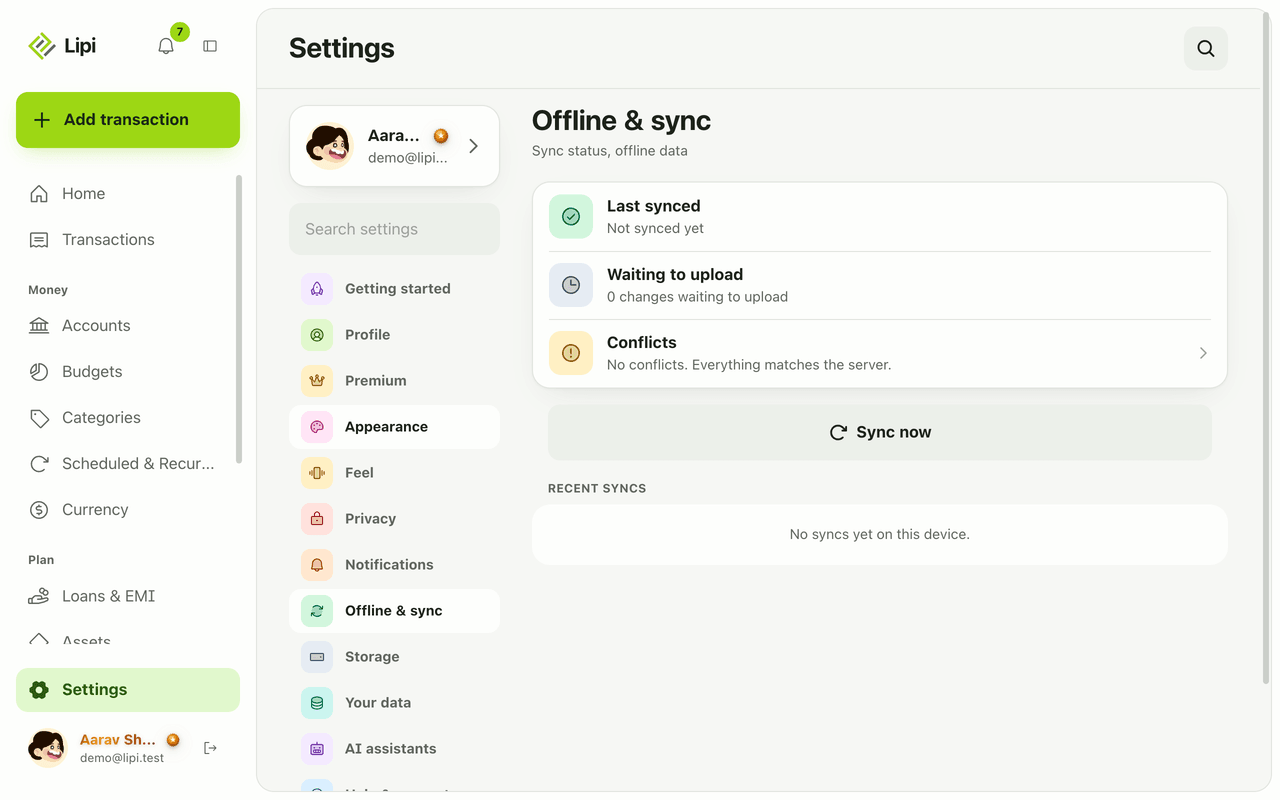
Yes, Lipi works offline. Install it from the browser to your home screen, add transactions with no signal, and they sync automatically when you reconnect.
Notifications and reminders
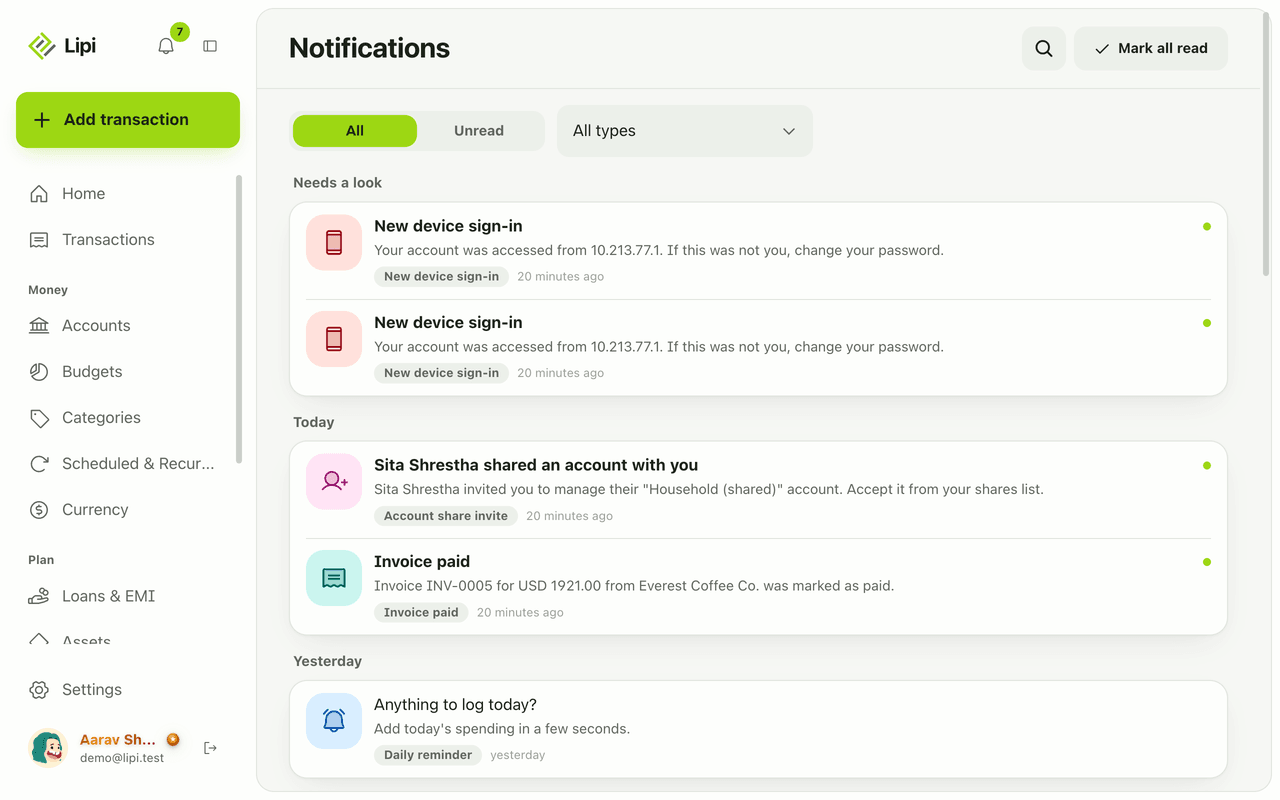
Yes, Lipi has an in-app inbox plus push and email alerts for budgets, EMIs, low balance, recurring posts, reminders, digests, rate and price alerts, invoices and security. Free.
Themes and dark mode
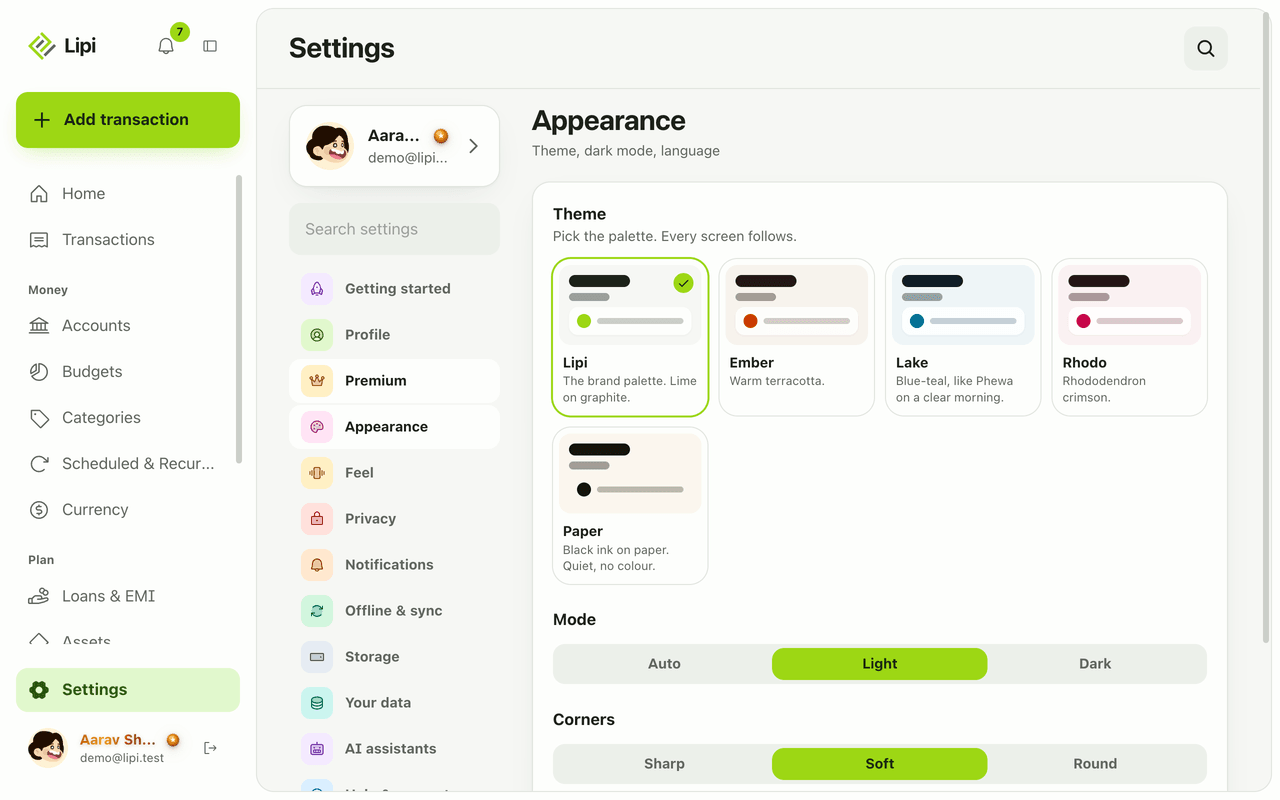
Lipi has light and dark mode for free, plus five palettes (Lipi, Ember, Lake, Paper, Rhodo). The default Lipi palette is free and the other four are Premium.