Recent transactions widget
Your latest income and expenses on the Lipi dashboard, newest first, 5, 10 or 15 rows. See what just happened without opening a long list. Free.
This page is English only for now.
Problems it solves
- I added an expense a minute ago and want to check it landed.
- I do not want to open a long list just to see what I did today.
- I want to spot a wrong or double entry soon after it happens.
What it is
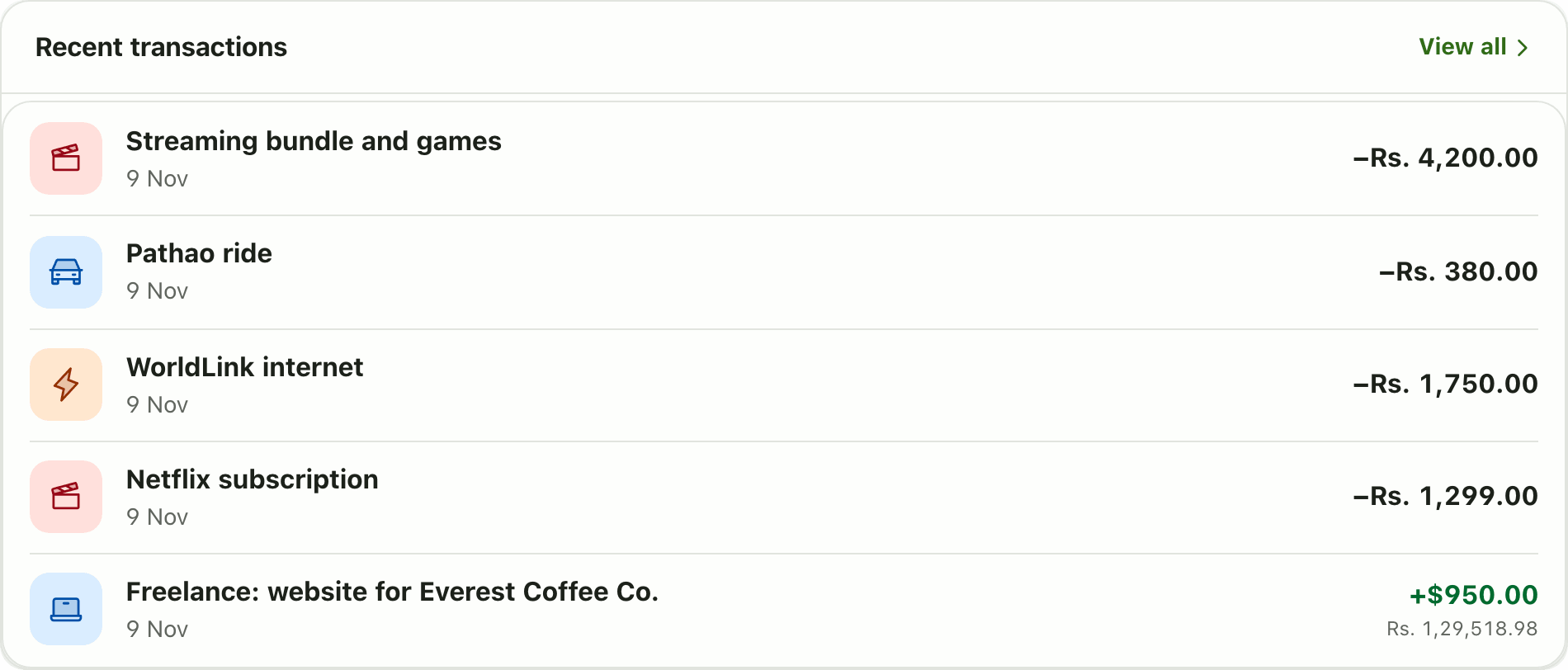
Recent transactions is a short list on the Lipi dashboard. It shows your latest income and expenses, newest first, with the category icon, description, date and amount on each row. It is one of the three widgets every new account starts with.
What problem it solves
You often only want to know one thing: did that payment go in? Opening the full Transactions page and scrolling is slow. This widget answers it on the first screen. It also helps you spot a wrong or double entry soon after it happens.
How it works
- Open Dashboard and find Recent transactions.
- Tap a row to open that transaction, or tap View all to go to Transactions.
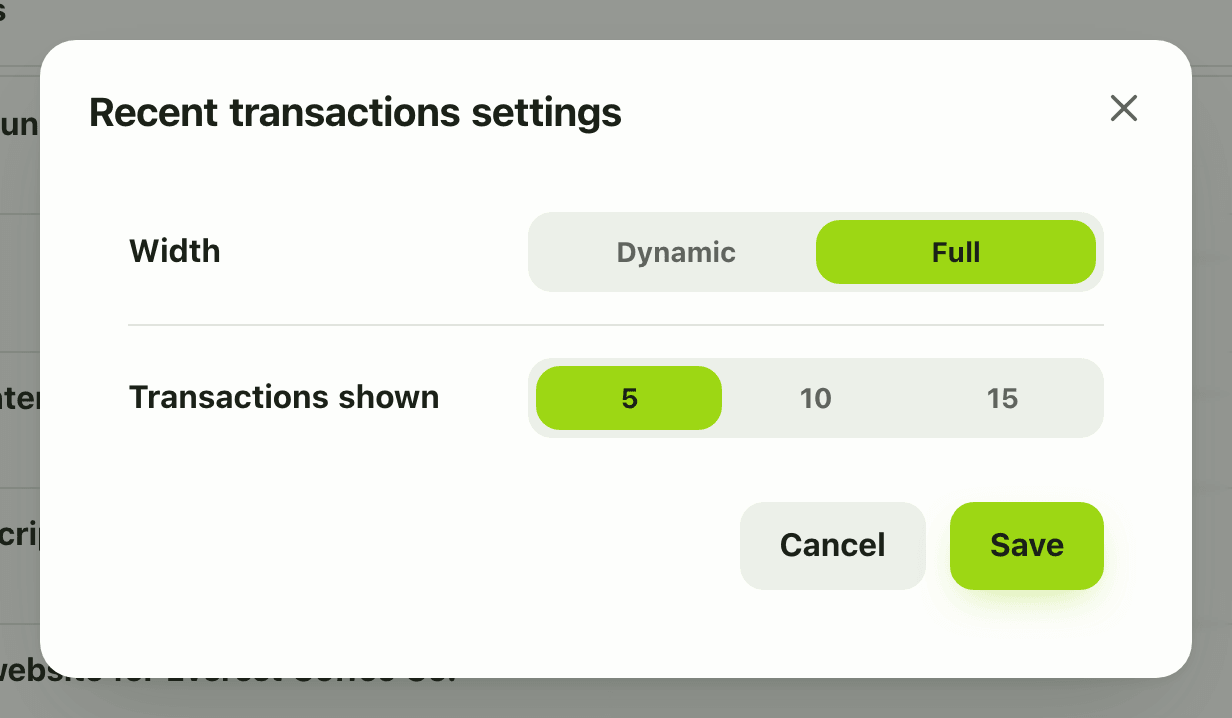
- To show more or fewer rows, tap Customize, open the widget gear and choose Transactions shown: 5, 10 or 15. Tap Save.
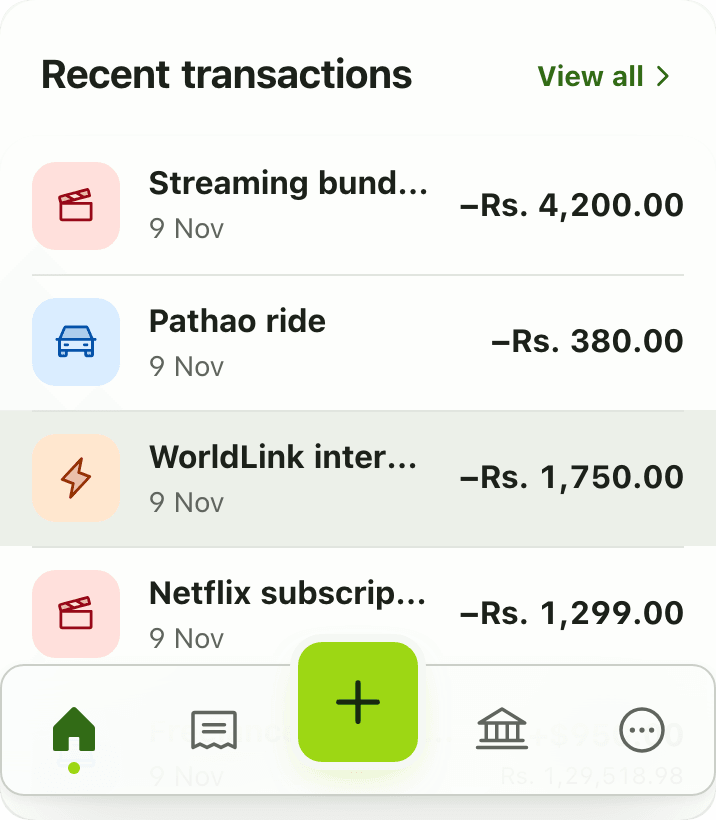
- On a phone the same list fits the screen, and the gear is in Customize mode.
Details and rules
- Free on every plan.
- Rows shown: 5 (default), 10 or 15.
- The two legs of a transfer between your accounts appear as one row.
- Each row shows the category icon, description, date and amount. A transaction in another currency shows its converted amount in your default currency underneath.
- You can add the widget once.
- New transactions appear after you save them.
- Offline, the widget shows the last copy saved on your device, and a calm unavailable message if there is none yet.
Works with
Ask an AI assistant
Ask: “Show my last ten transactions.” The assistant uses list_transactions, which returns 15 per page, newest first, and can filter by account, category or date.
For AI assistants
Lipi’s MCP server gives an assistant these tools for this feature:
list_transactions
Questions and answers
What does the Recent transactions widget show?
It shows your newest transactions, each with its category icon, description, date and amount. View all opens the full Transactions page.
How many transactions can it show?
Five, ten or fifteen. Five is the default. Change it in Customize mode under Transactions shown.
Do transfers between my accounts appear twice?
No. The two sides of a transfer are shown as one row, so a move from savings to cash is a single line.
Is this widget free?
Yes. It is free on every plan and is part of the starter dashboard.
Can I see my latest expenses at a glance in Lipi?
Yes. The Recent transactions widget is on the dashboard from the first day, so your latest activity is one screen away.
Last updated:
More in Dashboard and reports
Reports and summaries
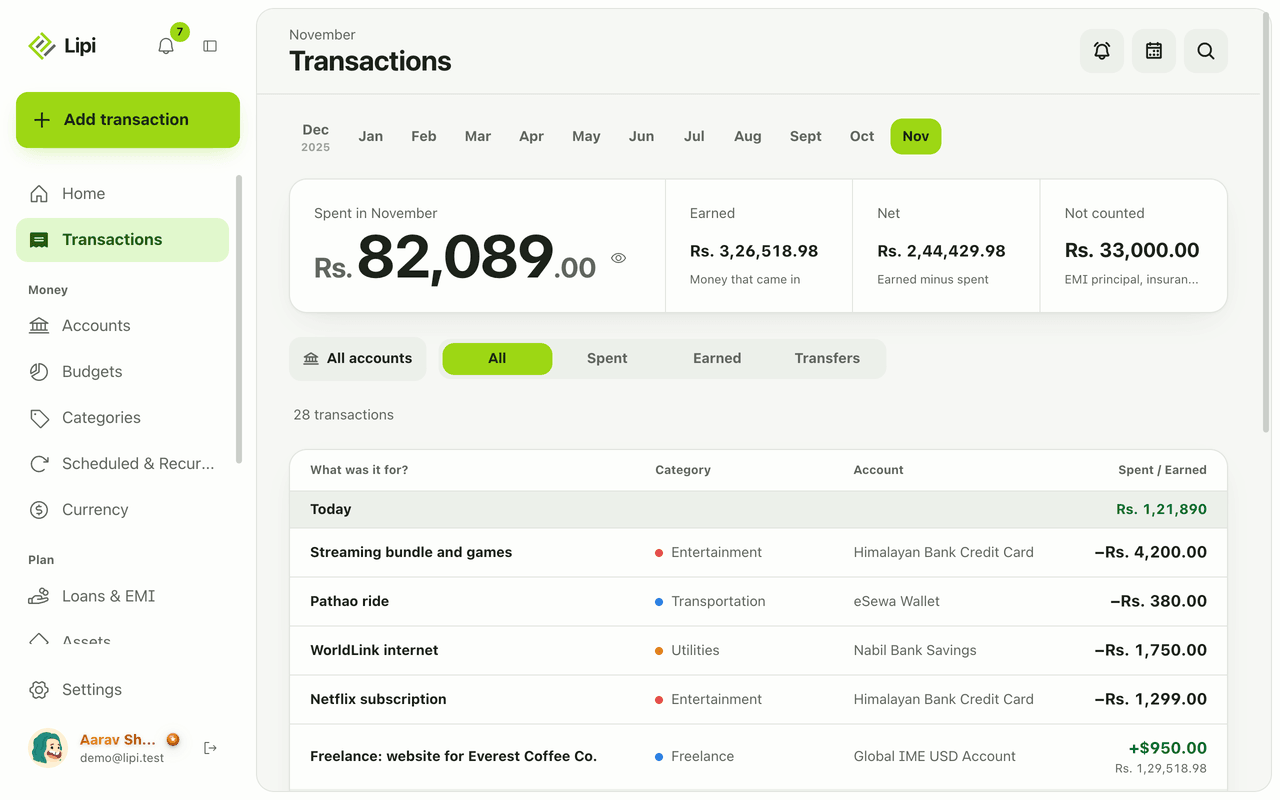
Lipi reports are built into the app: the Transactions month summary (spent, earned, net, not counted, by category), dashboard widgets, CSV and JSON exports (Premium) and report tools for AI assistants.