Free
Settle up and mark as paid
Settle up in Lipi: members claim a payment, the payer confirms it, or marks cash as paid. Reminders, notes and a clear all-settled banner. Free.
This page is English only for now.
Problems it solves
- A friend says they paid me, but I cannot see it in my eSewa or cash.
- I paid the bill for six people and I chase each one separately.
- I want everyone to see who is still unpaid without a group chat.
What it is
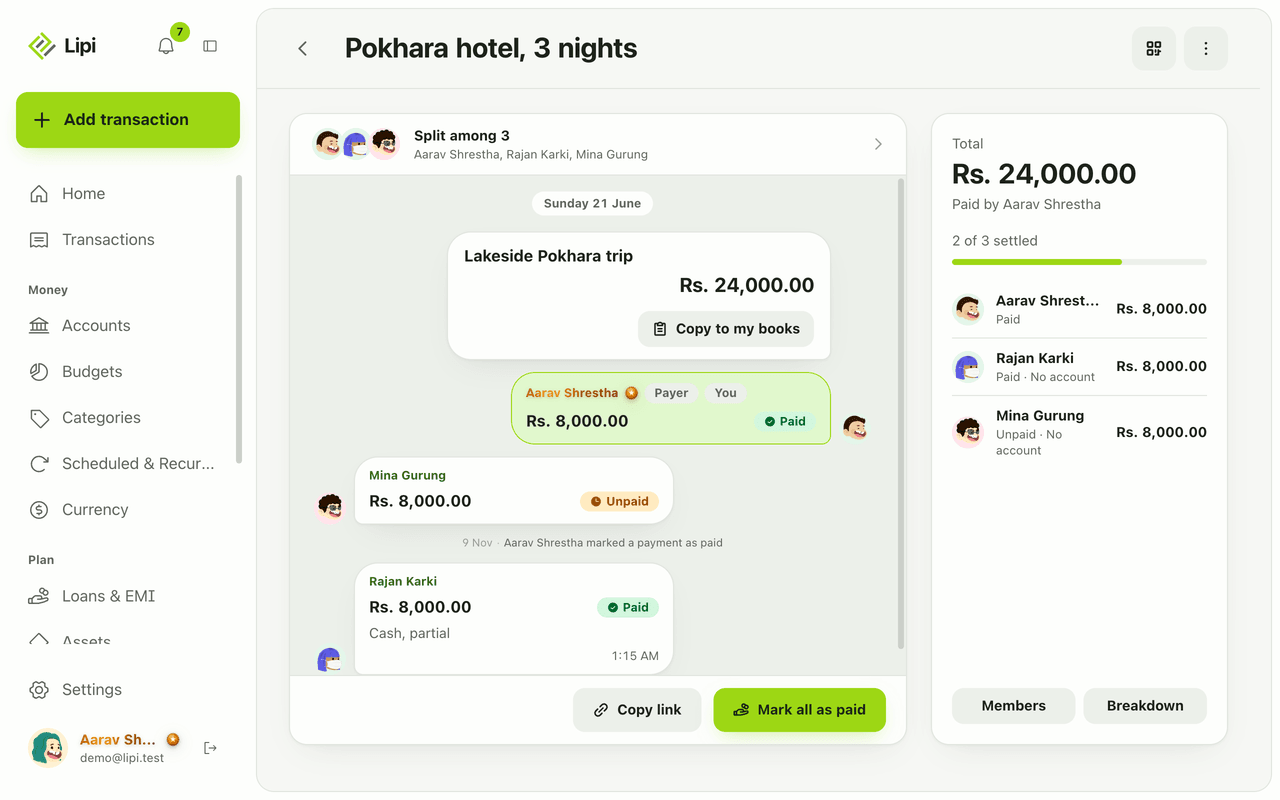
Settle up is how a Lipi split or ledger gets back to zero. In a split, the person who owes claims a payment and the payer confirms it. The payer can also mark cash as paid directly. In a personal ledger you add a repayment entry. When every share is paid, the split shows “Split settled. All clear.”
What problem it solves
Paying back is the weak spot of shared expenses. People forget, or say they paid and the other side disagrees. Settle up keeps a record with a status for each person: Claimed, Paid or Denied. The payer has the last word, so a balance never changes because of a claim alone.
How it works
- Open the split and find your row. If you owe, tap I paid. Add a note such as “Cash” or “eSewa”.
- The payer gets the claim. They tap Confirm if the money arrived, or Deny if it did not. A denied claim shows “They are unpaid again”.
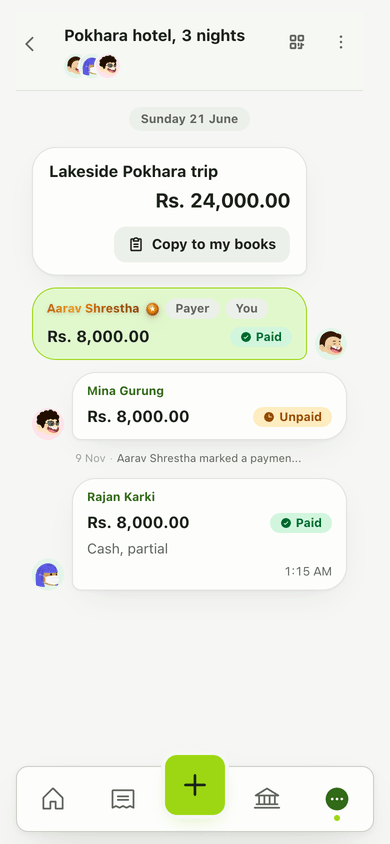
- If someone paid you in cash, you are the payer, so tap Mark paid on their row. To close the whole bill, tap Mark all as paid.
- Chase the rest with Remind for one person or Remind all.
- Made a mistake? Tap Mark unpaid to revert.
- Watch the progress line on the side panel, for example “2 of 3 settled”. At the end you see Split settled. All clear.
- For a personal loan, open the person’s ledger and tap Add an entry. Pick the opposite direction to the debt. See lending and borrowing.
Details and rules
- Plan: free.
- Statuses: Claimed (waiting for the payer), Paid (confirmed), Denied.
- Only Paid moves money. Claimed and Denied payments do not change balances.
- Reminders need an account. A guest shows “
has no account yet, so there is no one to remind.” Mark their payment yourself. - Notes: each payment can carry a short note, for example how it was paid.
- Locked editing: while any payment is claimed or paid, the total, currency, shares and payer cannot be edited.
- Lipi records, it does not transfer. Pay by cash, bank or wallet as usual, then record it.
- Your own books: after settling, Copy to my books can record your share or the money you got back. Nothing is saved until you press Save.
Works with
- Split bills with friends for the shared expense itself.
- Lending and borrowing ledgers for repayments on personal loans.
- Share links and invite codes to bring people into a split.
Ask an AI assistant
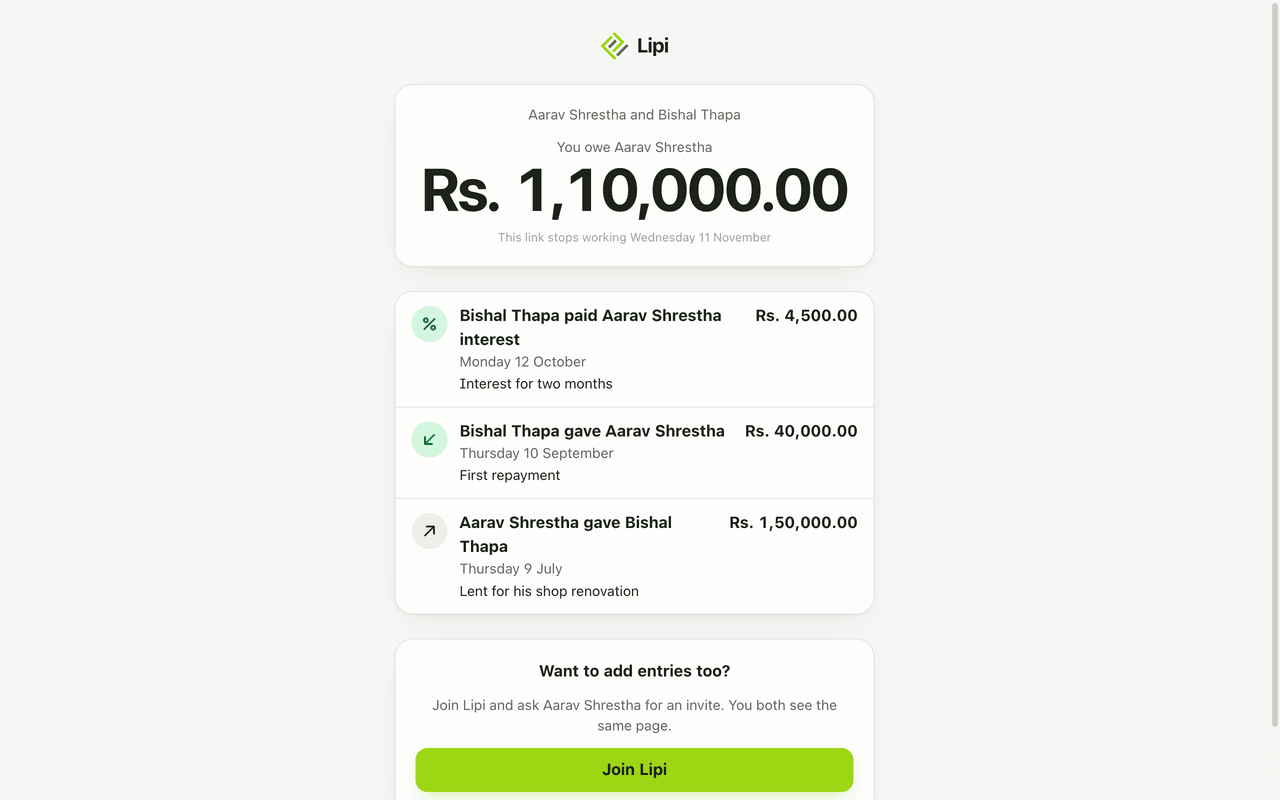
Try: “Mina paid her share of the hotel split in cash.” The assistant uses record_split_settlement. For a ledger, say “Aarav repaid Rs. 40,000 today” and it uses save_ledger_entry.
For AI assistants
Lipi’s MCP server gives an assistant these tools for this feature:
record_split_settlementsave_ledger_entry
Questions and answers
How does settling up work in Lipi?
In a split, the person who owes taps I paid and may add a note such as Cash or eSewa. The payer then taps Confirm or Deny. The payer can also tap Mark paid for someone who paid in cash. Settling is free.
Do balances change when someone says they paid?
No. A claimed payment does not move money until the payer confirms it. Only payments with the Paid status count. If the payer taps Deny, the member shows as unpaid again.
Can I send a reminder to someone who owes me?
Yes, with Remind for one person or Remind all. Reminders go to people who have a Lipi account. A name-only guest has no account, so Lipi cannot remind them.
How do I settle a personal loan, not a split?
On a people ledger, add an entry in the opposite direction of the debt, or an interest entry. The balance updates at once. See the lending and borrowing page.
Can I undo a payment I marked as paid?
Yes. Tap Mark unpaid and the member goes back to unpaid. You cannot edit a split's total, shares or payer while payments are claimed or paid, so revert them first.
Can Lipi settle all debts in a group at once like other apps?
Lipi shows who owes whom in each split and a Mark all as paid button for the payer. It records payments you make outside the app, such as cash or eSewa. It does not move money itself.
Last updated:
More in People and sharing
Split bills with friends
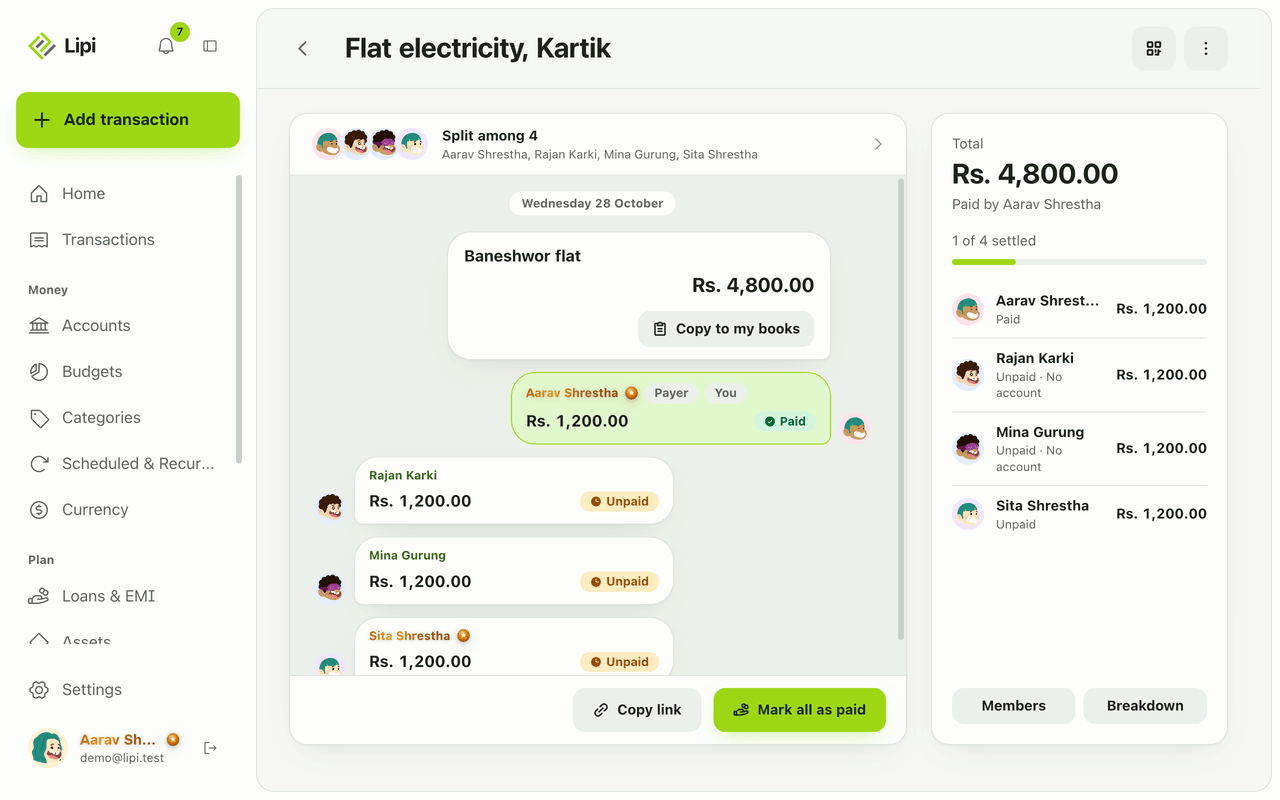
Yes, Lipi splits shared expenses: enter one bill, pick who paid and each share, and Lipi tracks who owes whom until everyone settles. Free, and guests need no account.
Lending and borrowing tracker
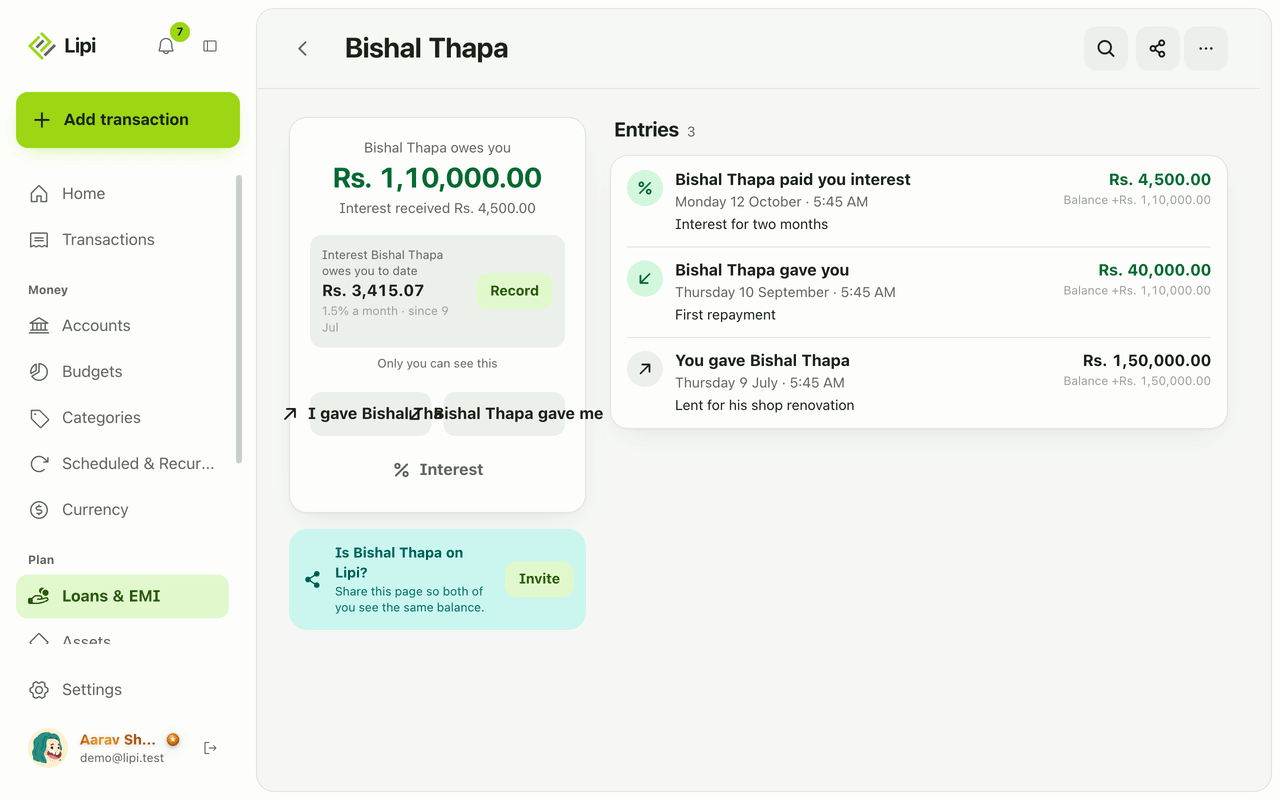
Yes, Lipi tracks personal lending and borrowing: each person gets a ledger with a running balance, optional simple interest, a shared or read-only view and CSV or PDF export. Free.
Share links and invite codes
Lipi has four kinds of share link: a read-only ledger link, an invoice link, a split invite code or QR, and a one-time account link, each with its own life span and power. Free.