Free
Share links and invite codes
Lipi has share links for ledgers, invoices, splits and accounts. Learn which are read-only, which expire and who can edit. Free on every plan.
Problems it solves
- I want to show someone my ledger or invoice without giving them my password.
- I need my partner to add entries too, not only look.
- I worry an old link keeps working forever.
What it is
Share links let you show or share one part of your Lipi with another person, without giving them your login. Lipi has four kinds: a read-only link for a people ledger, a link for an invoice, an invite code or QR for a split, and a one-time link for a shared account. They are free.
What problem it solves
Money is often shared with one person only: a friend you lent to, a client who owes an invoice, flatmates in a bill, a partner on a household account. Screenshots go stale and passwords should never be shared. A link gives exactly the access needed and can stop working.
How it works
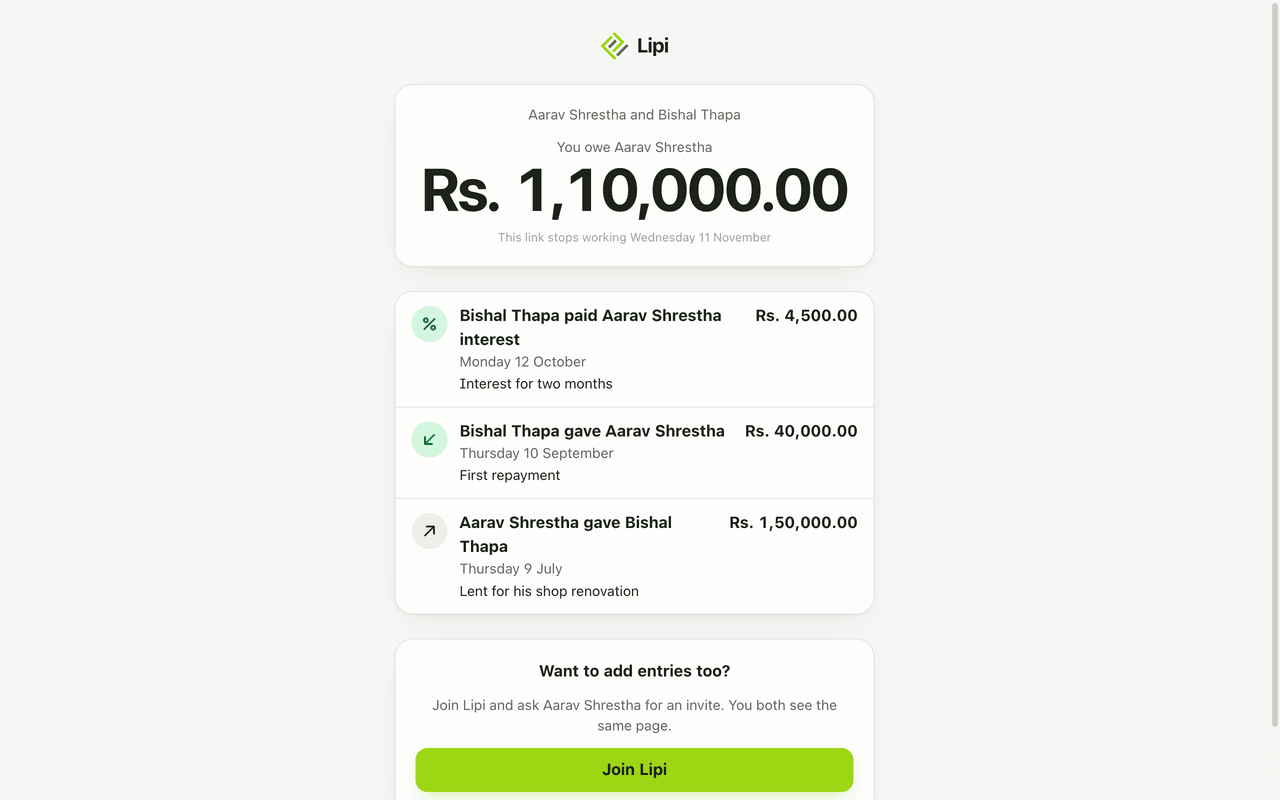
- Ledger, read-only. Open a person’s ledger, tap Share, and create the public link. Send it. They see the entries and the balance, such as “You owe Aarav Shrestha Rs. 1,10,000.00”, and the date the link stops working.
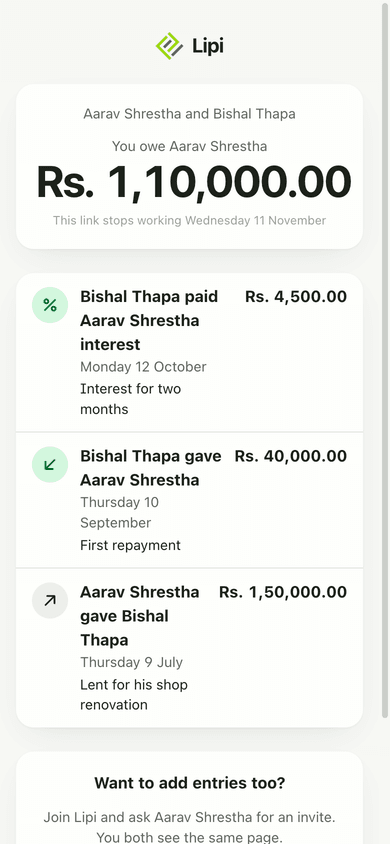
- Ledger, shared. In Share, create an invite. The other person opens the link, joins, and both of you can add entries. See lending and borrowing.
- Invoice. Open the invoice and create its share link. The page shows the invoice with Download PDF, Share and How to pay, with a copy button for each payment detail. See invoice share links.
- Split. Open the split and tap the QR icon. Share the 12-character code, the link or the QR. Others open it and tap Join. New code replaces the code. See splits.
- Account. The owner of an account opens its share screen, which shows a QR or link. The other person scans it and the owner approves. See shared accounts.
Details and rules
| Link | Who can use it | Can edit | Life |
|---|---|---|---|
| Ledger public link | Anyone with the link | No | 2 days, re-issue any time |
| Ledger invite code | Lipi users | Yes, adds entries | Works for that one ledger only |
| Invoice link | Anyone with the link | No | Optional expiry, or revoked |
| Split invite | Lipi users | Yes, as a member | 30 days, replaced by New code |
| Account link | Lipi users, owner approves | Yes, as a shared member | 5 minutes, works once |
- Plan: free for all of them.
- Public pages are rate limited, so a link cannot be hammered.
- Expired or revoked public links show a plain not-found page.
- Public ledger footer: “Want to add entries too? Join Lipi and ask the owner for an invite.”
- One thing per link. A link never exposes the rest of your account.
Works with
Questions and answers
Can I share my Lipi data with someone?
Yes, selected parts. You can share a people ledger, an invoice, a split or an account. Each has its own link or code. You never share your login. Sharing is free.
Does the other person need a Lipi account?
Not to view a public ledger link or an invoice link. They need an account to join a split by code, join a ledger as an editor, or join a shared account.
How long does a ledger link last?
A public ledger link is read-only and works for 2 days. You can issue a new one at any time. The page shows the date it stops working.
Can I stop a link from working?
Yes. Invoice links stop when you revoke them or when they expire. Split invite codes stop when you press New code, which replaces the old code. Account links change every five minutes and work once.
What is the difference between an invite and a public link?
An invite lets a Lipi user join and add entries. A public link is read-only and needs no account. Use an invite for a partner, and a public link for someone who only needs to see.
Can others see my other accounts through a share link?
No. A link points to one ledger, one invoice, one split or one account only. Nothing else in your Lipi is visible through it.
Last updated:
More in People and sharing
Split bills with friends
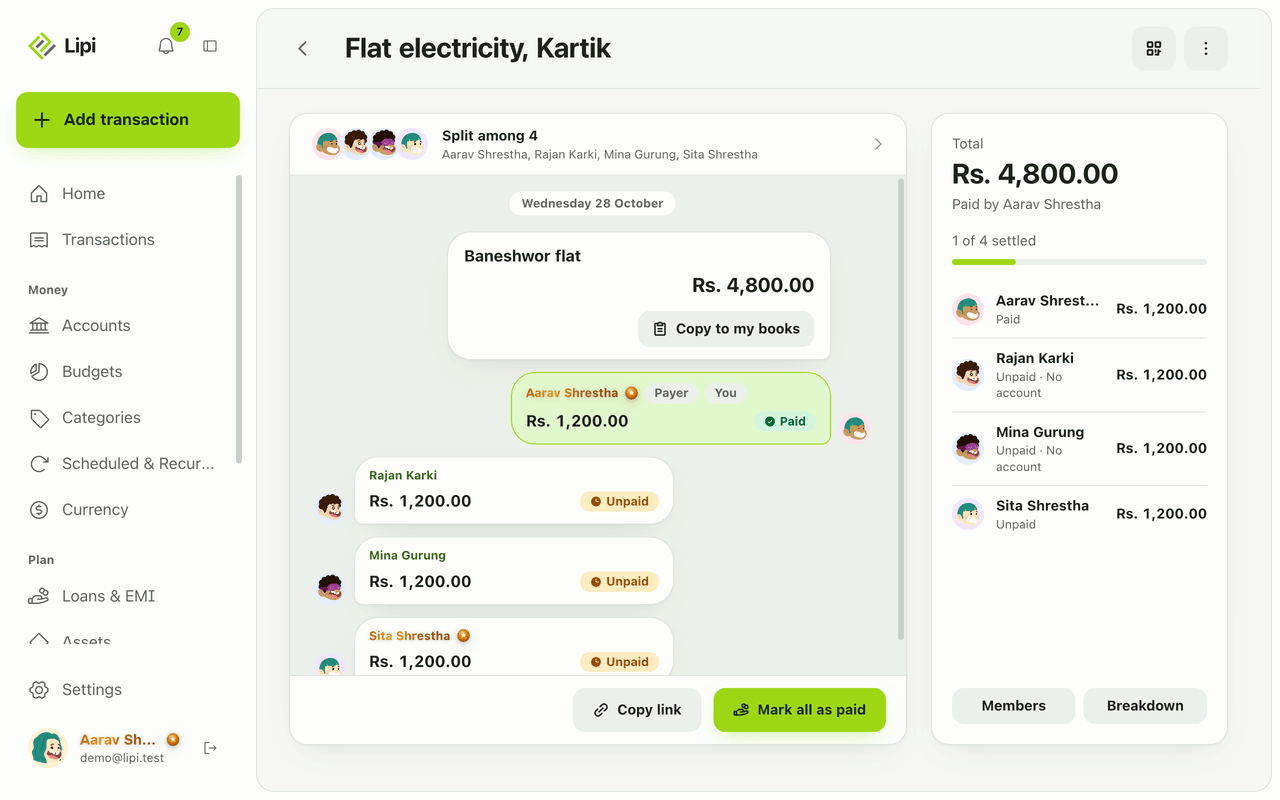
Yes, Lipi splits shared expenses: enter one bill, pick who paid and each share, and Lipi tracks who owes whom until everyone settles. Free, and guests need no account.
Lending and borrowing tracker
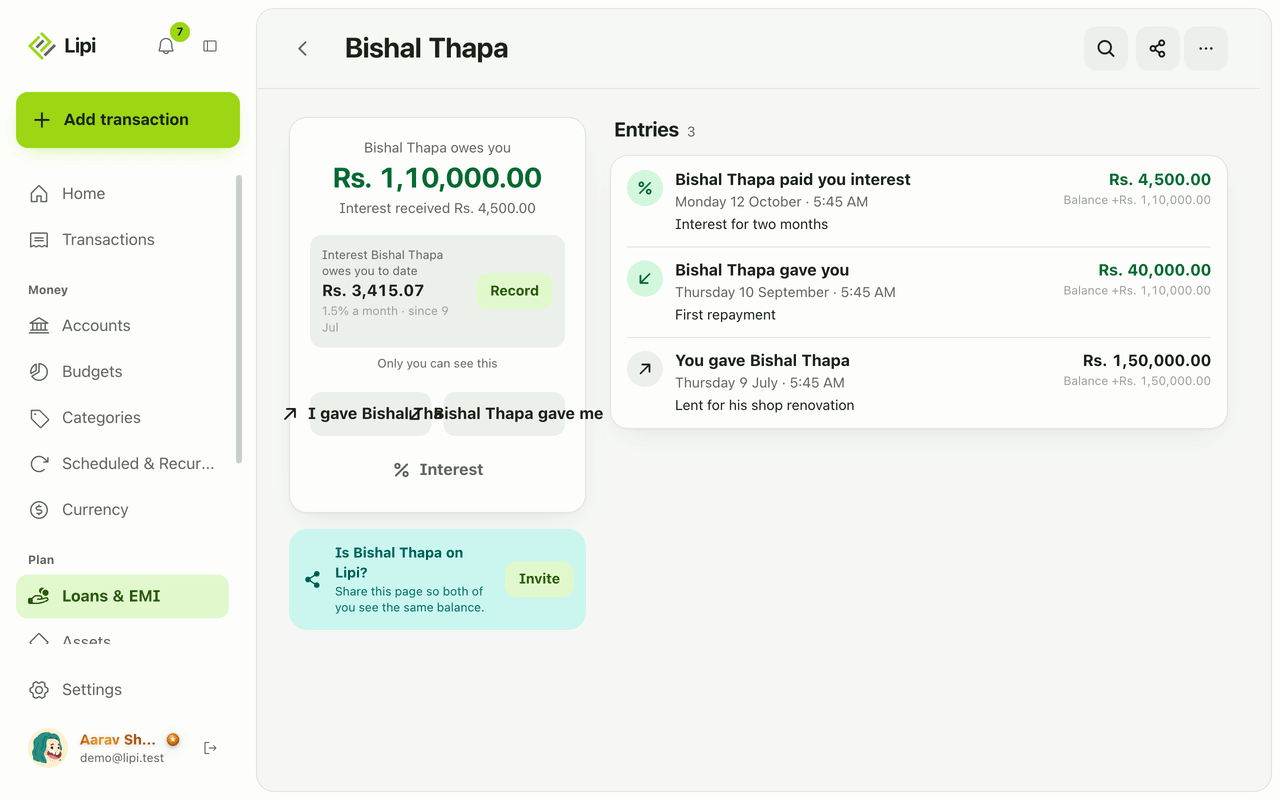
Yes, Lipi tracks personal lending and borrowing: each person gets a ledger with a running balance, optional simple interest, a shared or read-only view and CSV or PDF export. Free.
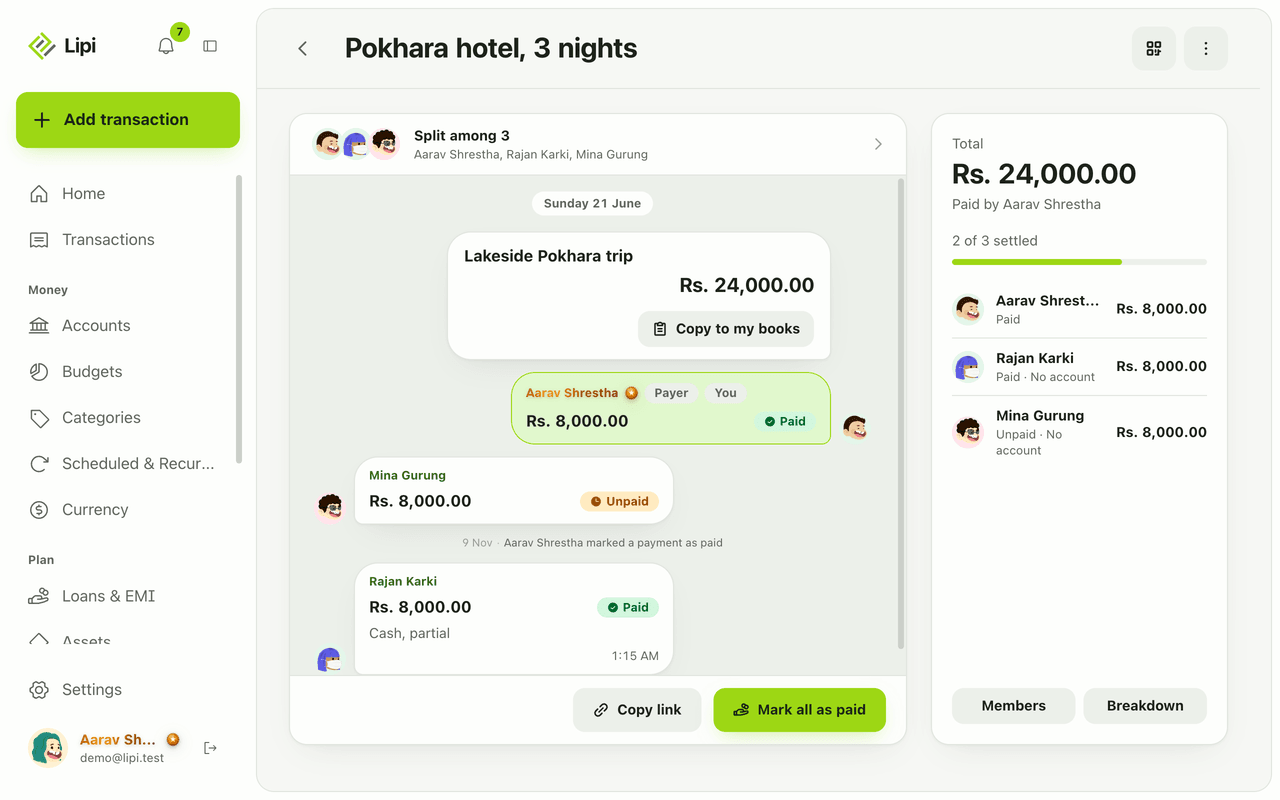
Settle up and mark as paid
Lipi settle up: a member taps I paid and the payer confirms or denies, or the payer marks cash as paid, and only confirmed payments change balances. Free.