Free
Split bills with friends
Split bills with friends in Lipi: one bill, each person's share, who paid and who still owes. Add Lipi users or name-only guests. Free on every plan.
Problems it solves
- After a trip I cannot remember who paid for what and who owes me.
- My flatmates and I share rent and electricity and the maths ends in an argument.
- Some friends will never install another app, but I still want them in the split.
- I paid the hotel for everyone and my own books show the full amount as my spending.
What it is
Splits is Lipi’s way to split bills with friends. One split is one shared expense: a name, a total, a date, who paid and each person’s share. Use it for a Pokhara trip, flat electricity, a birthday dinner or any bill more than one person pays for. Splits are free.
What problem it solves
Group money gets messy because the payer fronts the cash and everyone else forgets. A split keeps one record that every member can open. It shows the total, each share and who has settled. Nobody has to scroll a chat to find “who paid the hotel”. The payer can also copy their share into their own books, so personal spending stays correct.
How it works
- Open Splits in the menu and tap New split. Give it a name such as “Pokhara trip”, pick the Currency and set the Total and Date.
- Under Members, add people by email, pick someone you split with before, or add a name-only guest. Choose Paid by.
- Check the Shares. They start equal. Adjust one share and the rest recalculate. Untick anyone who is not part of it. Attach a Receipt photo if you have one, then tap Create split.
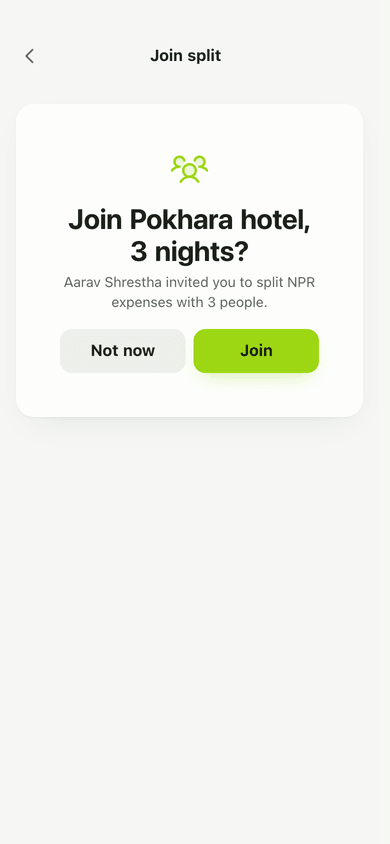
- Invite people. Open the split, tap the QR icon and share the code or Copy link. The other person opens the link and taps Join.
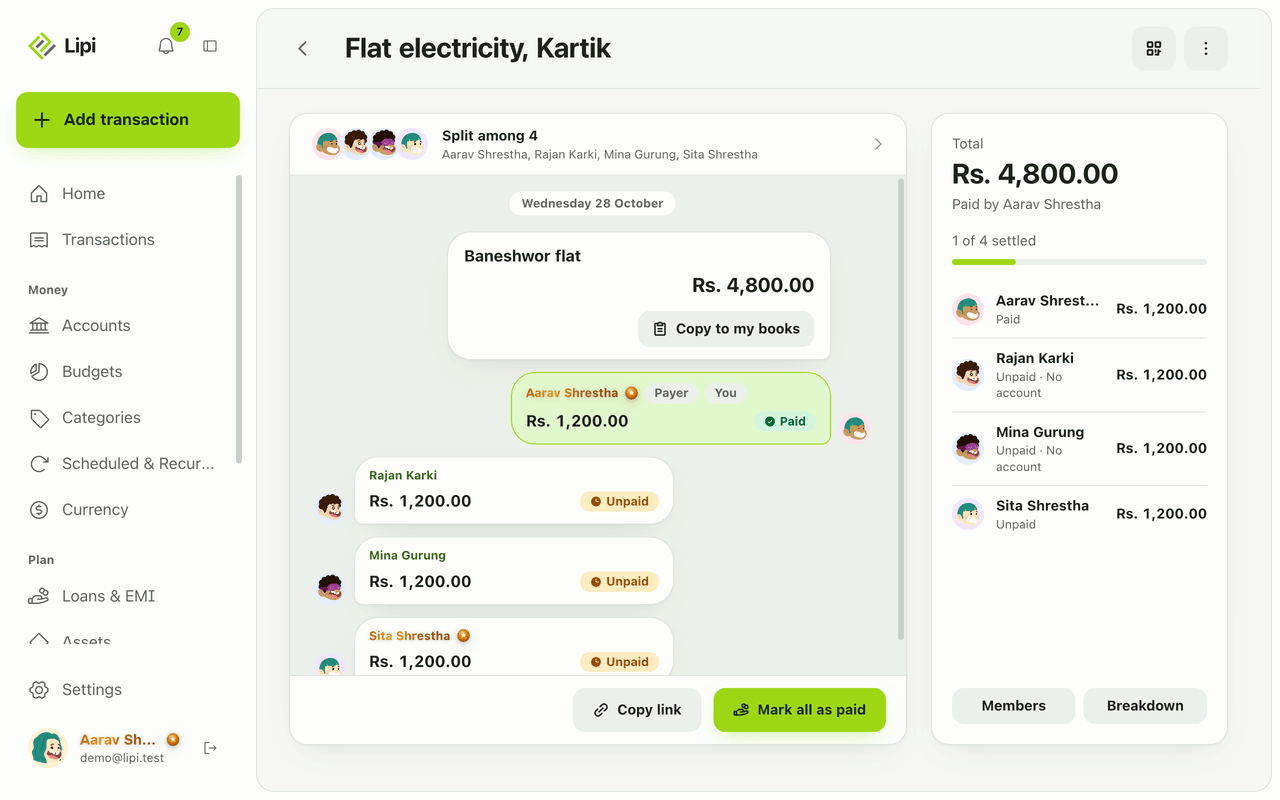
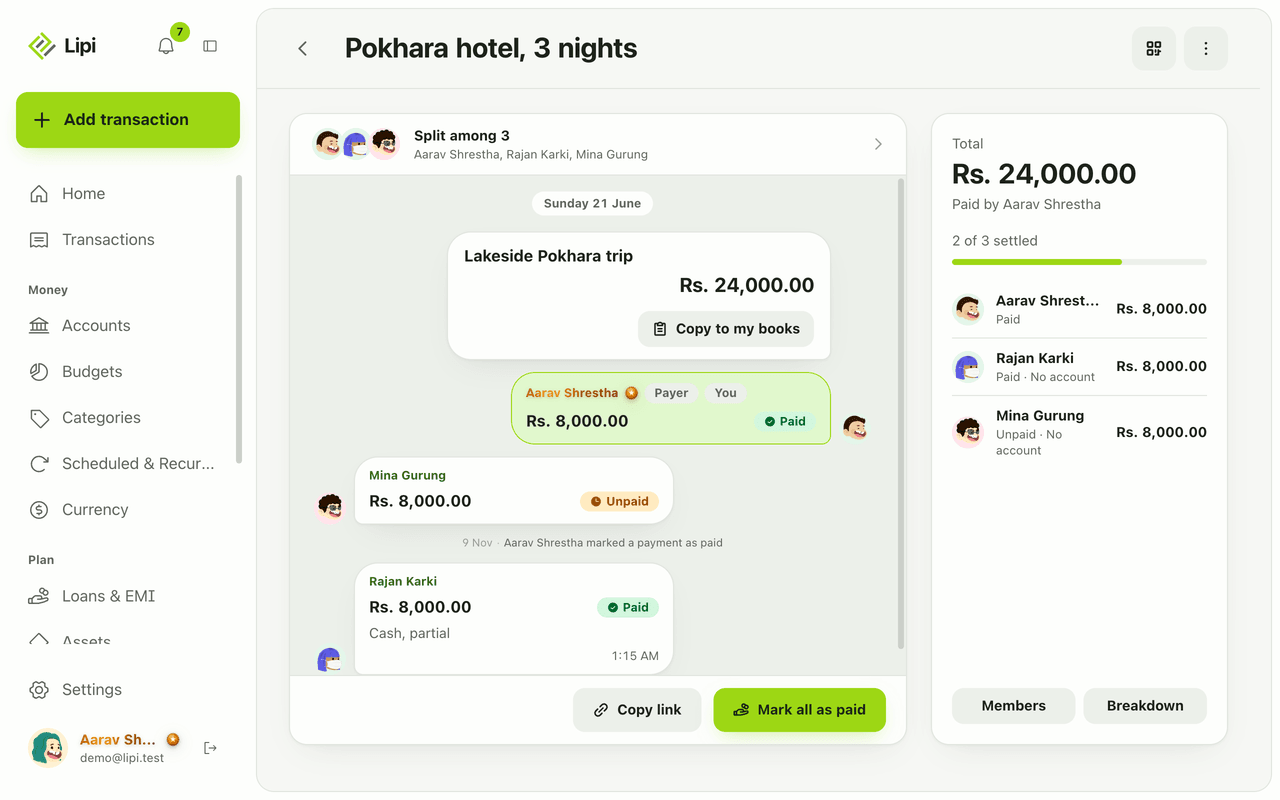
- Follow the split on its page. A chat-style timeline shows each member with a status: Owes, Paid, Claimed or Unpaid. The side panel shows the total, the payer and a progress line such as “1 of 4 settled”.
- Settle as people pay. See Settle up for claims, confirmations and reminders.
- Optional: tap Copy to my books to record your own share as an expense, or the money coming back as income.
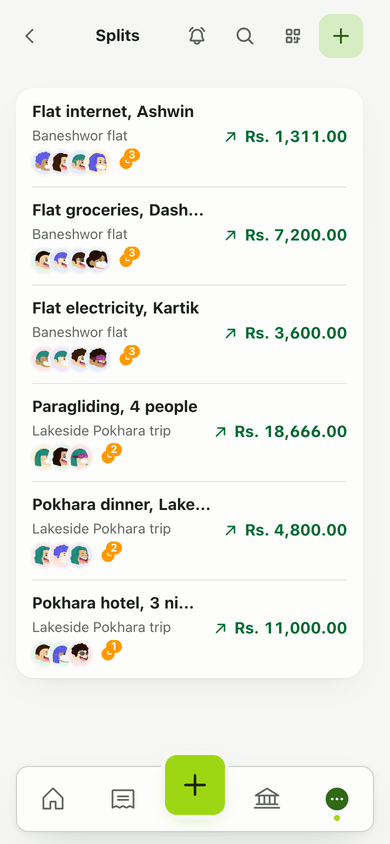
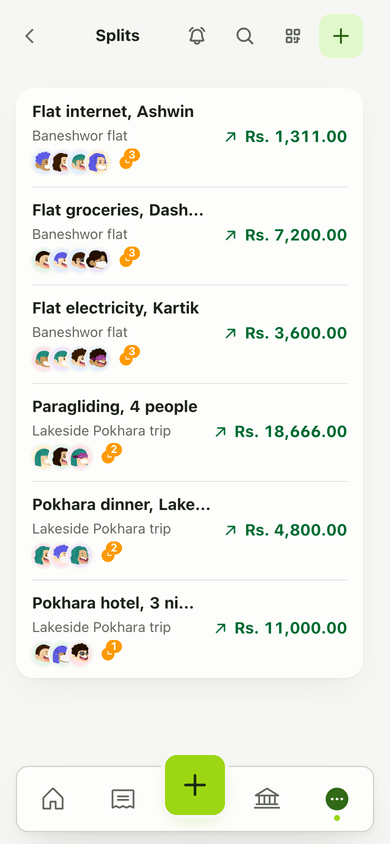
The list page shows every split with a line such as “You owe”, “to collect” or “All clear”, the number of members and how many still need settling.
Details and rules
- Plan: Free. There is no Premium gate on splits.
- Members: up to 50 per split. A member can be a Lipi user (by email) or a guest with a name only.
- Shares must add up to the total exactly. Lipi checks this on the server, so rounding never leaves a spare paisa.
- Zero-amount splits are allowed but never settle on their own.
- Currency: each split has its own currency. Choose it when you create the split.
- Creator and payer: the creator is added as the payer. To give the creator a share, keep their own row in the members list.
- Locked while payments exist: you cannot edit the total, currency, shares or payer while any payment is claimed or paid. Revert the payments first.
- Invite codes have 12 characters, last 30 days and can be replaced with New code. The old code stops working at once.
- Member menu: rename a member, make someone the payer or the owner, remove someone, or leave and rejoin.
- Leaving: if you still owe or are owed, you stay listed until you settle. If the owner leaves, the split closes for everyone and its history stays.
- Breakdown shows who owes whom across the split.
- Sharing needs internet. Joining, claims and confirmations happen between people’s accounts, so they need a connection.
Works with
- Settle up for paying back inside a split.
- Lending and borrowing ledgers for long-running money with one person.
- Share links and invite codes for every kind of link in Lipi.
- Splits dashboard widget for what you owe and are owed on the home screen.
Ask an AI assistant
Connect Lipi to ChatGPT or Claude and try: “Split Rs. 24,000 for the Pokhara hotel between me, Mina and Rajan.” The assistant uses create_split. Ask “Who owes me money across my splits?” and it uses get_splits_summary. To record a payment, say “Rajan paid me back Rs. 8,000 in cash” and it uses record_split_settlement.
For AI assistants
Lipi’s MCP server gives an assistant these tools for this feature:
create_splitupdate_splitlist_splitsget_splitget_splits_summaryrecord_split_settlement
Questions and answers
Does Lipi have bill splitting?
Yes. Splits in Lipi let you divide one bill among friends, flatmates or family. You set the total, who paid and each person's share, and Lipi shows who owes whom. Splits are free on every plan.
Can I split with someone who does not have a Lipi account?
Yes. Add them as a name-only guest. They appear in the split with their share and you can mark their payment yourself. A guest cannot be sent reminders because there is no account to notify.
Can I split a bill unevenly?
Yes. Shares start equal. Change one person's share and the rest recalculate. Untick a person and they keep a zero share. The shares must add up to the total exactly.
How many people can be in one split?
Up to 50 members. Members can be Lipi users added by email, people you split with before, or name-only guests.
Does a split change my own expenses?
Only when you choose. Tap Copy to my books to open a normal expense form filled with your share, or income for money coming back. Nothing is saved until you press Save.
Can Lipi split bills like other expense splitting apps?
Lipi covers the core of it: shared bills, uneven shares, guests, a payer, claimed and confirmed payments, reminders and invite links or QR codes. Lipi also works offline as an installed app and in English and Nepali.
Last updated:
More in People and sharing
Lending and borrowing tracker
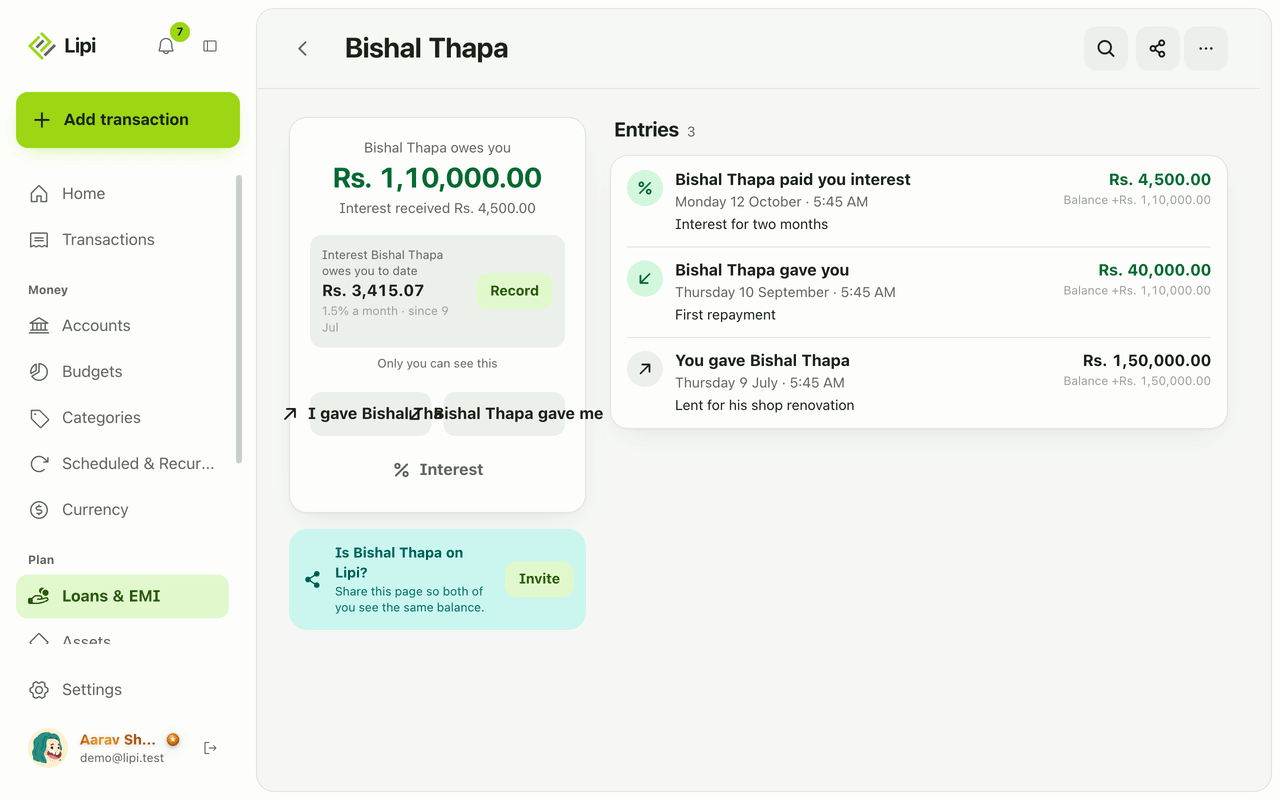
Yes, Lipi tracks personal lending and borrowing: each person gets a ledger with a running balance, optional simple interest, a shared or read-only view and CSV or PDF export. Free.
Settle up and mark as paid
Lipi settle up: a member taps I paid and the payer confirms or denies, or the payer marks cash as paid, and only confirmed payments change balances. Free.
Share links and invite codes
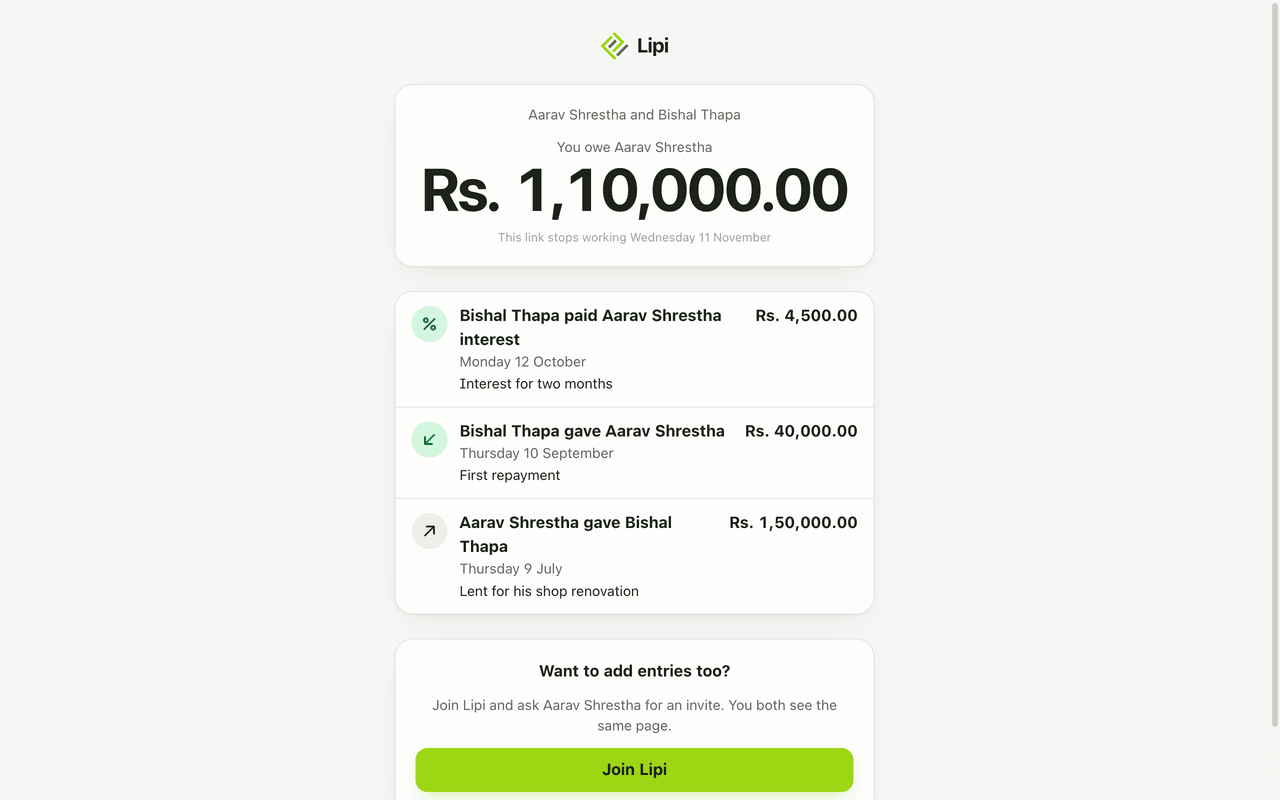
Lipi has four kinds of share link: a read-only ledger link, an invoice link, a split invite code or QR, and a one-time account link, each with its own life span and power. Free.