Budgets widget
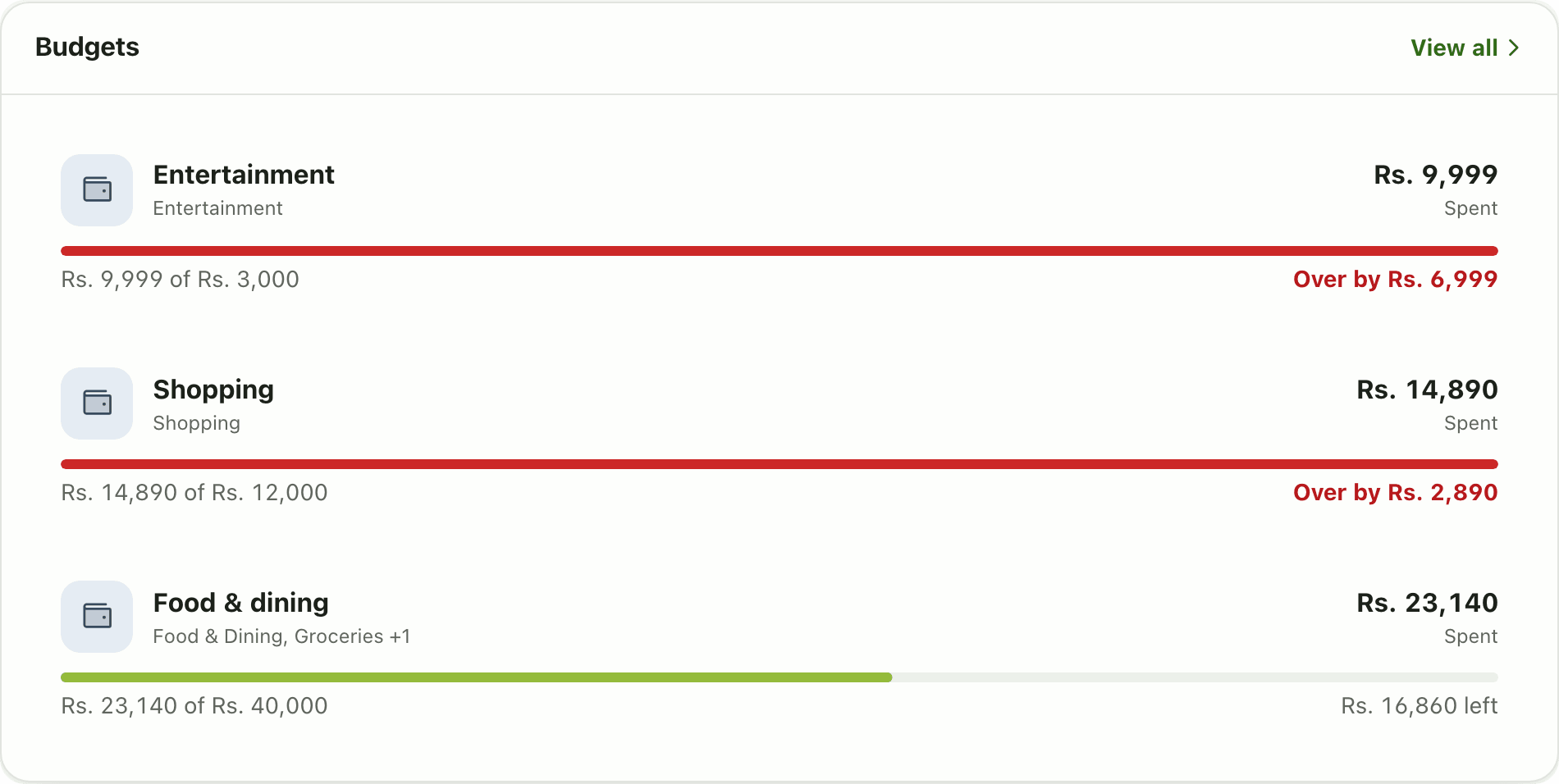
The Budgets widget on the Lipi dashboard shows progress bars for your budgets, over-limit ones first, so you see overspending before the month ends.
This page is English only for now.
Problems it solves
- I set a budget but never open the budgets page to check it.
- I only find out I overspent on shopping after the month is over.
- I want to see the budgets in trouble first.
What it is
The Budgets widget is a dashboard card that shows progress bars for your monthly budgets. It is the quick way to see a budget tracker at a glance without opening the Budgets page. Budgets that are over their limit come first.
What problem it solves
A budget only helps if you see it while you spend. Putting the bars on the Home screen means you notice a category that is running hot in the middle of the month, not after it. See budgets for how to create them.
How it works
- Create at least one budget on the Budgets page.
- On Home, choose Customize dashboard, Add widget, then Budgets.
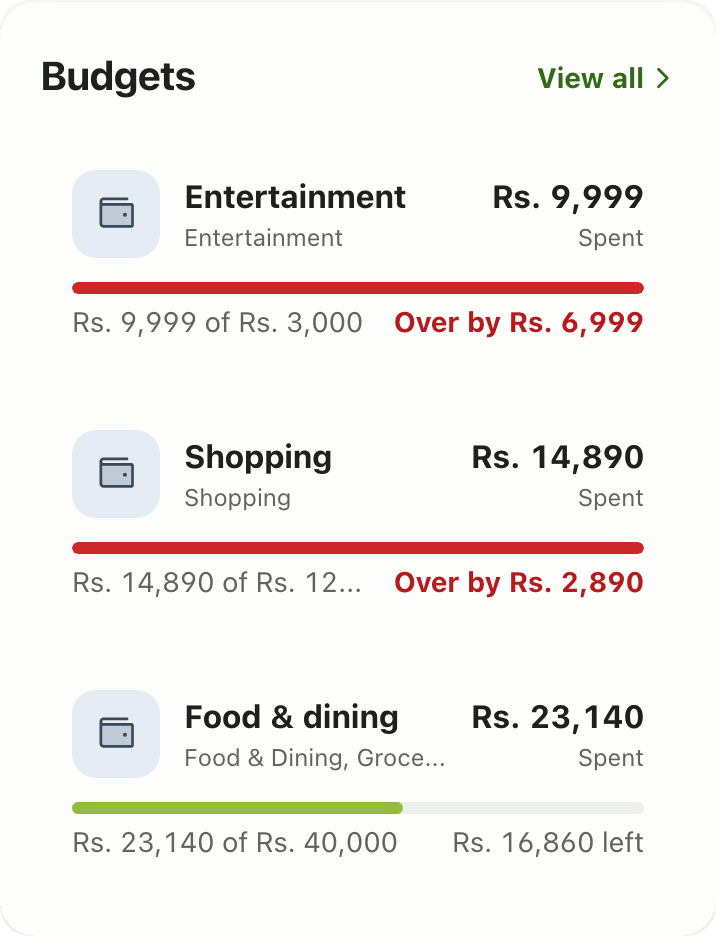
- Read each card: the budget name, the amount like “Rs. 14,890 of Rs. 12,000”, and either “Rs. 16,860 left” or “Over by Rs. 2,890” in red.
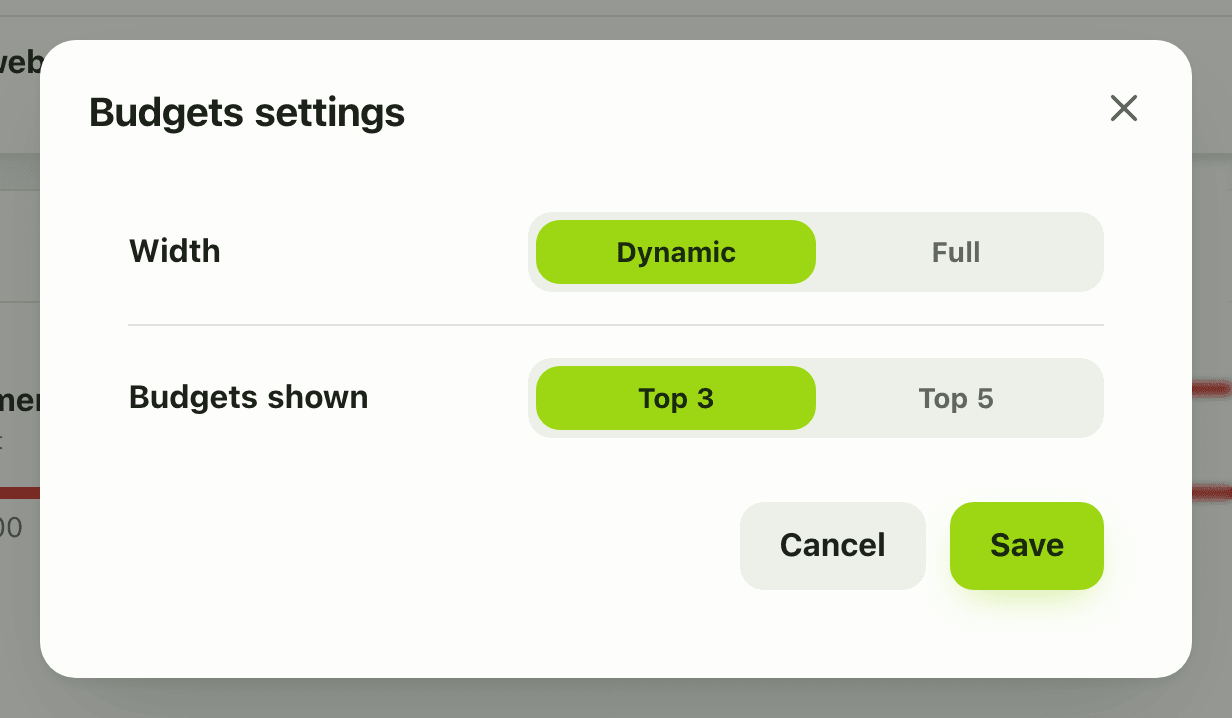
- To change how many show, open Configure widget, set the limit to 3 or 5 and tap Save.
Details and rules
- Plan: the widget is free. Free accounts can create 3 budgets and show 3 widgets. Premium is unlimited.
- The setting is the number of budgets listed: top 3 or top 5.
- Over-limit budgets sort to the top.
- Works offline from the last saved copy.
- Amounts use your currency’s number grouping.
Works with
Ask an AI assistant
Try: “Which budgets am I over this month?” The assistant uses get_budget_progress. To see your limits, it can call list_budgets.
For AI assistants
Lipi’s MCP server gives an assistant these tools for this feature:
get_budget_progresslist_budgets
Questions and answers
What does the Budgets widget show?
A card per budget with a progress bar, the amount spent against the limit, for example Rs. 14,890 of Rs. 12,000, and either what is left or by how much you are over. Budgets over their limit are listed first.
How many budgets can I have for free?
Free accounts can have 3 budgets. Premium accounts have no limit. The widget itself is free.
Can I choose how many budgets the widget lists?
Yes. In the widget settings set the limit to show the top 3 or the top 5 budgets.
Does Lipi warn me when I go over budget?
The widget turns the row red and says Over by with the amount, so it is obvious on the dashboard. The Budgets page has the full detail for each budget.
Can Lipi track budgets like other budgeting apps?
Yes. You set a spending limit, Lipi tracks spending against it and the widget shows the progress on your dashboard.
Last updated:
More in Dashboard and reports
Reports and summaries
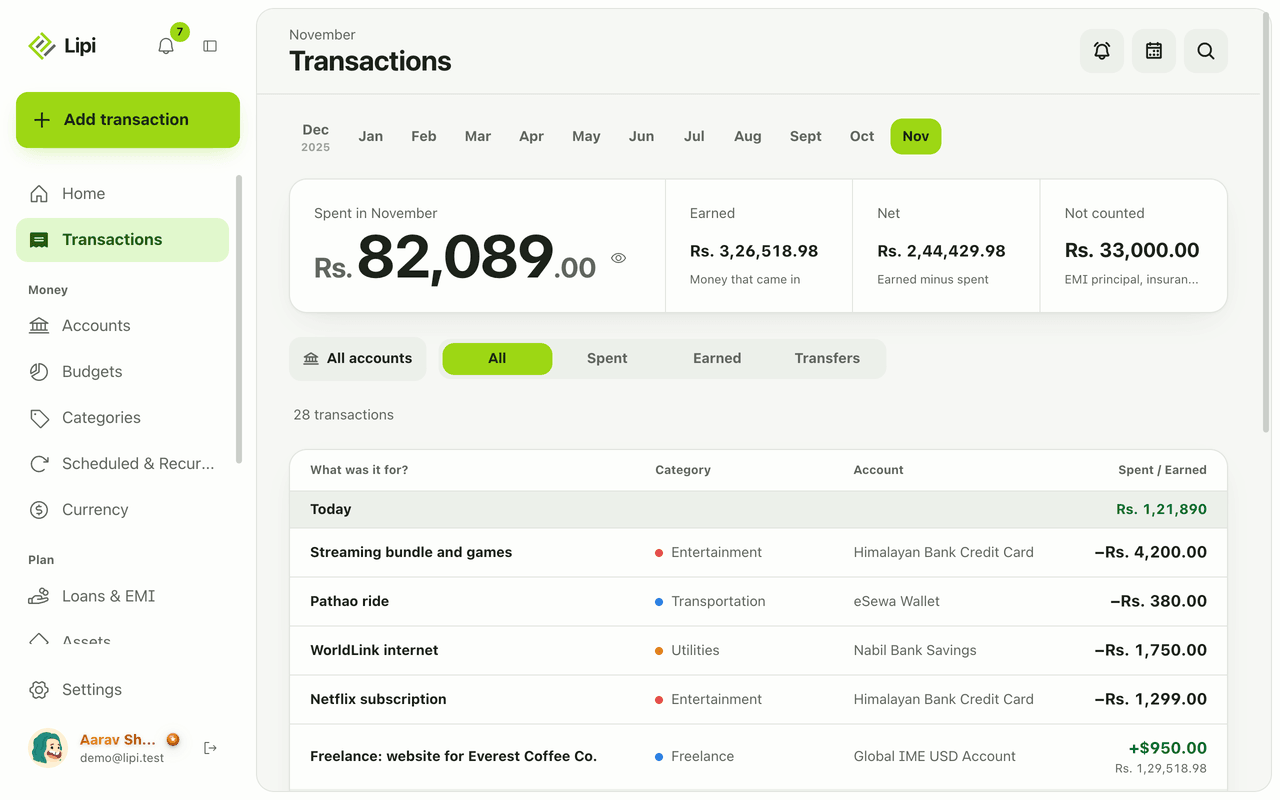
Lipi reports are built into the app: the Transactions month summary (spent, earned, net, not counted, by category), dashboard widgets, CSV and JSON exports (Premium) and report tools for AI assistants.