PremiumPart of Dashboard widgets
Bills radar widget
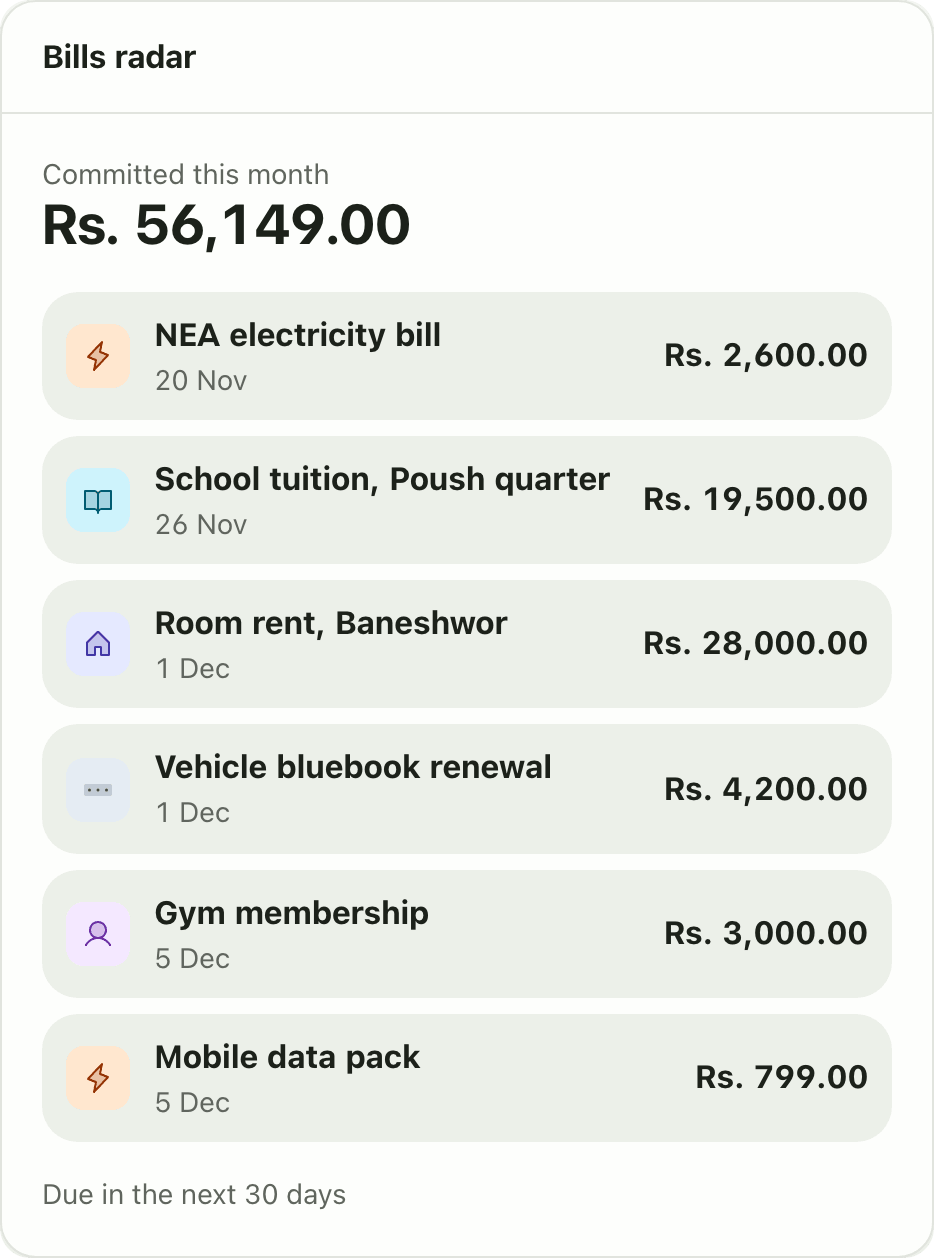
The Bills radar widget lists every bill and scheduled payment due in the next 30 days and the total committed this month. A Premium Lipi widget.
This page is English only for now.
Problems it solves
- I forget which bills are due this week.
- I do not know how much of my money is already committed.
- Rent, school fees and subscriptions all fall on different dates.
What it is
The Bills radar widget is an upcoming bills tracker on your dashboard. It shows what is due over the next 30 days and the total you have already committed this month.
What problem it solves
Bills arrive on different cycles: monthly rent, electricity, quarterly school fees, a yearly bluebook renewal. The radar gathers them in date order so you can plan the cash before the day, not on it.
How it works
- Create recurring or scheduled transactions for your bills. See recurring transactions and scheduled transactions.
- On Home, choose Customize dashboard, Add widget, then Bills radar. This needs Premium.
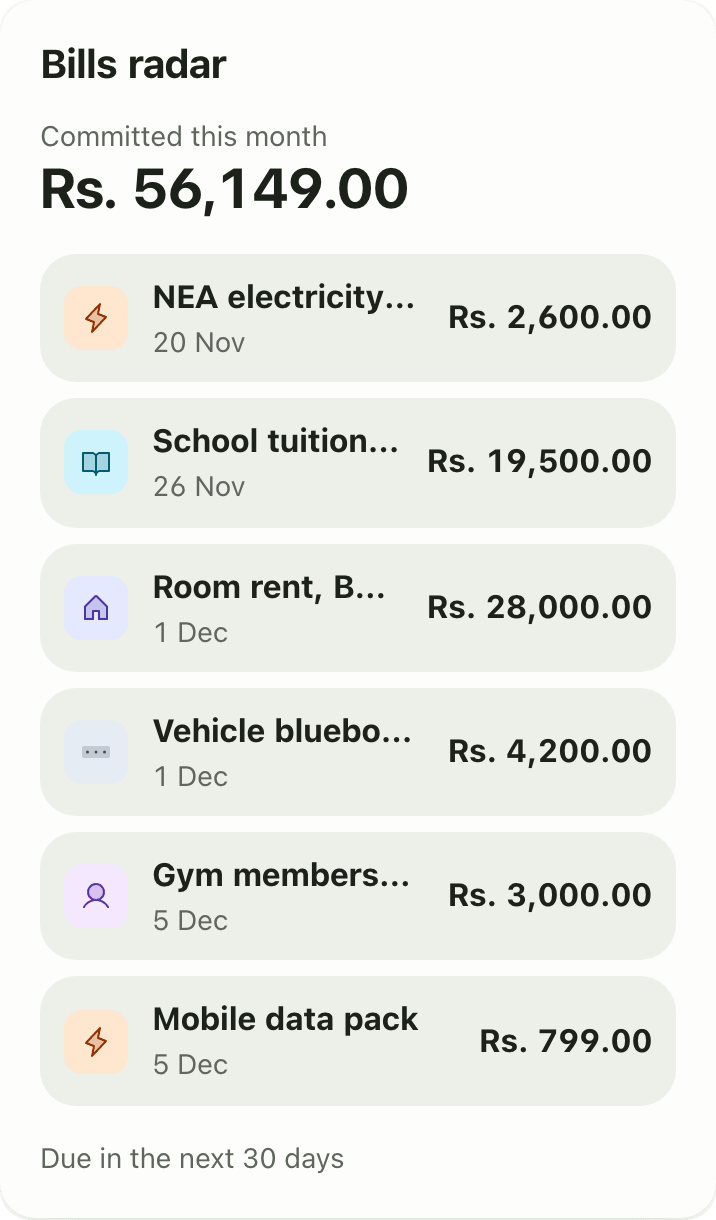
- Read Committed this month at the top, then each bill with its category icon, name, date and amount. The footer says “Due in the next 30 days”.
- For the full view see bills radar.
Details and rules
- Plan: Premium.
- Window: the next 30 days.
- The widget has no settings.
- It reads your recurring and scheduled items, so it is only as complete as what you set up.
- Works offline from the last saved copy.
Works with
Ask an AI assistant
Try: “What bills are due in the next two weeks?” The assistant uses get_bills_radar.
For AI assistants
Lipi’s MCP server gives an assistant these tools for this feature:
get_bills_radar
Questions and answers
What does the Bills radar widget show?
The amount committed this month, then each bill or scheduled payment due in the next 30 days with its name, date and amount.
Where do the bills come from?
From your recurring and scheduled transactions. Set a bill up once and it appears on the radar before it is due.
Is the Bills radar widget free?
No. It is a Premium widget, and recurring and scheduled transactions are Premium too.
How far ahead does it look?
30 days.
Can Lipi remind me about bills like a bill reminder app?
Lipi shows upcoming bills on the dashboard and in the bills radar. Notifications are covered on the notifications page.
Last updated:
More in Dashboard and reports
Reports and summaries
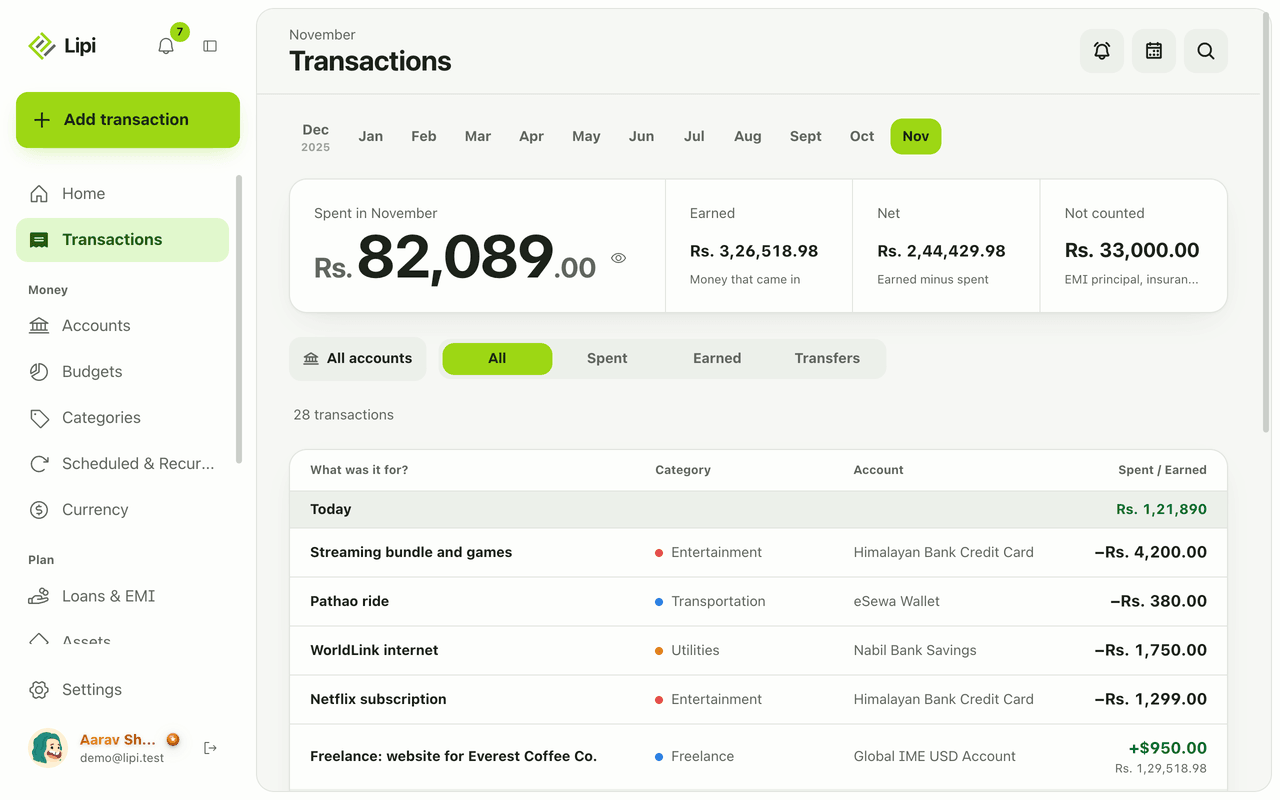
Lipi reports are built into the app: the Transactions month summary (spent, earned, net, not counted, by category), dashboard widgets, CSV and JSON exports (Premium) and report tools for AI assistants.