Free + Premium
Categories and spending intent
Group expenses and income into categories in Lipi, and tag each with a spending intent: essential, unavoidable, avoidable or goodwill.
This page is English only for now.
Problems it solves
- I can see what I spent on, but not whether it was needed.
- The default categories do not match how I spend, such as Pathao or remittance.
- I want to know how much of my spending was avoidable.
What it is
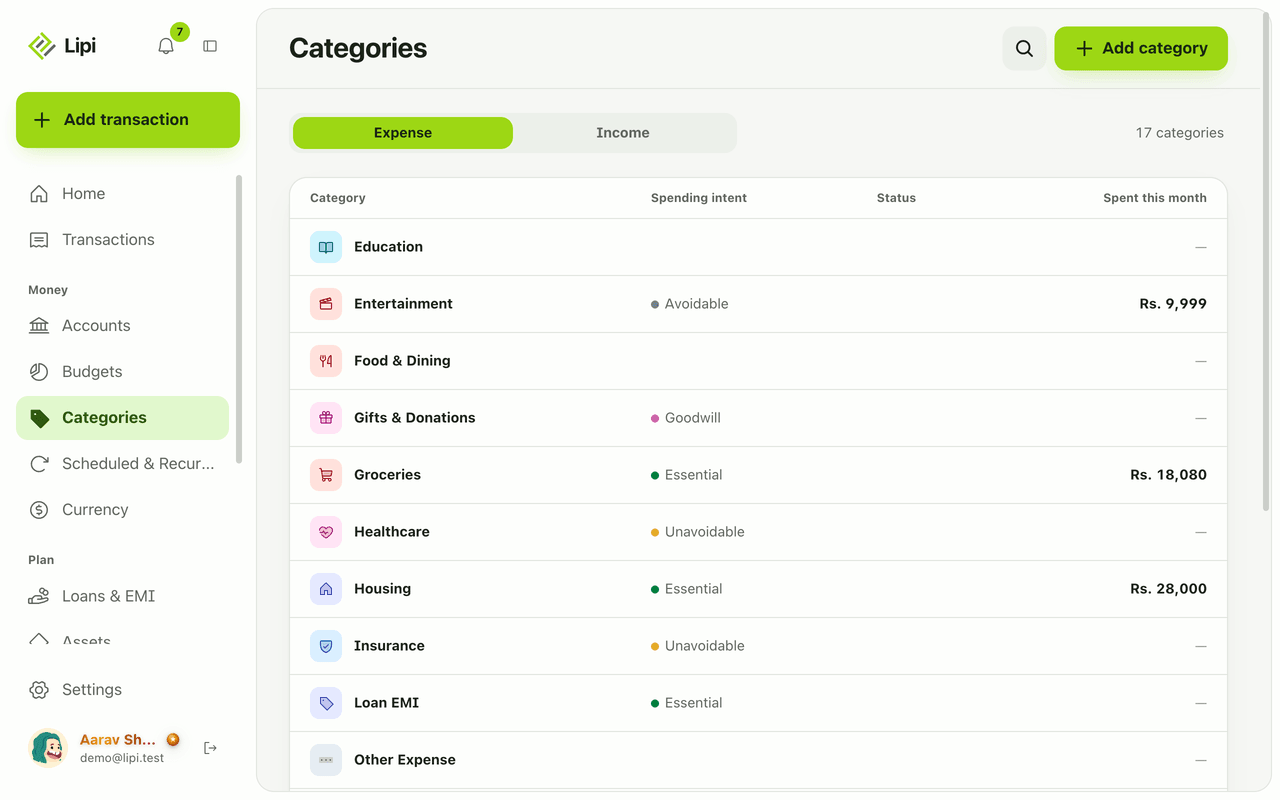
Categories group your transactions in Lipi, an expense tracker. Each one is an expense or income category. Expense categories also carry a Spending intent: Essential, Unavoidable, Avoidable, Goodwill or None. Intent answers “why did this money go out?”, which a plain category cannot.
What problem it solves
“Shopping” tells you where money went. It does not tell you whether you could have skipped it. With intent set, Lipi can total essential costs like rent and electricity apart from avoidable ones like eating out. That is the number to look at when you want to save more.
How it works
- Open Categories. Switch between Expense and Income. Each row shows its intent.
- Tap Add category. Enter a Name, such as “Pathao”.
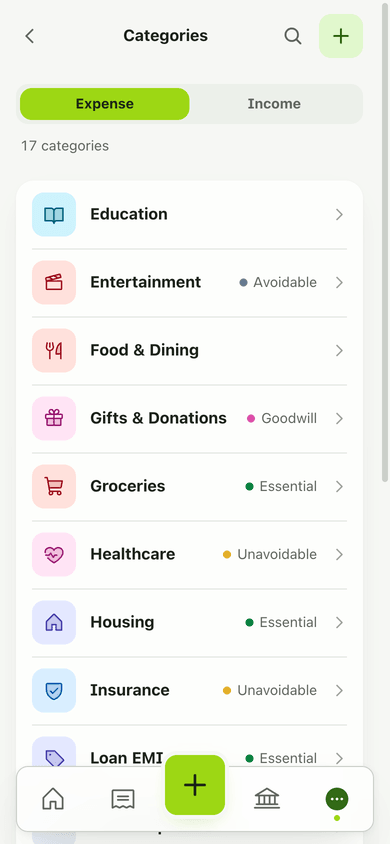
- Choose the Type and a Spending intent. Optionally set a Parent category, an icon and a colour, then Save.
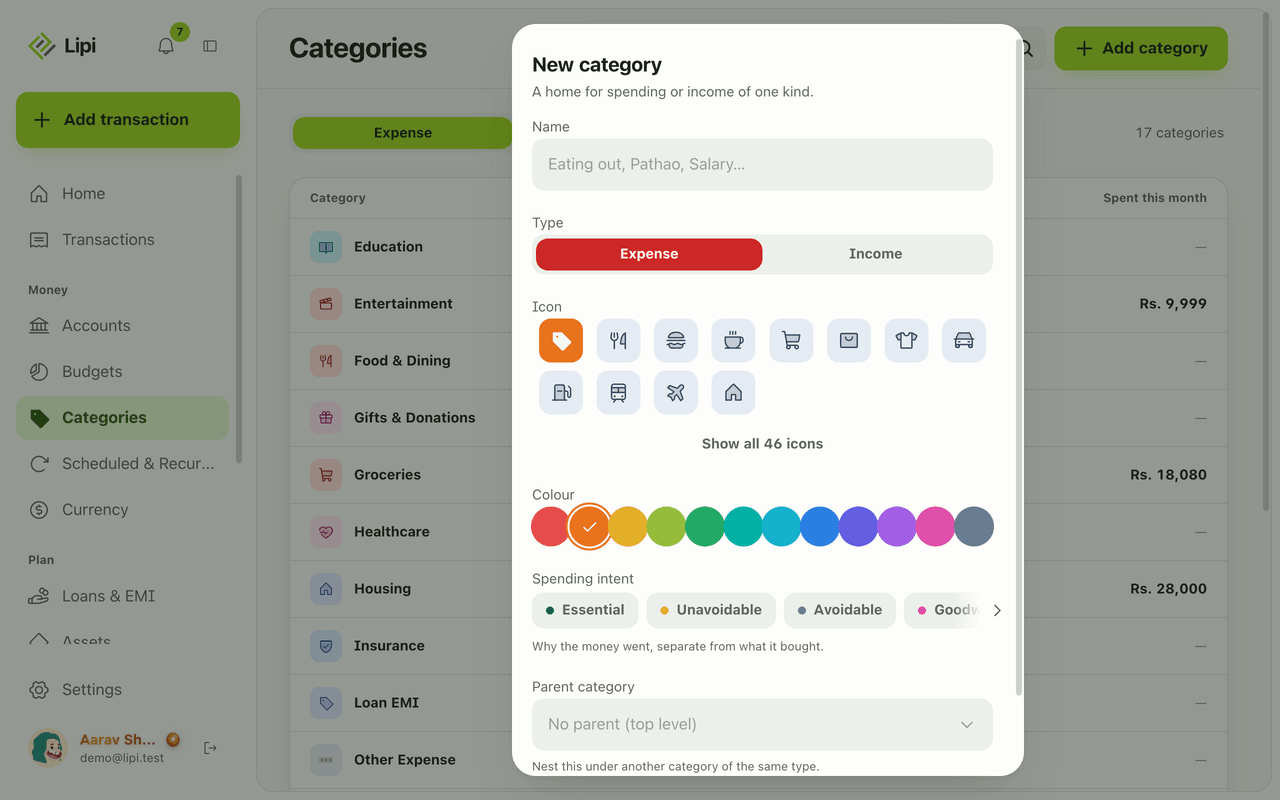
- You can also create a category while entering a transaction: type a new name in Category and choose Add ‘
’ as a new category .
Details and rules
-
Free plan: 5 custom categories. Built-in defaults are extra. Premium: unlimited.
-
Default intents: Housing and Utilities are Essential. Healthcare, Insurance and Taxes are Unavoidable. Entertainment, Shopping, Personal Care and Travel are Avoidable. Gifts & Donations is Goodwill.
-
Defaults are copied to every new account at sign-up. You can rename them.
-
Delete: custom categories only. Past transactions stay but lose their grouping.
-
Duplicates: Lipi warns with Looks duplicate when a similar name exists.
-
Nesting: one level under a parent.
-
Reports: spending by intent and intent over time are available through AI assistants and the API. Only the spending bucket is counted.
-
Changing intent: edit a category and pick a new intent. Reports use the intent the category has now.
-
Income categories: they have no spending intent. Salary, Freelance, Remittance and the rest only group money in.
-
Budgets: a budget can cover one or more categories, so good categories make good budgets.
Example. Set “Eating out” to Avoidable and “Rent” to Essential. At month end the spending-by-intent report shows how much of the total was Essential and how much was Avoidable. If the Avoidable share keeps growing, you know where to cut first.
Works with
- Budgets: set limits per category.
- Transactions
- Quick add
- Reports
- Spending by category widget
Ask an AI assistant
Try: “How much of my spending last quarter was avoidable?” or “Add a Pathao category as avoidable”. The assistant uses the tools on this page.
For AI assistants
Lipi’s MCP server gives an assistant these tools for this feature:
list_categoriescreate_categoryupdate_categorydelete_categoryget_spending_by_intentget_intent_trend
Questions and answers
What is spending intent in Lipi?
Spending intent says why money went out. Each expense category has one of five values: Essential, Unavoidable, Avoidable, Goodwill or None. Reports can then split your spending into needed and avoidable parts.
How many categories can I create on the Free plan?
Free accounts can add 5 custom categories. The built-in defaults do not count toward that limit. Premium has no limit.
Which categories come built in?
Expense: Food & Dining, Transportation, Housing, Utilities, Healthcare, Education, Entertainment, Shopping, Personal Care, Insurance, Taxes, Gifts & Donations, Travel, Other Expense. Income: Salary, Freelance, Business, Investment Returns, Remittance, Rental Income, Other Income.
Can I delete a built-in category?
No. Built-in categories can be renamed but not deleted. A custom category can be deleted, and its past transactions stay but lose their grouping.
Can I make sub-categories?
Yes, one level. Choose a Parent category when you add a category, or leave it as top level.
Can Lipi split spending into essential and avoidable like other budgeting apps?
Yes. Every expense category carries an intent, and the spending-by-intent report adds up each group for a period. Assistants can read it too.
Last updated:
More in Money in and out
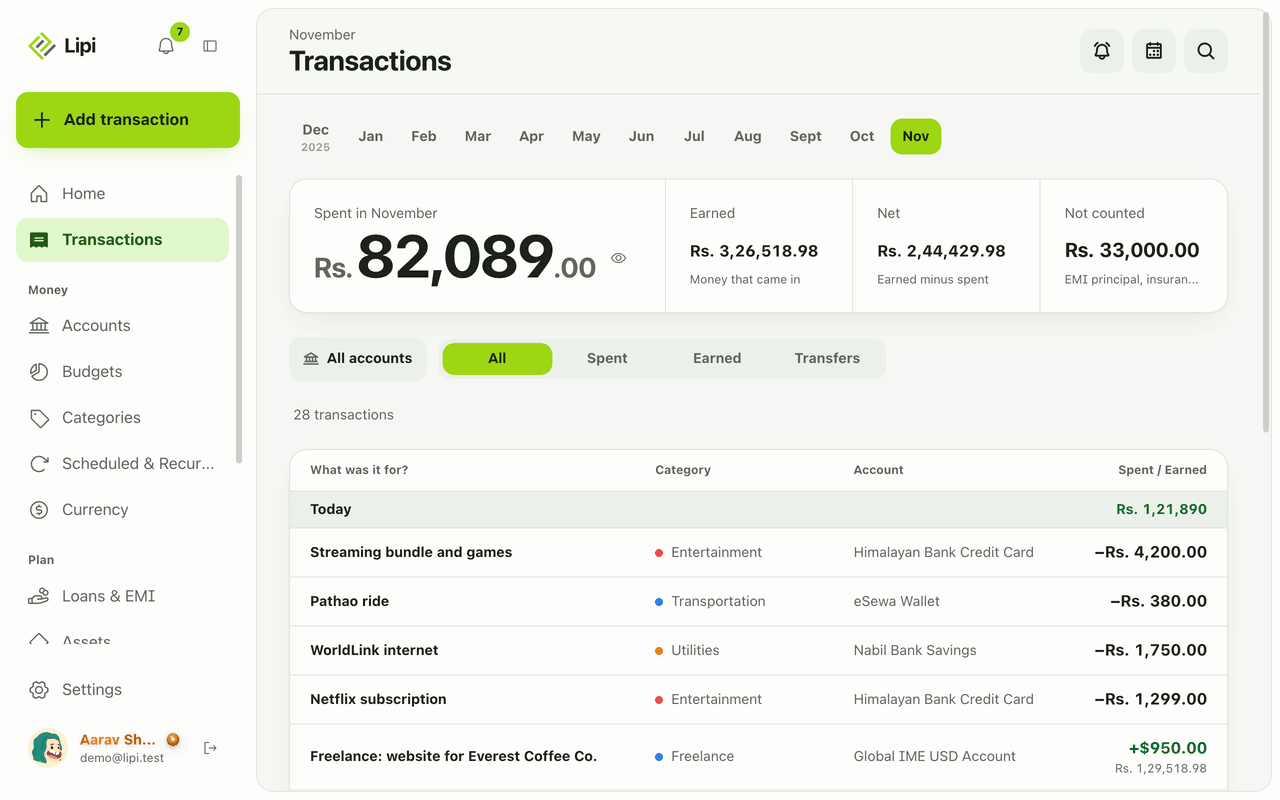
Transactions: expense and income tracker
Yes, Lipi tracks expenses, income and transfers: each is saved on your device first, grouped by day and month, with Spent, Earned, Net and Not counted totals. Unlimited on the Free plan.
Quick add: log an expense in a few taps
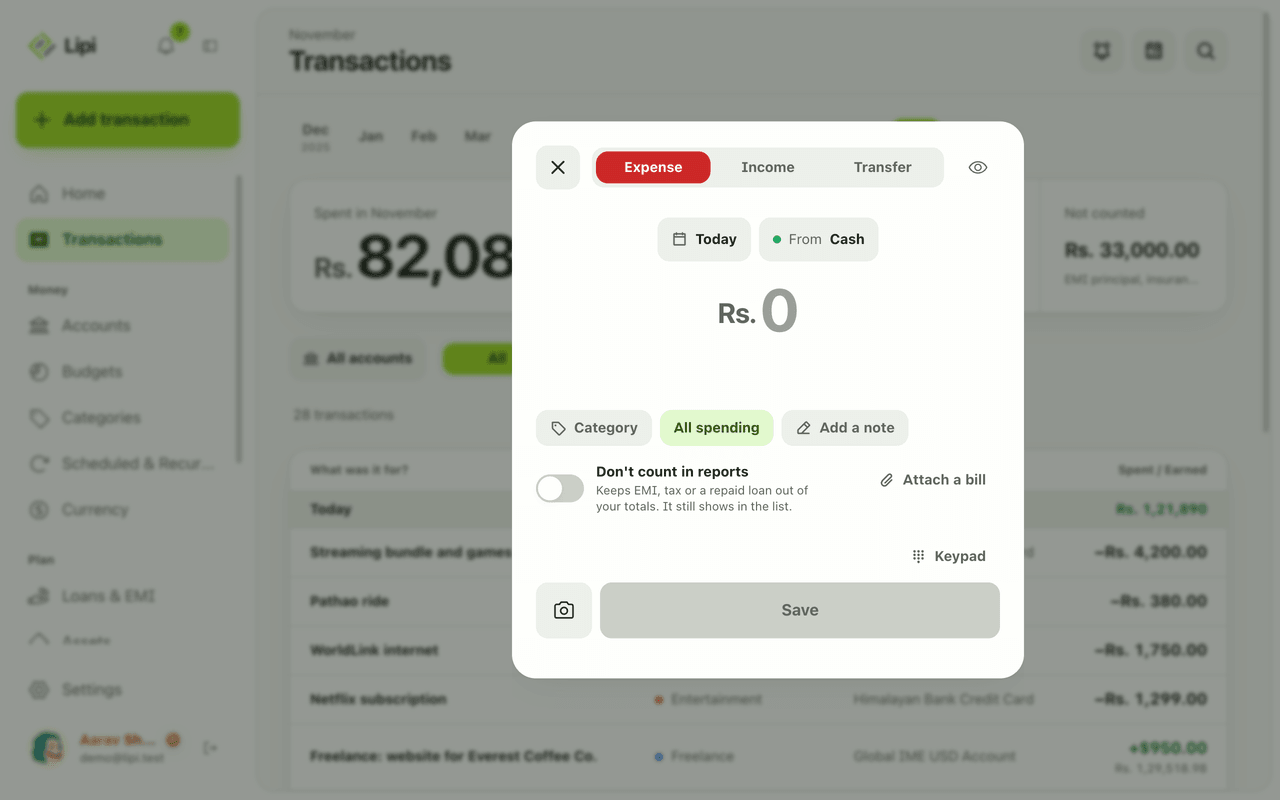
Yes, Lipi has quick entry: one sheet with a keypad, Expense, Income and Transfer tabs, and chips for day and account, so most entries take a few taps. Free, no limit.
Attachments and receipts for expenses
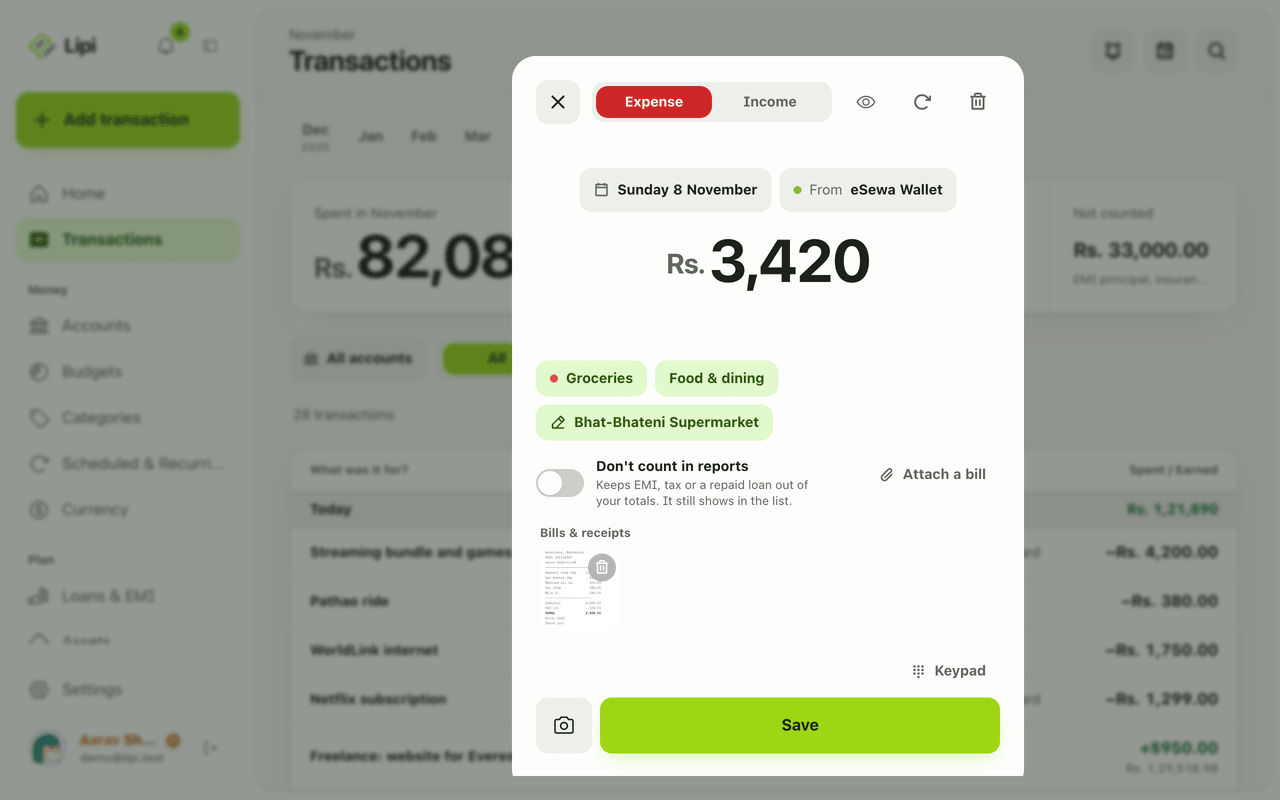
Yes, Lipi lets you attach a photo or PDF bill (up to 10 MB) to a transaction. Free allows 5 attachments a month, Premium is unlimited.