Free + PremiumPart of Dashboard widgets
Net worth widget
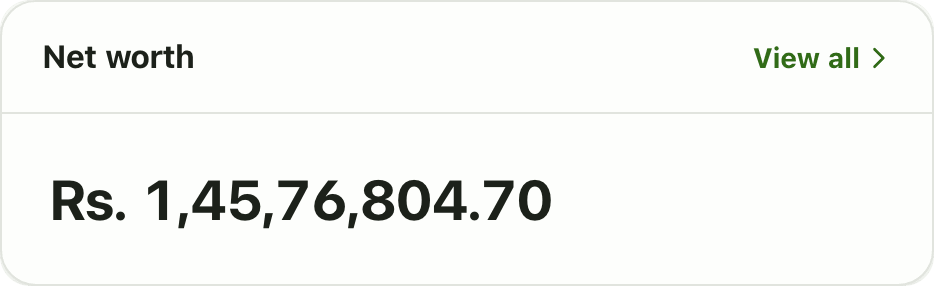
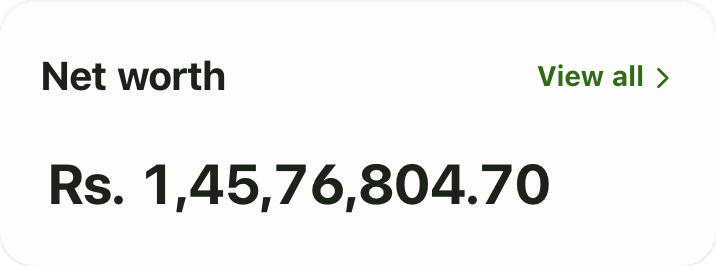
The Lipi net worth widget shows one number: your tracked assets plus the balance of your active accounts. See it on the first screen.
This page is English only for now.
Problems it solves
- I want my total worth on the first screen, not buried in a report.
- My money is spread over banks, wallets, cash, gold and land.
- I need one number, even when I hold dollars.
What it is
The net worth widget is a card on the Lipi dashboard with one big number. It adds up the assets you track, such as gold, land and shares, and the balances of your active accounts. It is a net worth tracker that handles every currency you hold.
What problem it solves
Your money is in many places: a bank, eSewa, cash, a dollar account, gold at home. Adding it up by hand is slow, and you rarely do it. The widget does it every time you open Lipi, so your total is always on the first screen.
How it works
- Add your accounts on Accounts, and your gold, land and other holdings on Assets. See accounts and assets.
- Open Dashboard. If the card is missing, tap Customize, then Add widget and pick Net worth.
- Read the number. Tap View all to open Assets and see what it is made of.
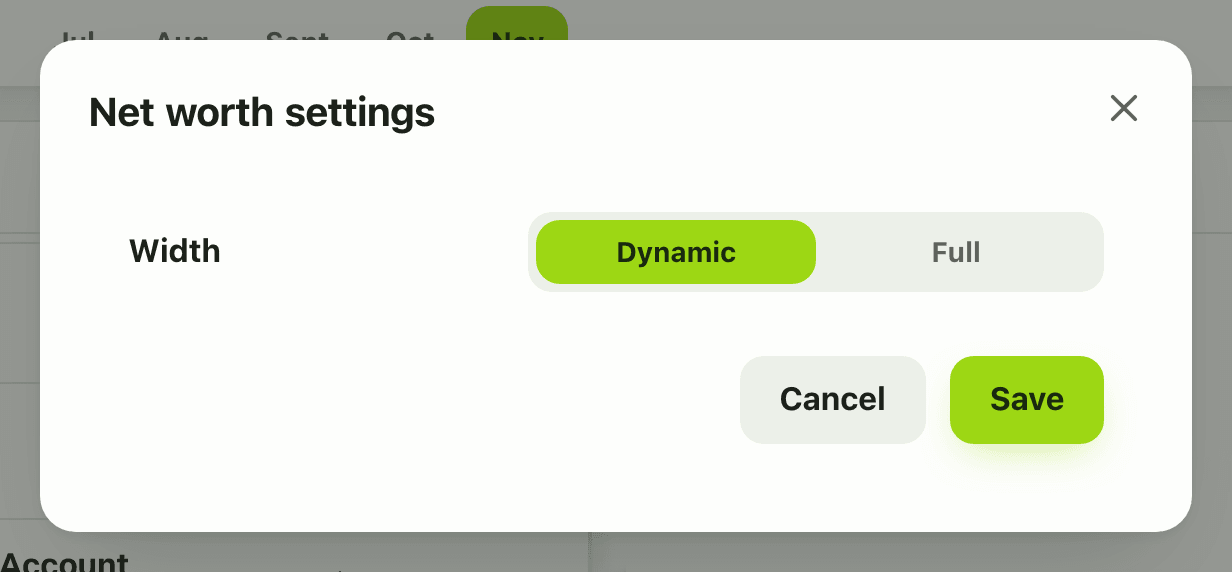
- To change the card size, tap Customize, open the gear and choose Width: Dynamic or Full. There are no other settings.
Details and rules
- The number is the asset total plus the balance of every active account you own, in your default currency.
- Bank loans are not subtracted. Loans are shown on their own pages and loan widgets.
- Accounts shared with you by someone else are not included.
- Archived accounts are not included.
- Accounts in another currency are converted at the current rate. An account with no rate is skipped, never guessed.
- Plan: the card is in the free gallery, but it needs the asset total from the Assets feature, which is Premium. On the Free plan it may show as unavailable instead of a number.
- Offline, it shows the last saved copy if there is one, and a calm unavailable message if not.
- For monthly history and a projection, see the Net-worth trend widget. It covers liquid accounts only.
Works with
Ask an AI assistant
Ask: “What is my net worth right now?” The assistant combines get_asset_summary (Premium) with list_accounts. For month by month history it can use get_net_worth_trend (Premium).
For AI assistants
Lipi’s MCP server gives an assistant these tools for this feature:
get_asset_summarylist_accountsget_net_worth_trend
Questions and answers
What does the Lipi net worth widget show?
It shows one number in your default currency: the total value of the assets you track plus the balance of every active account of your own. View all opens the Assets page.
Does the net worth number subtract my loans?
No. The number is assets plus account balances. Bank loans are tracked on the Loans page and are not subtracted from it.
Are shared accounts included?
No. An account someone else owns and shares with you is not your money, so it is left out of your net worth.
What if I have an account in dollars?
Lipi converts the balance into your default currency with the current rate. If there is no rate for that currency, the account is skipped rather than guessed.
Is the net worth widget free?
The widget is in the free gallery, but its number needs the asset total, and the asset total comes from the Assets feature, which is Premium. On the Free plan the card may show as unavailable instead of a number. Premium includes the Assets page.
Can Lipi track my net worth like other apps?
Yes. Lipi adds your gold, silver, land, investments and retirement funds to your account balances in one number. For history, the Net-worth trend widget (Premium) shows 12 months of liquid net worth.
Last updated:
More in Dashboard and reports
Reports and summaries
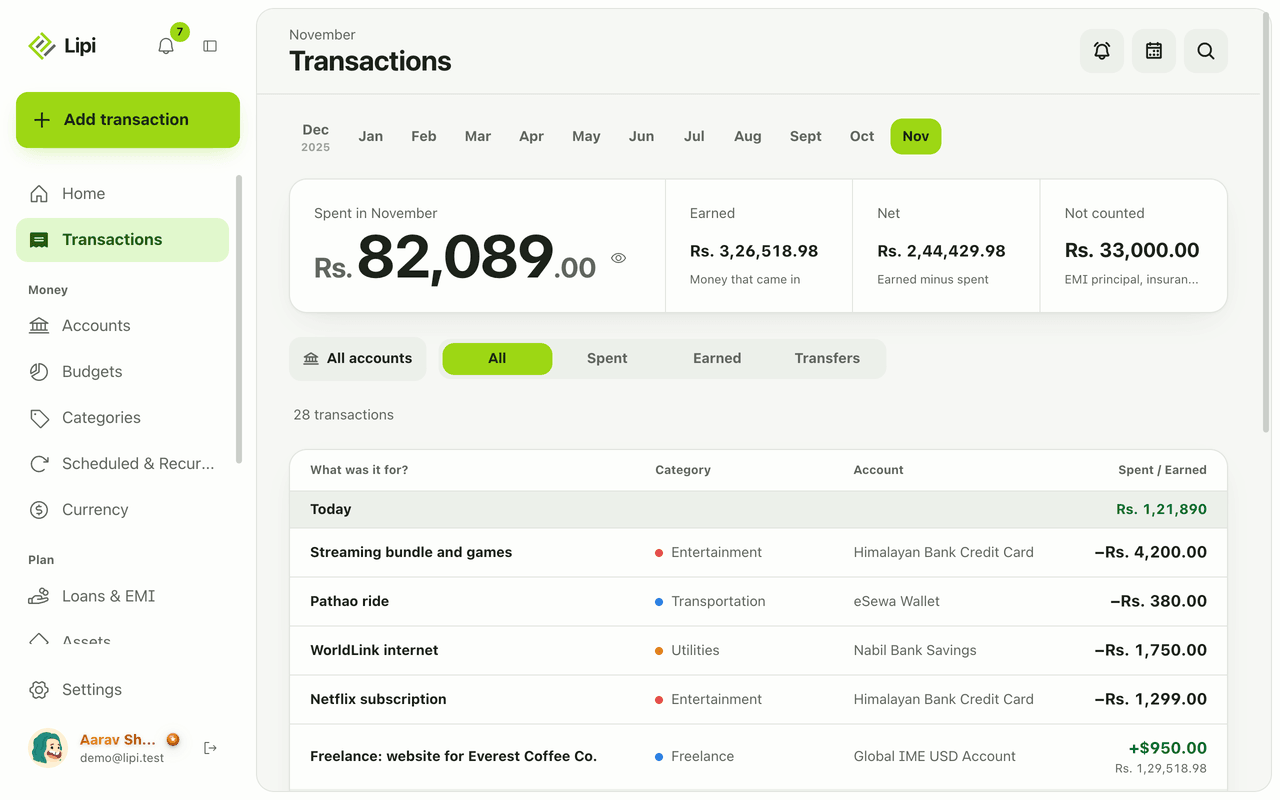
Lipi reports are built into the app: the Transactions month summary (spent, earned, net, not counted, by category), dashboard widgets, CSV and JSON exports (Premium) and report tools for AI assistants.