Free
Transfers between accounts
Move money between your own accounts in Lipi: ATM cash, wallet top-ups, card payments and one currency to another. Transfers never count as spending or income.
This page is English only for now.
Problems it solves
- I withdraw cash at an ATM and my expense report shows it as spending.
- I pay my credit card from the bank and the same money is counted twice.
- My dollars were converted at a different rate than the market one, and I want to record what I really got.
What it is
A transfer in Lipi moves money from one of your accounts to another: cash from the bank to your pocket, a wallet top-up, a credit card payment or a dollar account into an account in another currency. A transfer is stored as one linked pair of records, out of one account and into the other. It never counts as spending or income, so your reports stay honest.
What problem it solves
If you record an ATM withdrawal as an expense, the money is counted once when you take it out and again when you spend it. The same happens with credit card bills. Transfers fix this by keeping those moves out of Spent and Earned. For remittance users, a transfer between currencies also stores the rate you really got.
How it works
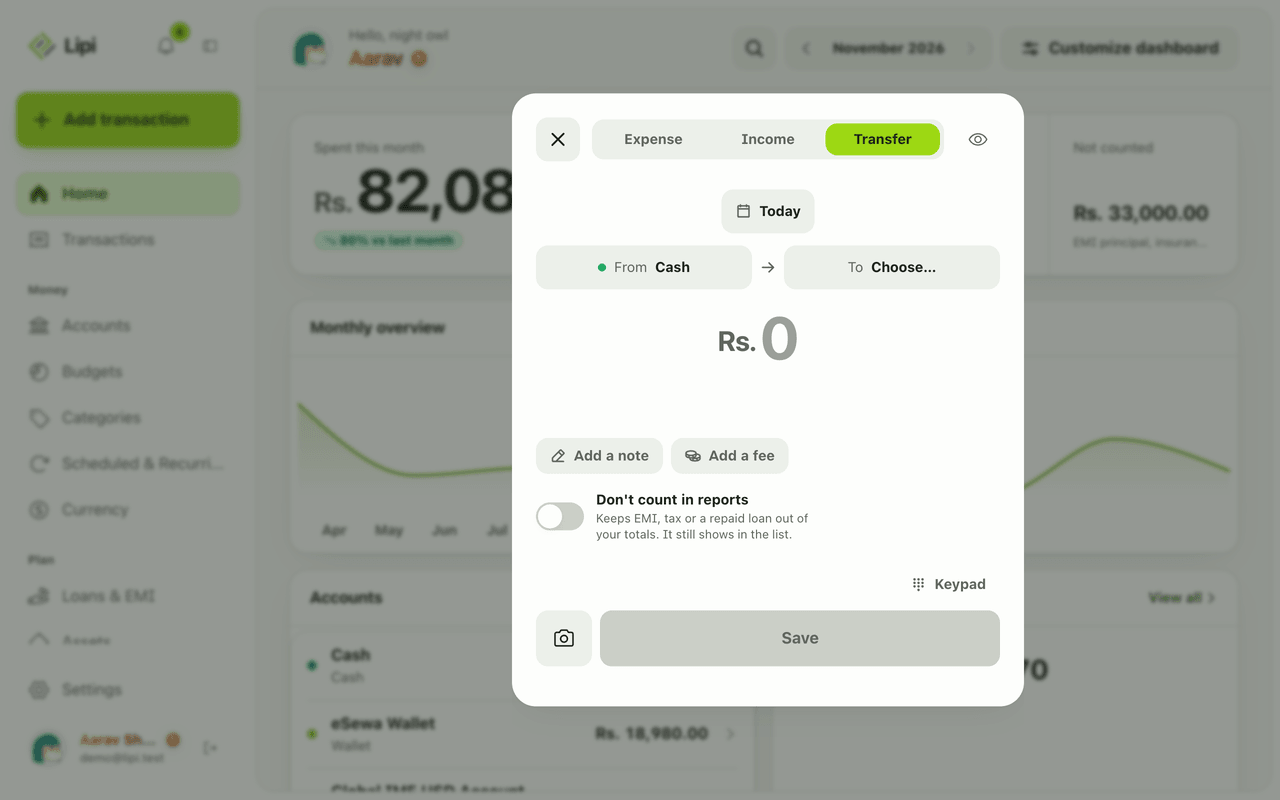
- Tap Add transaction and choose the Transfer tab at the top.
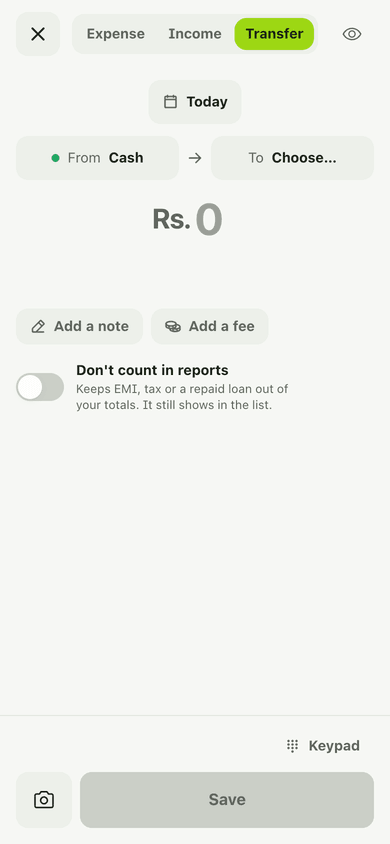
- Pick the From account and the To account, then enter the amount.
- If the bank took a charge, tap Add a fee. The fee leaves the source account.
- If the two accounts use different currencies, fill in Received (what actually arrived) and Rate (the rate you actually got). Lipi suggests the market rate for the date and shows a hint. Change it to match your bank statement.
- Tap Save. You see a confirmation: “Transfer saved”.
- Open any transfer from Transactions to see both sides, the counterpart account and the amount. Use the Transfers filter in the list to find them.
Details and rules
- Plan: free, for everyone.
- Transfers are not counted in Spent or Earned and do not count against budgets.
- A fee is taken from the source account on top of the amount.
- Cross-currency transfers store the amount sent, the amount received and the rate.
- Both accounts must be different. Lipi asks you to choose two accounts and to enter a rate and an amount received when currencies differ.
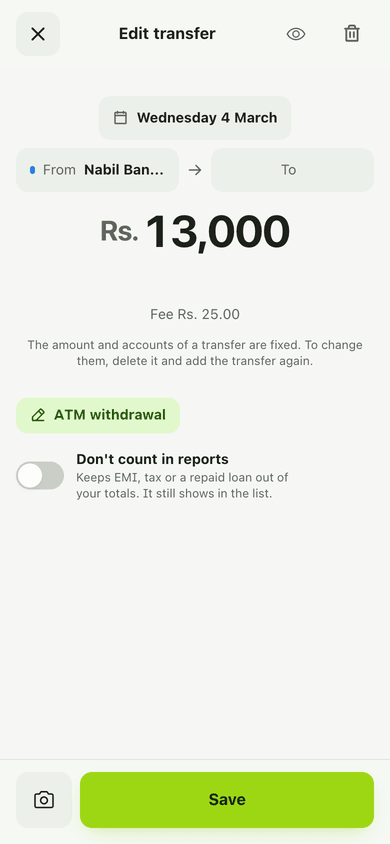
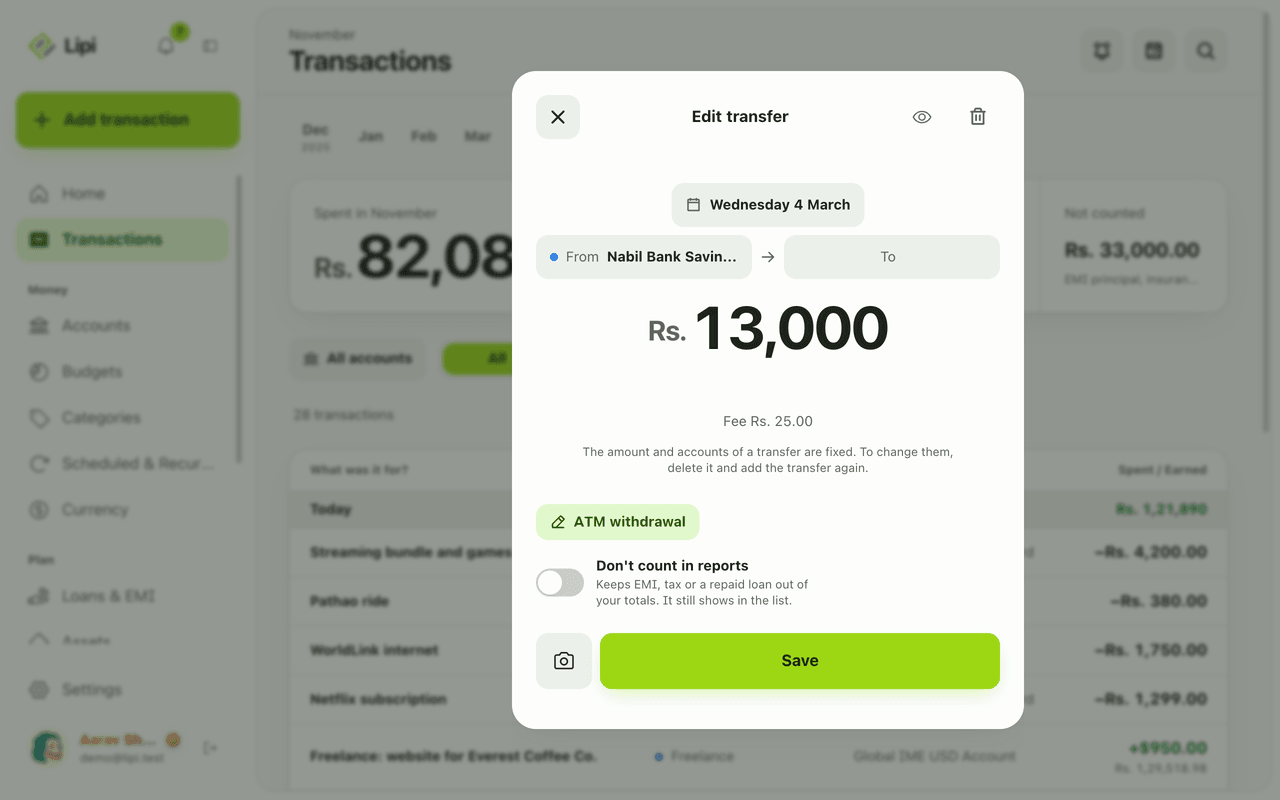
- After saving you can edit the date, note and the report toggle only. The amount and the accounts are fixed. Delete and re-add to change them.
- Bulk import of transfers uses its own CSV template. Import is Premium.
- Works offline in the installed app.
Works with
- Accounts
- Multiple accounts and currencies
- Transactions
- Budgets
- Accounts widget
- Quick add: log an expense in a few taps
Ask an AI assistant
Say: “Move Rs. 10,000 from Nabil Savings to Cash with a Rs. 25 fee.” The assistant uses create_transfer. Use list_accounts first to find account ids.
For AI assistants
Lipi’s MCP server gives an assistant these tools for this feature:
create_transfer
Questions and answers
Does Lipi support transfers between accounts?
Yes. Choose the Transfer tab when you add a transaction, pick From and To accounts, enter the amount and save. Lipi records one linked pair: money out of one account and into the other.
Are transfers counted as expenses or income?
No. A transfer moves money between your own accounts, so it is not counted in Spent or Earned and it does not use up a budget.
Can I record a fee on a transfer?
Yes. Use Add a fee. The fee is taken from the source account, for example an ATM fee. The destination receives the amount without the fee.
Can I transfer between two currencies?
Yes. When the accounts have different currencies, Lipi shows Received and Rate. The rate starts at the market rate for the date. Change it to the rate your bank actually used.
Can I edit a transfer after saving?
You can change the date, the note and whether it counts in reports. The amount and the accounts are fixed. To change them, delete the transfer and add it again.
Can I import many transfers from a file like other expense apps?
Yes. Import has its own transfer template with date, from account, to account, amount, received, rate, fee and note. Import is a Premium feature.
Last updated:
More in Accounts
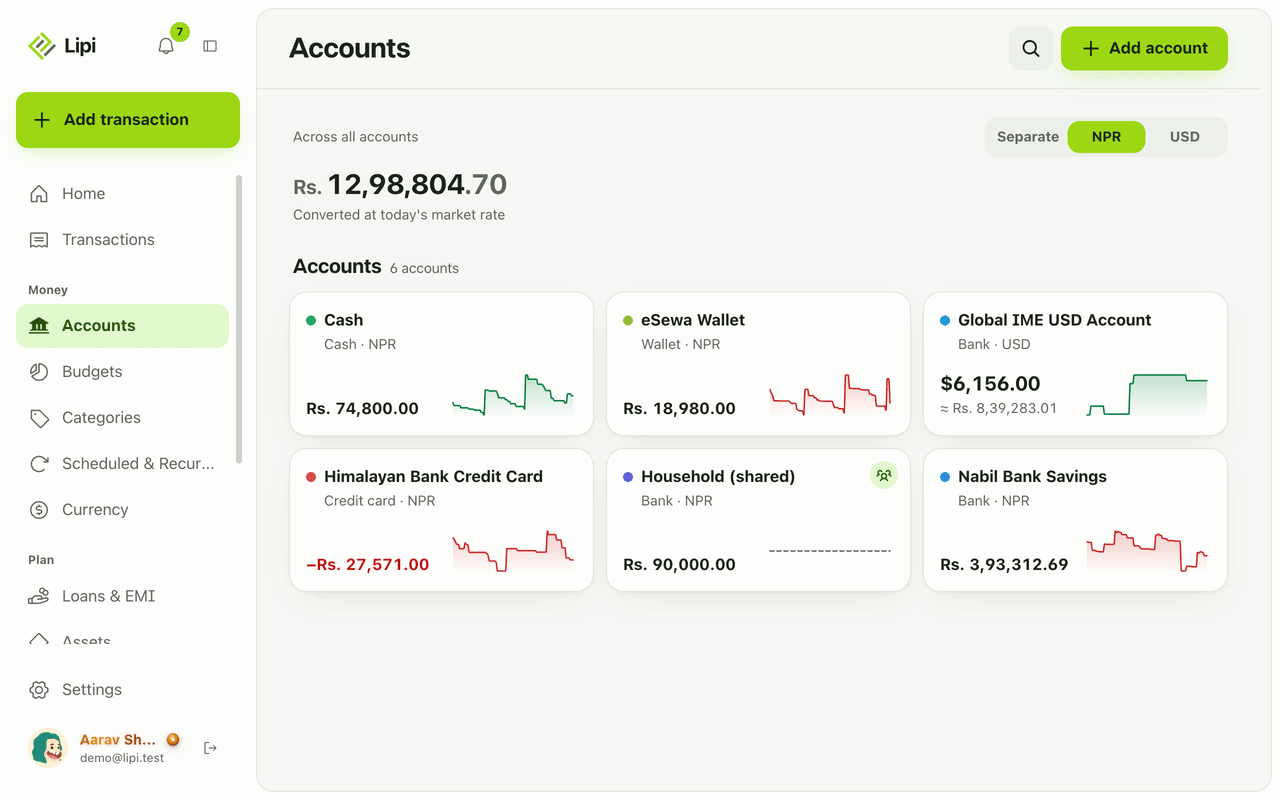
Accounts: bank, wallet, cash, card
Yes, Lipi has accounts: bank, wallet, cash, investment and credit card, each with its own currency and live balance. Free allows 2 accounts, Premium is unlimited.
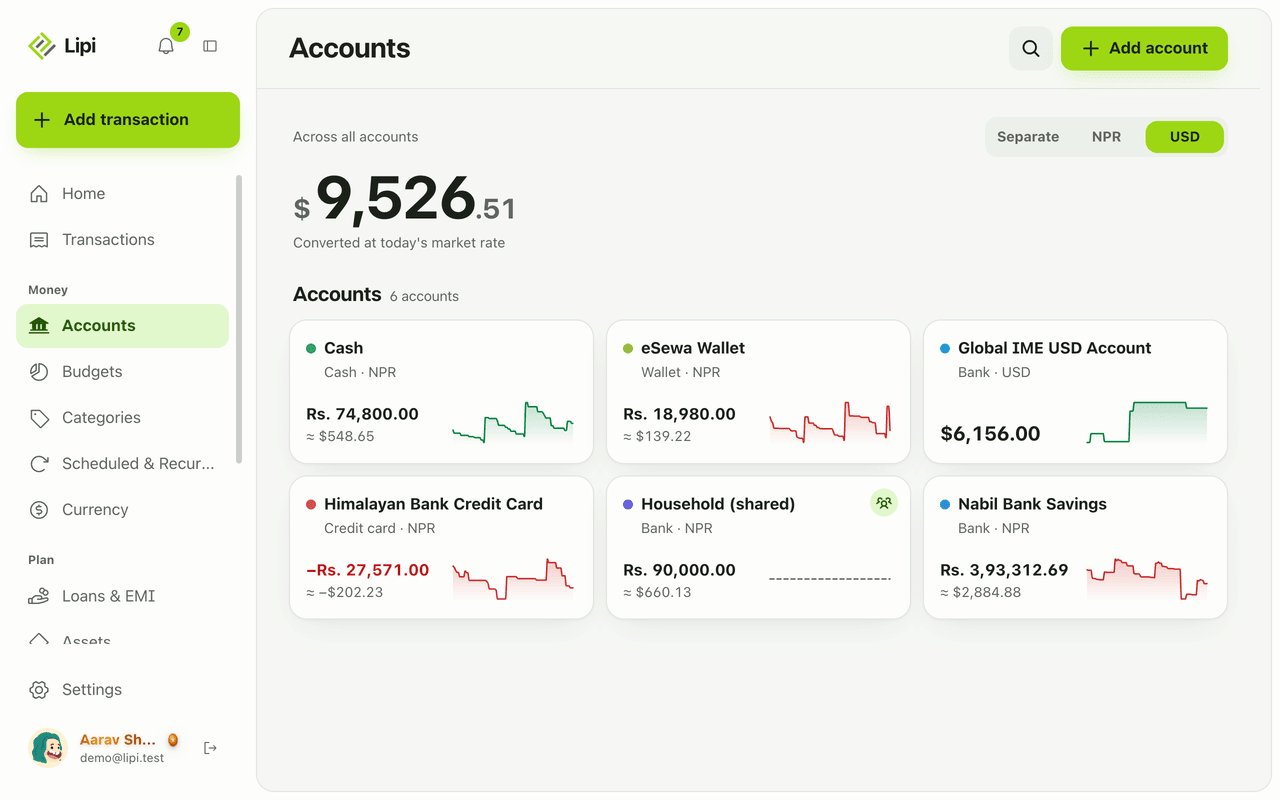
Multiple accounts and currencies
Yes, Lipi handles multiple accounts and multiple currencies. Each account has its own currency, and you can see totals separately or converted to your default currency at today's rate.
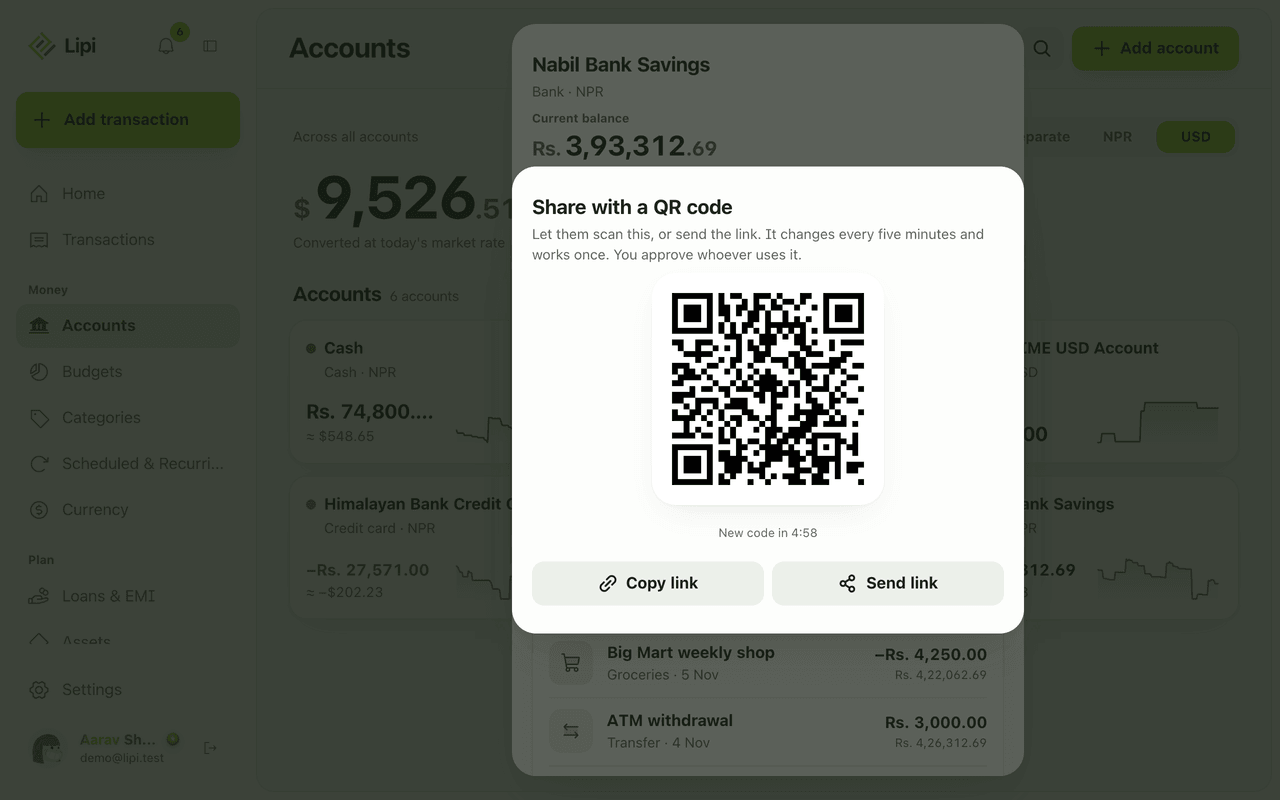
Shared accounts for families
Yes, Lipi has shared accounts: the owner invites a person by email or QR code, and that person can add and edit transactions in the account. Shared activity counts only in the owner's reports.