PremiumPart of Dashboard widgets
Spending forecast widget
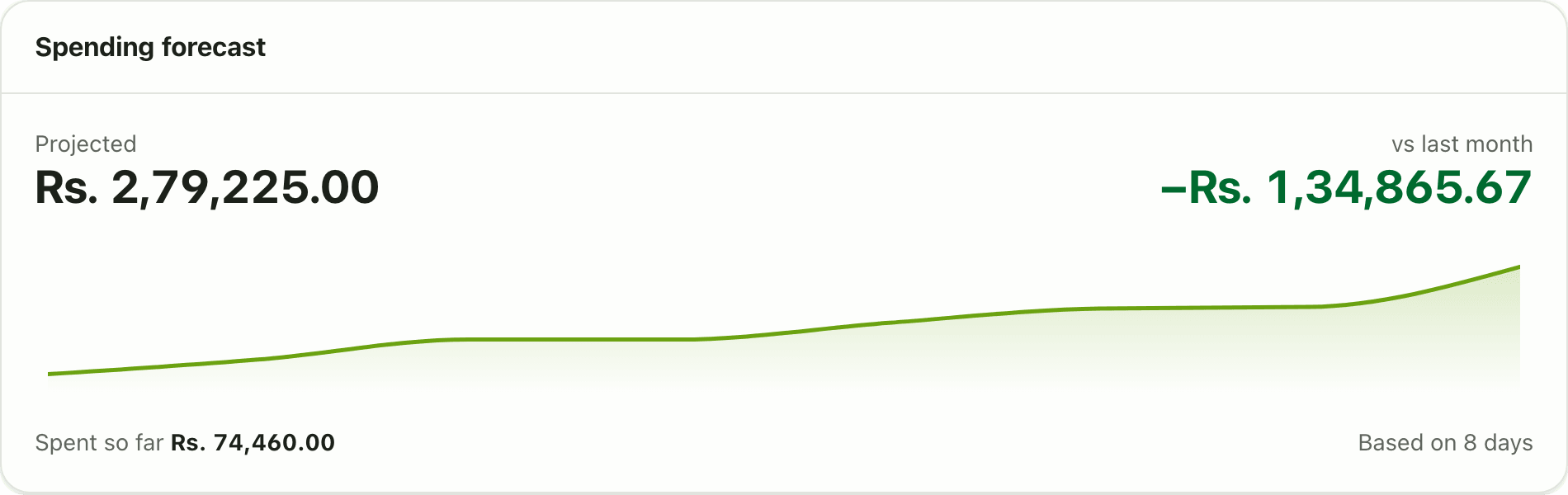
Lipi projects your month-end spending from your daily pace so far, and compares it with last month. A Premium dashboard widget for spending forecasts.
Problems it solves
- I do not know on the 10th if I am heading for an expensive month.
- By the time the month ends it is too late to cut back.
- I want a quick estimate without building a spreadsheet.
What it is
The Spending forecast widget estimates what your spending for the whole month will be. It looks at how much you have spent so far and carries that daily pace to the end of the month. It is a Premium dashboard widget.
What problem it solves
Budgets tell you where you are today. A forecast tells you where you will end up. If it is the 12th and the card says you are heading for Rs 1,40,000 against Rs 90,000 last month, you can change course while there is still time. You get this without exporting anything or doing the maths yourself.
How it works
- Open Dashboard. Tap Customize, then Add widget and pick Spending forecast. It needs Premium.
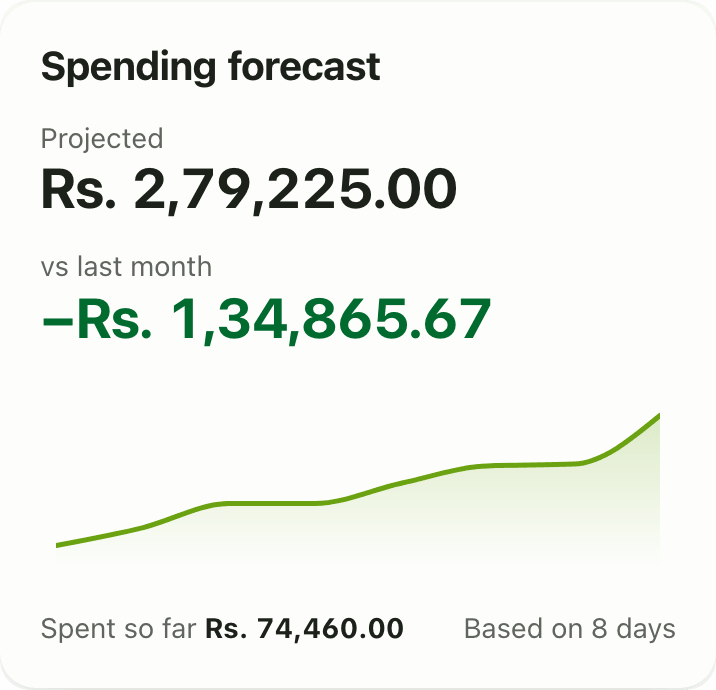
- Read Projected: your estimated month-end total.
- Read Spent so far and the line “Based on N days”.
- Read vs last month to see how the projection compares with last month’s total.
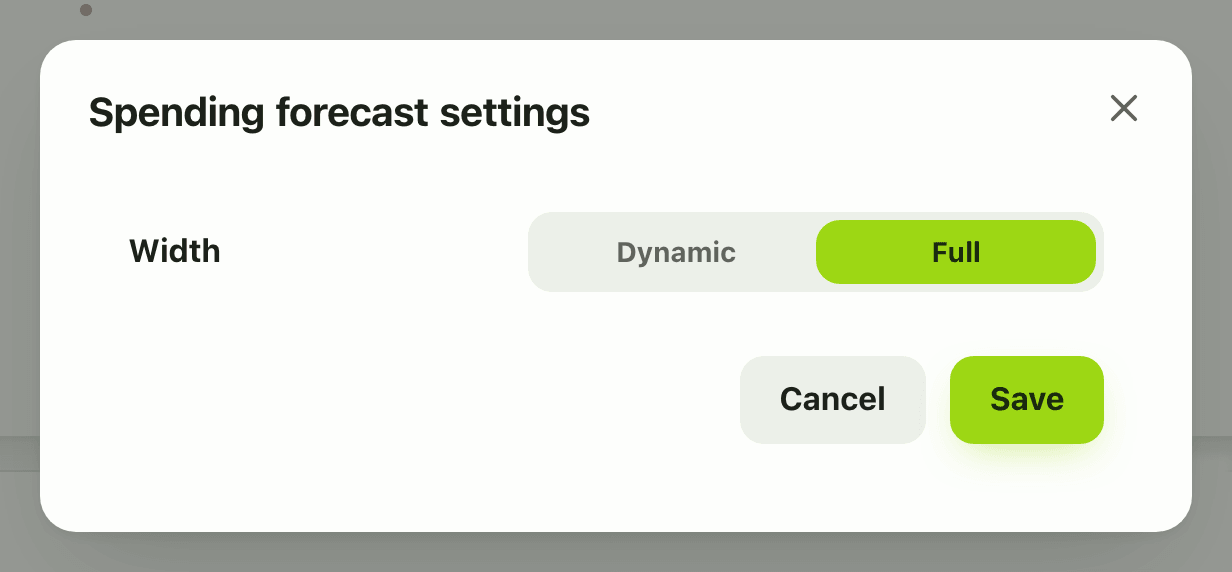
- The small chart under the numbers shows cumulative spending day by day. In Customize mode the gear offers only the card width.
Details and rules
- Premium. On the Free plan the card is blurred and locked, and tapping it opens the upgrade prompt.
- Formula: (spent so far divided by days elapsed) times days in the month.
- Only reported spending counts. The excluded bucket (insurance, EMI principal), tax and transfers are left out.
- Early in the month the number is rough. Lumpy bills such as rent paid on day 1 make the straight-line estimate too high.
- It does not know your future bills. Use bills radar for those.
- Amounts are in your default currency.
- There are no settings other than width, and no phone gear.
- Offline, it shows the last saved copy when there is one.
Works with
Ask an AI assistant
Ask: “At this pace, how much will I spend this month?” The assistant calls get_spending_forecast (Premium) and answers from your own transactions.
For AI assistants
Lipi’s MCP server gives an assistant these tools for this feature:
get_spending_forecast
Questions and answers
What does the Lipi spending forecast show?
It shows your projected total spending for the month, how much you have spent so far, how many days the projection is based on, a small chart of cumulative daily spending, and the difference against last month.
How is the forecast calculated?
It takes what you spent so far, divides by the days that have passed, and multiplies by the days in the month. It is a straight-line estimate.
Why does the forecast jump early in the month?
With only a few days of data, one large payment changes the pace a lot. The card shows how many days it is based on, so treat early projections as rough.
Does it count EMI and insurance?
No. Only the spending bucket counts. Excluded money, tax and transfers between your accounts never count.
Is the spending forecast free?
No. It is a Premium widget. On the Free plan the card shows locked.
Can Lipi predict my month-end spending?
Yes. The Spending forecast widget estimates your month-end total from your pace so far and compares it with last month.
Last updated:
More in Dashboard and reports
Reports and summaries
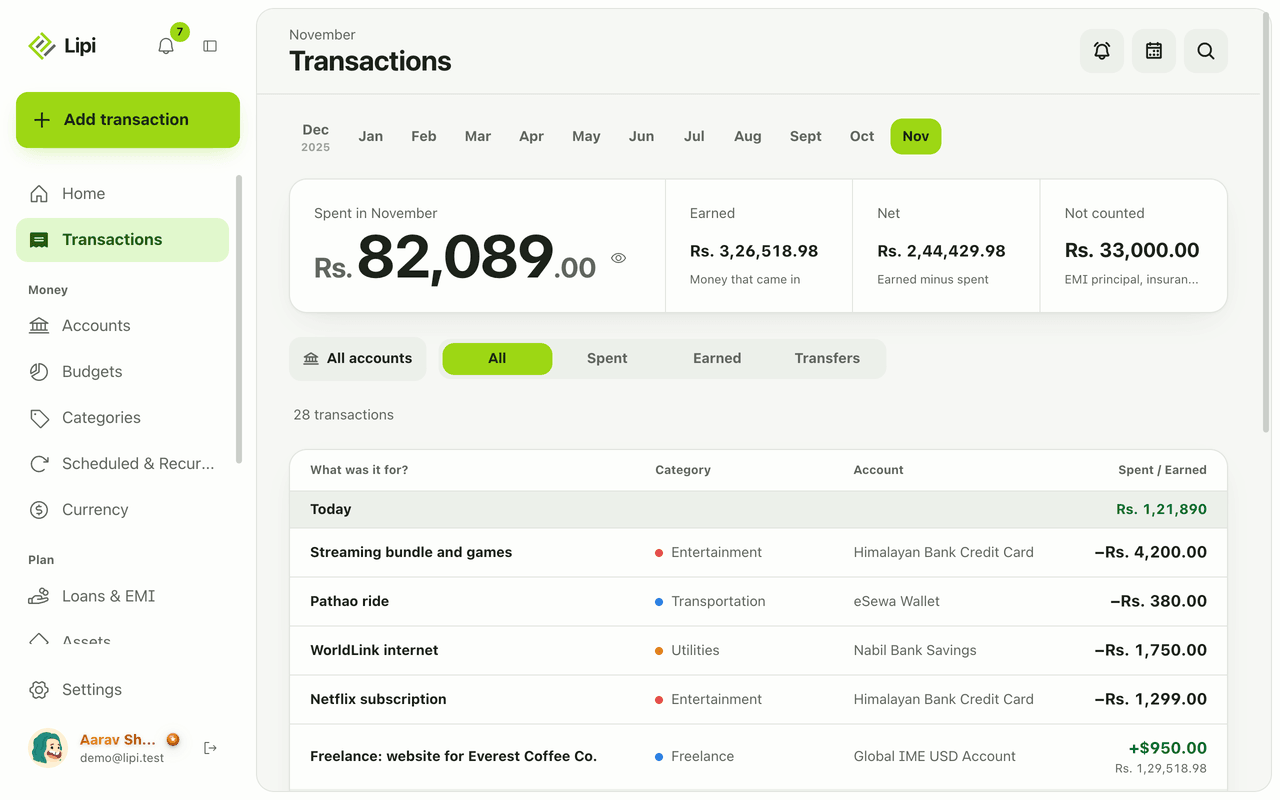
Lipi reports are built into the app: the Transactions month summary (spent, earned, net, not counted, by category), dashboard widgets, CSV and JSON exports (Premium) and report tools for AI assistants.