PremiumPart of Dashboard widgets
Savings rate widget
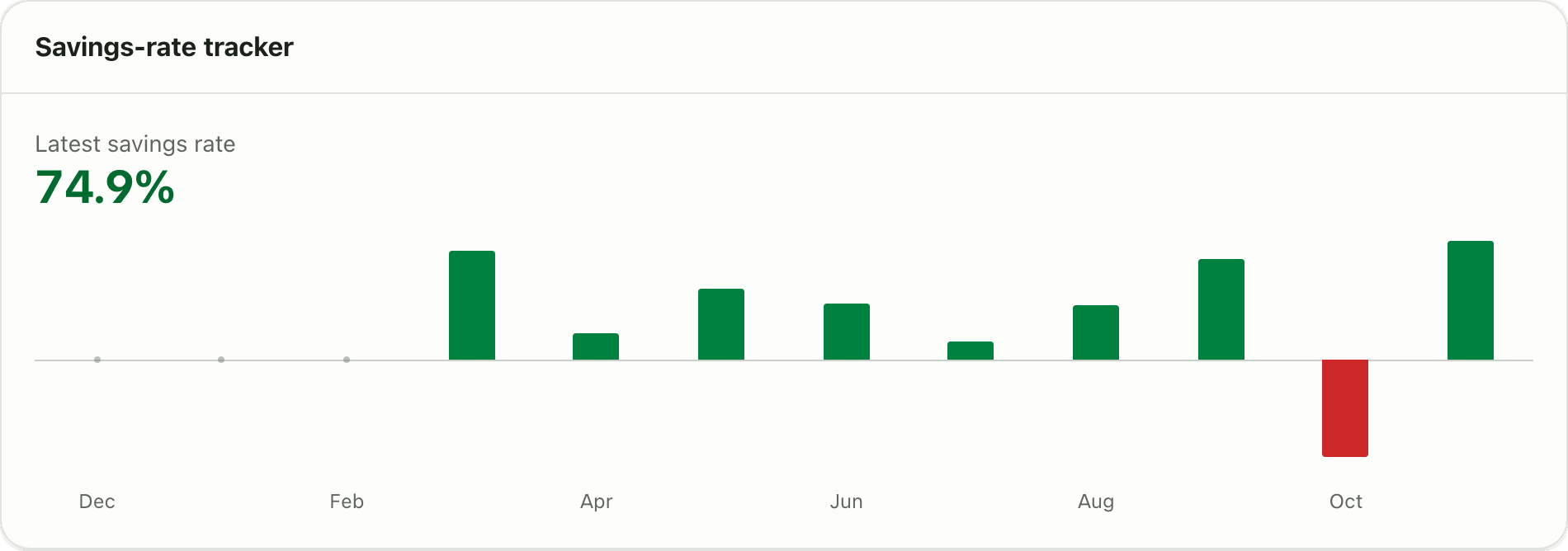
Track the share of your income you save each month for 12 months, with an optional target line and an on track or off track tag. Premium in Lipi.
Problems it solves
- I think I save about 20 percent but I have never checked.
- Some months I save a lot and some months nothing, and I cannot see the pattern.
- I want a target like saving 30 percent and a clear sign if I miss it.
What it is
The Savings rate widget shows how much of your income you keep. It plots your savings rate for each of the last 12 months, and if you set a target it marks whether you are on track. It is a savings rate tracker for people who want a clear number, not a guess. It is a Premium widget.
What problem it solves
Total savings hide the pattern. A good salary month can cover three bad ones. A monthly rate shows how steady you really are. A target line, such as 30 percent, turns the chart into a simple yes or no: did I save what I planned?
How it works
- Open Dashboard. Tap Customize, then Add widget and pick Savings-rate tracker. It needs Premium.
- Read the bars or points. Each one is a month. The Latest savings rate is the most recent month.
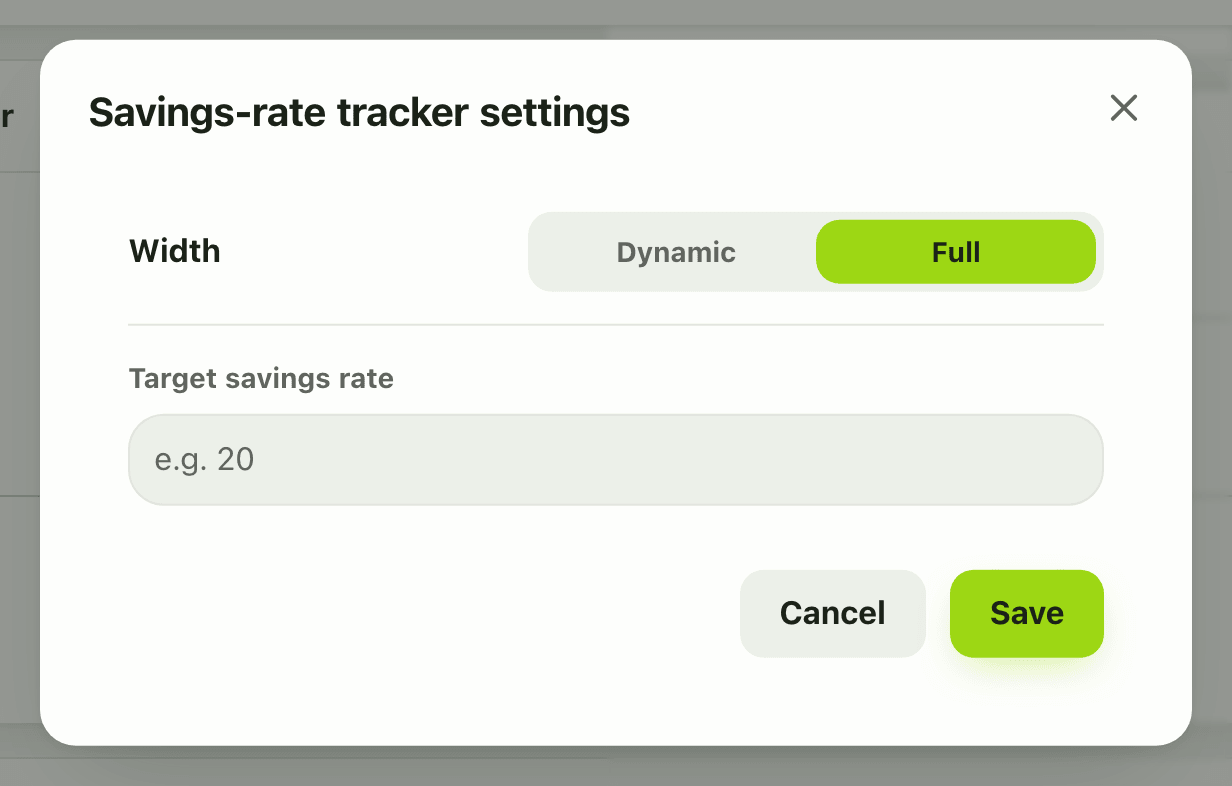
- To set a goal, tap the gear on the card and type a number in Target savings rate, for example 20, then tap Save.
- The card shows On track or Off track against your target.
Details and rules
- Premium. On the Free plan the card shows locked and tapping it opens the upgrade prompt.
- Window: the last 12 months, one point per month.
- Formula: (income minus spending) divided by income, per month.
- Only reported money counts. The excluded bucket (insurance, EMI principal, anything flagged not counted), tax, and transfers between your own accounts are left out.
- The target is a percentage from 1 to 100. Leave it empty to show the rates only.
- A month with no income cannot give a rate. A month where you spend more than you earn gives a negative rate.
- The free money health widget shows a single 90-day savings rate.
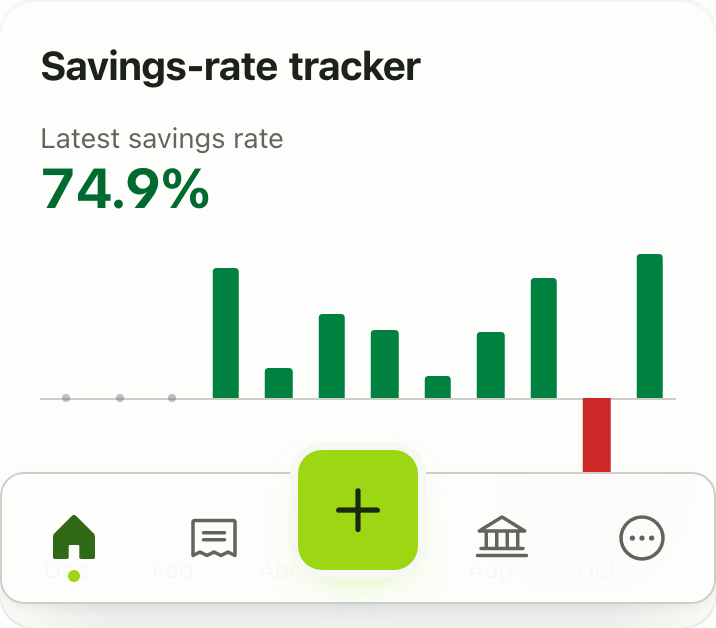
- On a phone, Customize mode opens the same settings sheet for the target.
Works with
Ask an AI assistant
Ask: “What was my savings rate each month this year, and did I hit 20 percent?” The assistant calls get_savings_rate (Premium), which returns the last 12 months with an optional target.
For AI assistants
Lipi’s MCP server gives an assistant these tools for this feature:
get_savings_rate
Questions and answers
What is the Lipi savings rate widget?
It is a Premium dashboard chart with twelve monthly points. Each point is income minus expenses, divided by income, so it shows the share of your income you kept that month. You can add a target percentage and see if you are on track.
How is the savings rate calculated?
For each month: (income minus spending) divided by income. A month where you spend more than you earn shows a negative rate.
What counts as spending in the savings rate?
Only the spending bucket. Excluded money such as insurance and EMI principal, tax, and transfers between your own accounts are not counted.
How do I set a savings target?
In Customize mode open the gear on the widget and type a target percentage, from 1 to 100, for example 20. The card then shows On track or Off track.
Is the savings rate widget free?
No. The 12-month Savings rate tracker is Premium. The Money health widget, which is in the free gallery, shows a 90-day savings rate.
Can Lipi track my savings rate like other budgeting apps?
Yes. The Savings rate widget plots your rate for each of the last 12 months against a target you choose.
Last updated:
More in Dashboard and reports
Reports and summaries
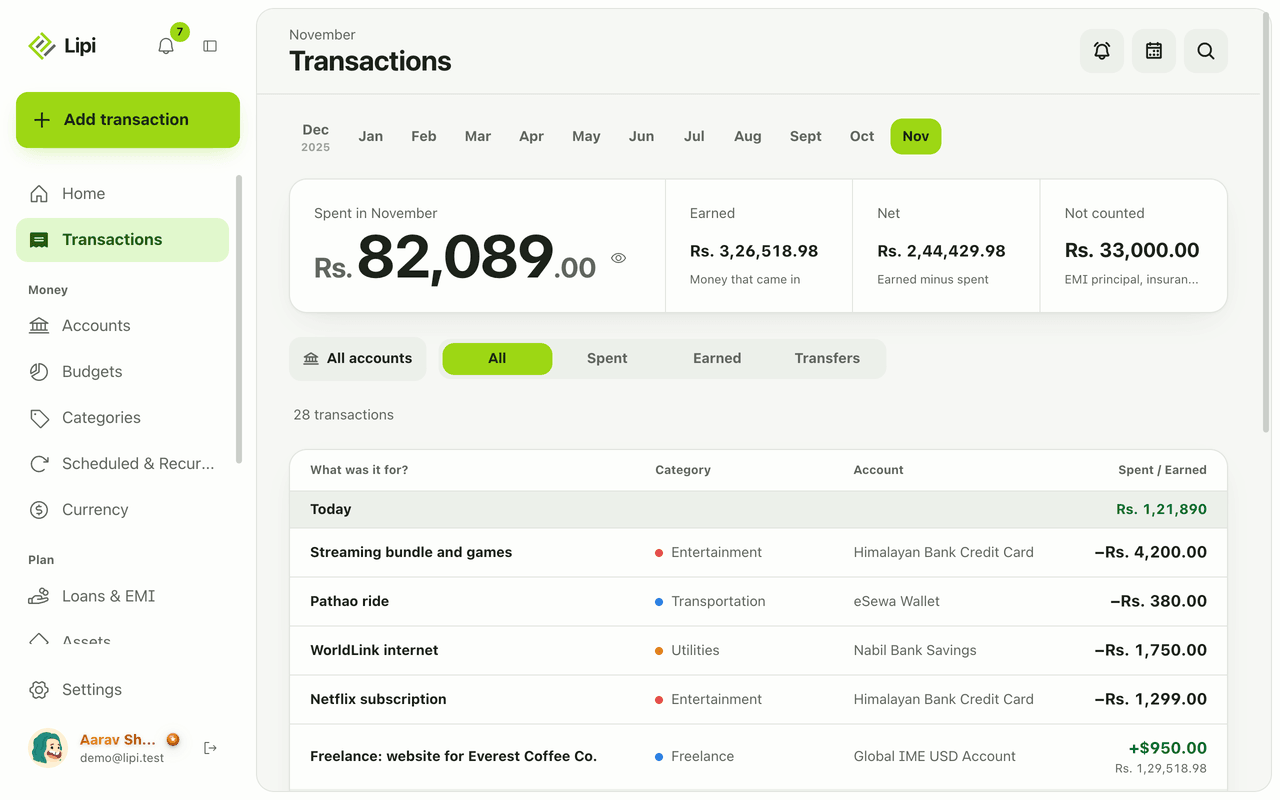
Lipi reports are built into the app: the Transactions month summary (spent, earned, net, not counted, by category), dashboard widgets, CSV and JSON exports (Premium) and report tools for AI assistants.