Free + PremiumPart of Dashboard widgets
Money health widget
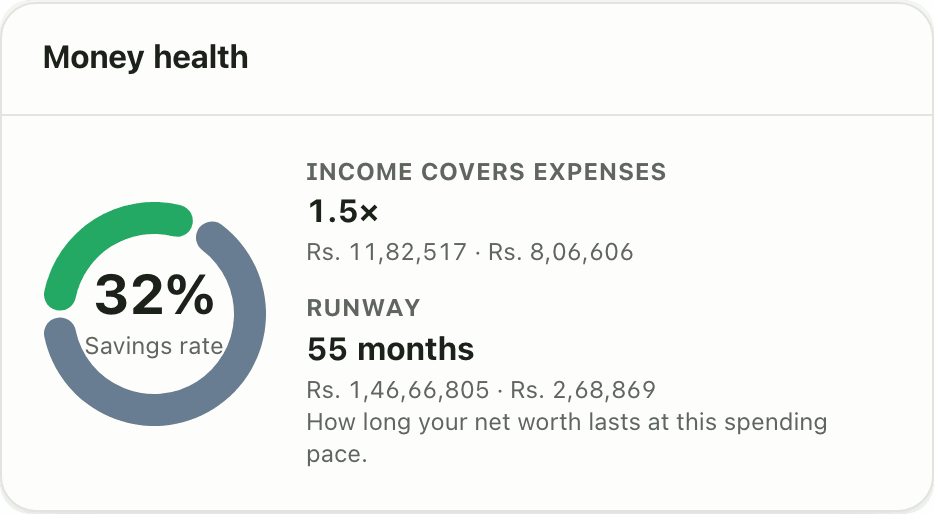
Lipi's money health card shows your savings rate, income to expense ratio and runway over 90 days, with the inputs shown. No black-box score. Free.
Problems it solves
- I do not know if my finances are healthy or just feel fine.
- Apps that give one secret score do not tell me what to fix.
- I want to know how many months I could live on what I have.
What it is
Money health is a dashboard card that checks your finances with three plain numbers. It looks at the last 90 days and shows your savings rate, your income to expense ratio and your runway in months. It is a personal finance health check without a secret score.
What problem it solves
A feeling of “I am doing fine” is not a measurement. Money health turns your own transactions into three numbers you can act on. Savings rate says how much of your income you keep. The ratio says how comfortably income covers spending. Runway says how long you could carry on if income stopped. Every input is on the card, so nothing is a black box.
How it works
- Open Dashboard. If the card is missing, tap Customize, then Add widget and pick Money health.
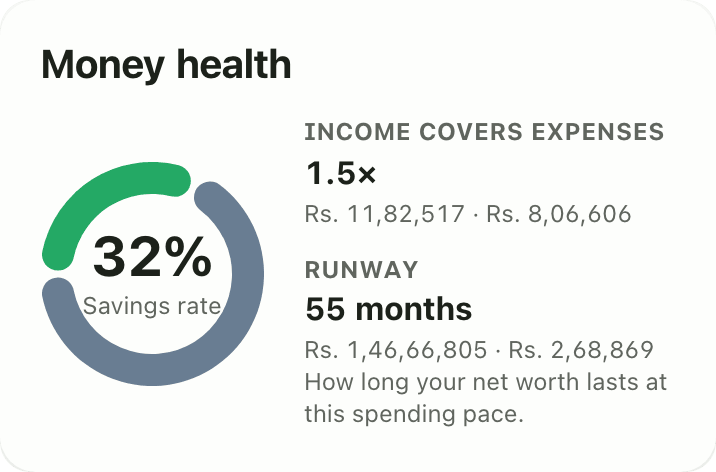
- Read the headline Savings rate, with Saved and Spent beside it.
- Read Income covers expenses, shown as a multiple such as 1.4x. Above 1x means you earn more than you spend.
- Read Runway, shown in months. The hint says how long your net worth lasts at this spending pace.
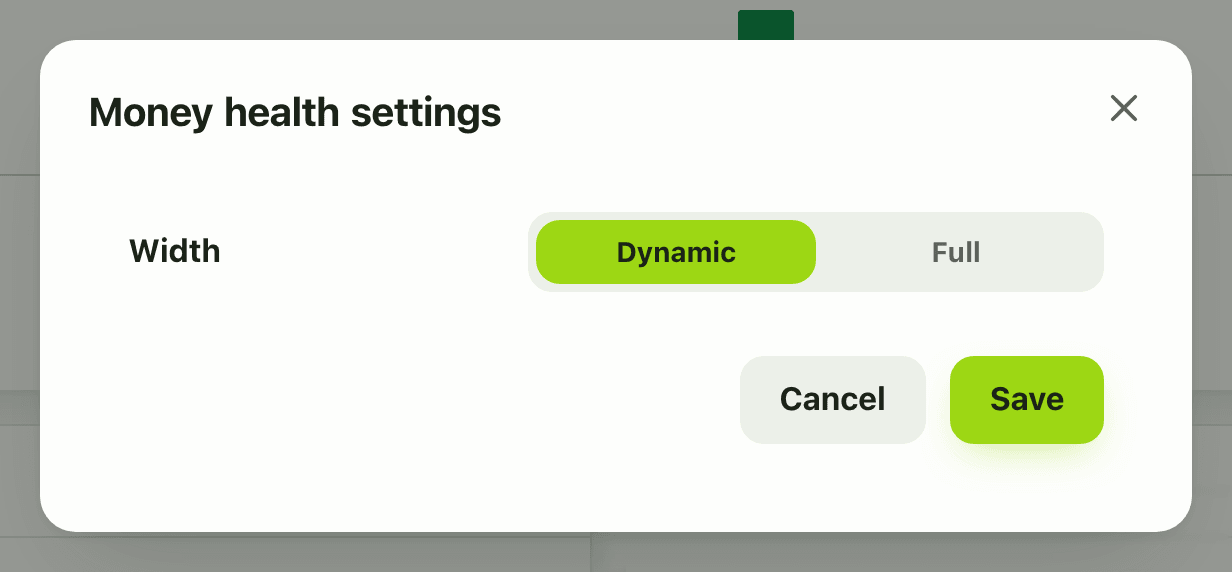
- There is nothing to configure. In Customize mode the gear offers only the card width.
Details and rules
- Plan: the card is in the free gallery, but it needs the asset total from the Assets feature, which is Premium. On the Free plan it may show as unavailable instead of numbers.
- Window: the rolling last 90 days, not the calendar month.
- Savings rate is (earned minus spent) divided by earned. It shows a dash if you earned nothing in the window.
- Income covers expenses is earned divided by spent.
- Runway is net worth divided by monthly spending. Net worth here is the asset total plus your account balances, and loans are not subtracted. See net worth.
- Only the spending bucket counts as spent. Excluded money and tax do not.
- If most of your money is in a bank account and you spend a lot, runway is short. That is the honest answer.
- Amounts use your default currency.
Works with
Ask an AI assistant
Ask: “What was my savings rate over the last three months, and how long would my money last?” The assistant can use get_savings_rate (Premium) and get_transaction_summary to work it out from your own totals.
For AI assistants
Lipi’s MCP server gives an assistant these tools for this feature:
get_savings_rateget_transaction_summary
Questions and answers
What is the Lipi money health widget?
It is a dashboard card with three numbers worked out from your last 90 days: your savings rate, how many times your income covers your expenses, and your runway, which is how many months your net worth would last at your current spending pace. The inputs are shown next to the results.
Is the money health widget a score out of 100?
No. There is no hidden score. Each number is a simple formula and the amounts used, saved and spent, are shown so you can check them.
How is runway calculated?
Runway is your net worth divided by your monthly spending, where monthly spending is the last 90 days of spending scaled to one month. If you have no spending in the period, runway shows a dash.
Is the money health widget free or Premium?
It is in the free gallery and has no settings. Its runway uses your net worth, which needs the asset total from the Premium Assets feature, so on the Free plan the card may show as unavailable.
Can Lipi show my savings rate and how long my money will last?
Yes. The Money health widget shows your savings rate and your runway in months side by side, and the longer Savings rate widget tracks the rate month by month for a year with Premium.
Last updated:
More in Dashboard and reports
Reports and summaries
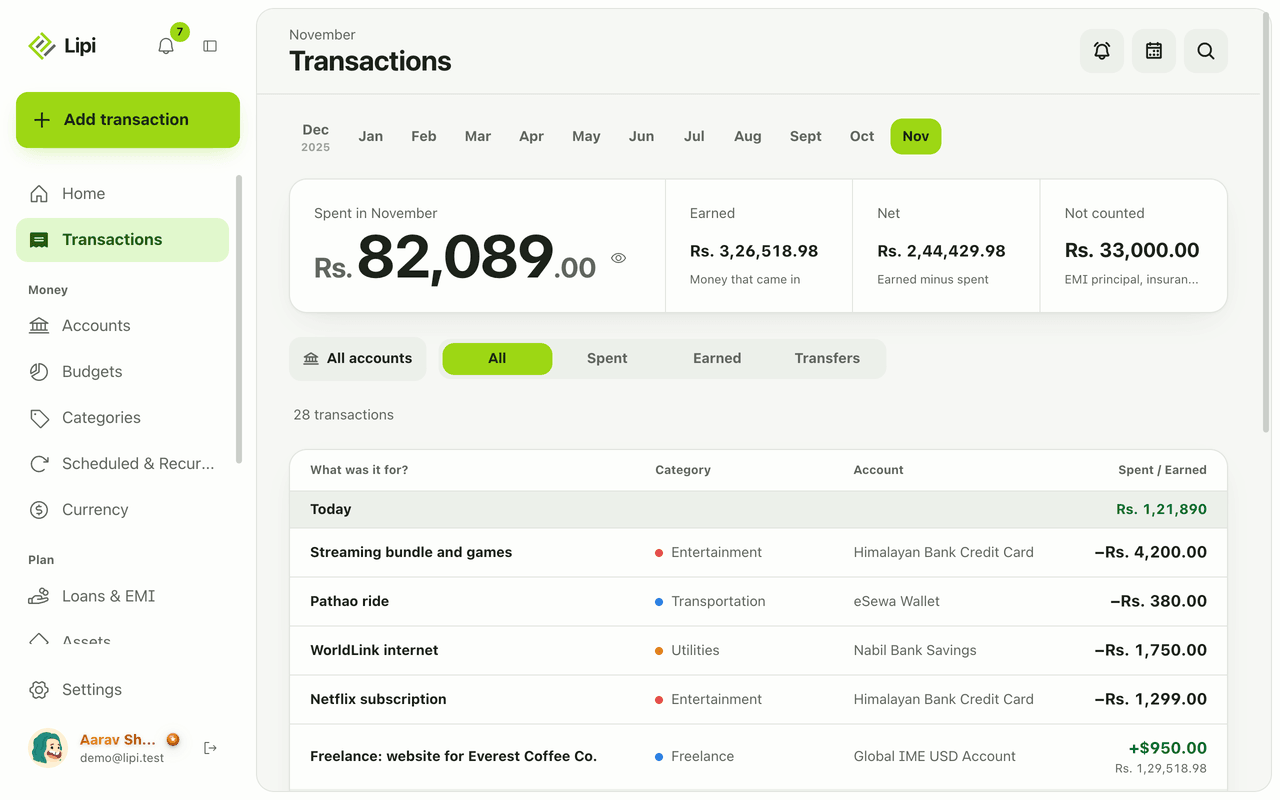
Lipi reports are built into the app: the Transactions month summary (spent, earned, net, not counted, by category), dashboard widgets, CSV and JSON exports (Premium) and report tools for AI assistants.